

[K8s] 在 K8s 上部署 Nginx + PHP-FPM 并使用您自己的域名访问它

感谢您一直以来的支持。
我是系统解决方案部的白坂,因为经常举重,身材越来越壮硕。
对了,你们用过
Kubernetes(K8s)感觉挺方便的,但也挺难的。
我之前接触的机会不多,每次尝试都觉得很困难,所以这次想借此机会好好学习一下。
下面列出了我创建的配置和要求,我想你会经常看到它们。
- Nginx + PHP-FPM 配置
- 如果文件扩展名为 .php,则会在本地代理到 Nginx → PHP-FPM 容器。
- 您可以从服务的 NodePort(端口 30080)访问托管在 Docker 上的您自己的域。
*注意
:这次我们使用的是 Windows 版 Docker Desktop 的 Kubernetes 引擎
,因此名称解析也使用本地 hosts 文件。
本文不解释 Kubernetes (K8s) 的基本组件(Deployment、Service 等)。
→ 如果您不熟悉相关术语,请参考下面的详细说明。
[简介] 在 Kubernetes 上配置 nginx 并显示默认页面
现在,我们来逐个解释每个文件。
(顺便说一句,我从记事起就开始编写 Kubernetes 代码了。)
目录结构
首先,我将描述整体目录结构。
目录结构分为不同的服务,这样便于对每个服务进行修改和更新。
. ├── README.md ├── docker-image-build.sh ├── k8s │ ├── deployment.yml │ ├── namespace.yml │ └── service.yml ├── nginx │ ├── Dockerfile │ ├── conf │ │ └── shira-test.com.conf │ └── src │ └── index.html └── php-fpm ├── Dockerfile └── app └── info.php
各种文件的说明
./docker-image-build.sh
#!/bin/bash # 构建 Nginx Docker 镜像 docker build -t shira-test-k8s-nginx:latest ./nginx --no-cache # 构建 PHP-FPM Docker 镜像 docker build -t shira-test-k8s-php-fpm:latest ./php-fpm --no-cache # 检查已构建的镜像 docker images | grep shira-test-k8s
→ 这是一个用于创建/更新 Docker 镜像的脚本。
./k8s/deployment.yml
--- apiVersion: apps/v1 kind: Deployment metadata: name: shira-test namespace: shira-test spec: selector: matchLabels: app: shira-test replicas: 1 template: metadata: labels: app: shira-test spec: containers: - name: nginx image: shira-test-k8s-nginx:latest imagePullPolicy: IfNotPresent ports: - containerPort: 80 - name: php-fpm image: shira-test-k8s-php-fpm:latest imagePullPolicy: IfNotPresent ports: - containerPort: 9000
→ Nginx 和 PHP-FPM 容器通过 Deployment 创建,Docker 镜像则通过为每个容器创建的 Dockerfile 进行指定。
此外,命名空间也通过 namespace.yml 文件(稍后介绍)进行指定。
./k8s/namespace.yml
--- kind: Namespace apiVersion: v1 metadata: name: shira-test labels: name: shira-test
→ 创建命名空间
./k8s/service.yml
--- apiVersion: v1 kind: Service metadata: name: shira-test namespace: shira-test labels: app: shira-test spec: type: NodePort ports: - port: 8080 targetPort: 80 nodePort: 30080 protocol: TCP selector: app: shira-test
→ 在端口 30080 上创建一个 NodePort 服务,并使其可通过浏览器访问。
./nginx/Dockerfile
FROM nginx:latest COPY ./conf/shira-test.com.conf /etc/nginx/conf.d RUN mkdir -p /var/www/vhosts/shira-test.com/public_html COPY ./src /var/www/vhosts/shira-test.com/public_html/ EXPOSE 80
→ 这是一个用于创建 Nginx 容器的 Docker 文件。
文档根目录为 /var/www/vhosts/shira-test.com/public_html。
此外,请将本地自定义配置文件及其根目录下的内容复制到 Docker 容器中,并开放 80 端口。
./nginx/conf/shira-test.com.conf
server { listen 80; server_name shira-test.com; root /var/www/vhosts/shira-test.com/public_html; index index.php index.html index.htm; access_log /var/log/nginx/shira-test.com_access.log main; error_log /var/log/nginx/shira-test.com_error.log; location / { try_files $uri $uri/ /index.html?$query_string; } location ~ \.php$ { include fastcgi_params; fastcgi_param SCRIPT_FILENAME $document_root$fastcgi_script_name; fastcgi_pass localhost:9000; } }
→ 这是您自己的域名的配置文件,托管在 shira-test.com。
如果请求扩展名为 .php,则会将其代理到运行在 localhost:9000 的 PHP-FPM 容器。
./nginx/src/index.html
shira-test.com
→ 这将是一个索引文件,不会经过 Nginx 的 PHP 处理。
./php-fpm/Dockerfile
FROM php:8.3-fpm RUN mkdir -p /var/www/vhosts/shira-test.com/public_html COPY ./app/info.php /var/www/vhosts/shira-test.com/public_html/info.php EXPOSE 9000
→ 这是一个用于创建 PHP-FPM 容器的 Docker 文件。
将本地 php 文件复制到 Docker 容器中,并打开 9000 端口。
./php-fpm/app/info.php
<?php phpinfo(); ?>
→ 这是输出 phpinfo 的文件
部署
・构建 Docker 文件
运行 docker-image-build.sh
→ 一旦 shira-test-k8s-nginx 和 shira-test-k8s-php-fpm Docker 镜像创建完成,就没问题了。
・部署命名空间
kubectl apply -f ./k8s/namespace.yml
・部署
kubectl apply -f ./k8s/deployment.yml
・部署服务
kubectl apply -f ./k8s/service.yml
→如果所有输出都显示“已创建”,则没问题。
・部署确认
kubectl get pods -n shira-test
→如果舱体显示如下,则正常。
名称 就绪状态 重启次数 运行时间 shira-test-5b9dd8d9d5-mtb9f 2/2 运行中 0 3分35秒
操作检查
*请事先在本地 hosts 文件中设置名称解析。
127.0.0.1 shira-test.com
・通过浏览器访问(显示 Nginx index)
http://shira-test.com:30080/
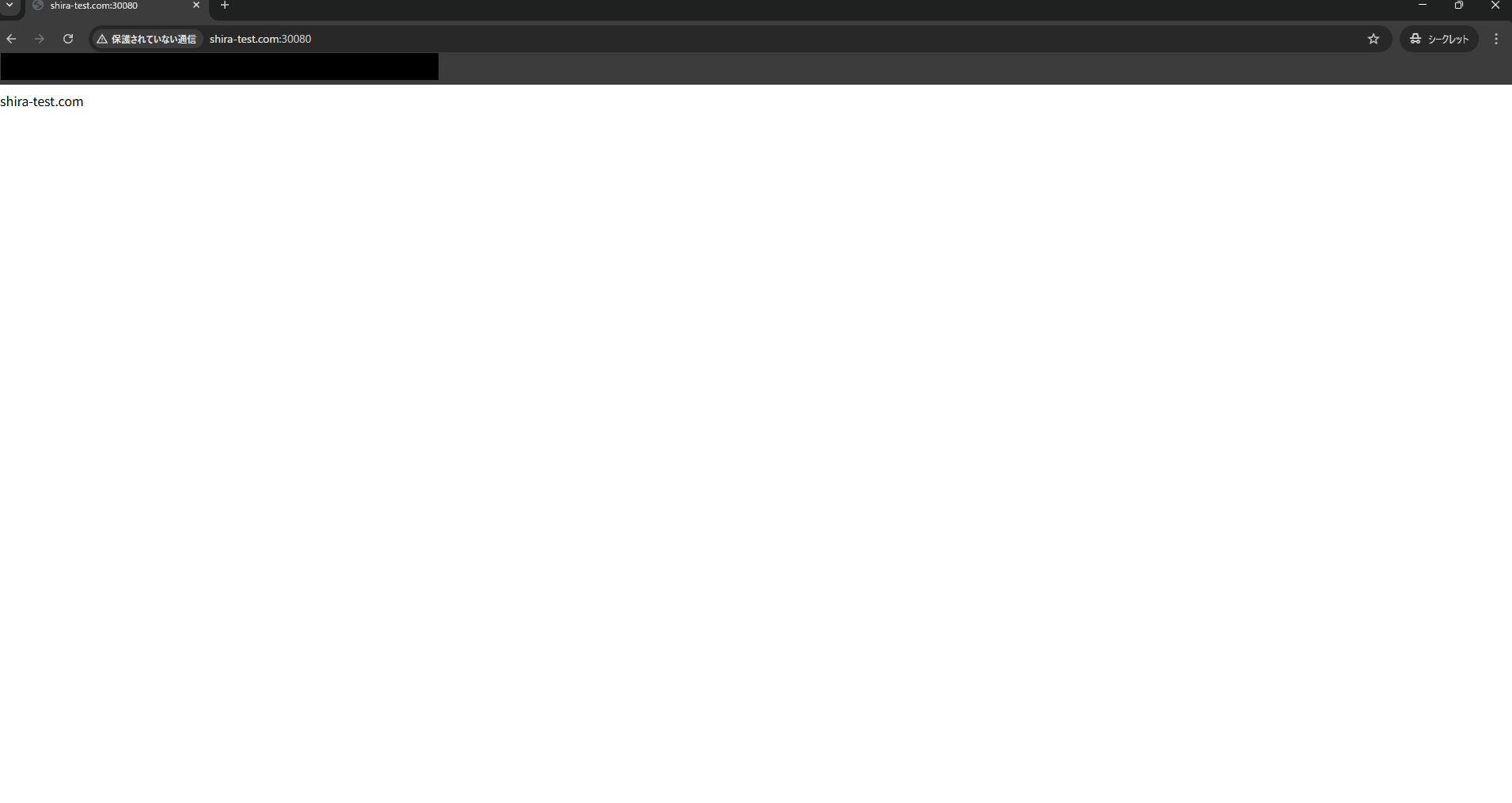
→ 如果 Nginx 容器的 index.html 内容如屏幕上所示显示,则没问题。
・通过浏览器访问(显示phpinfo)
http://shira-test.com:30080/info.php
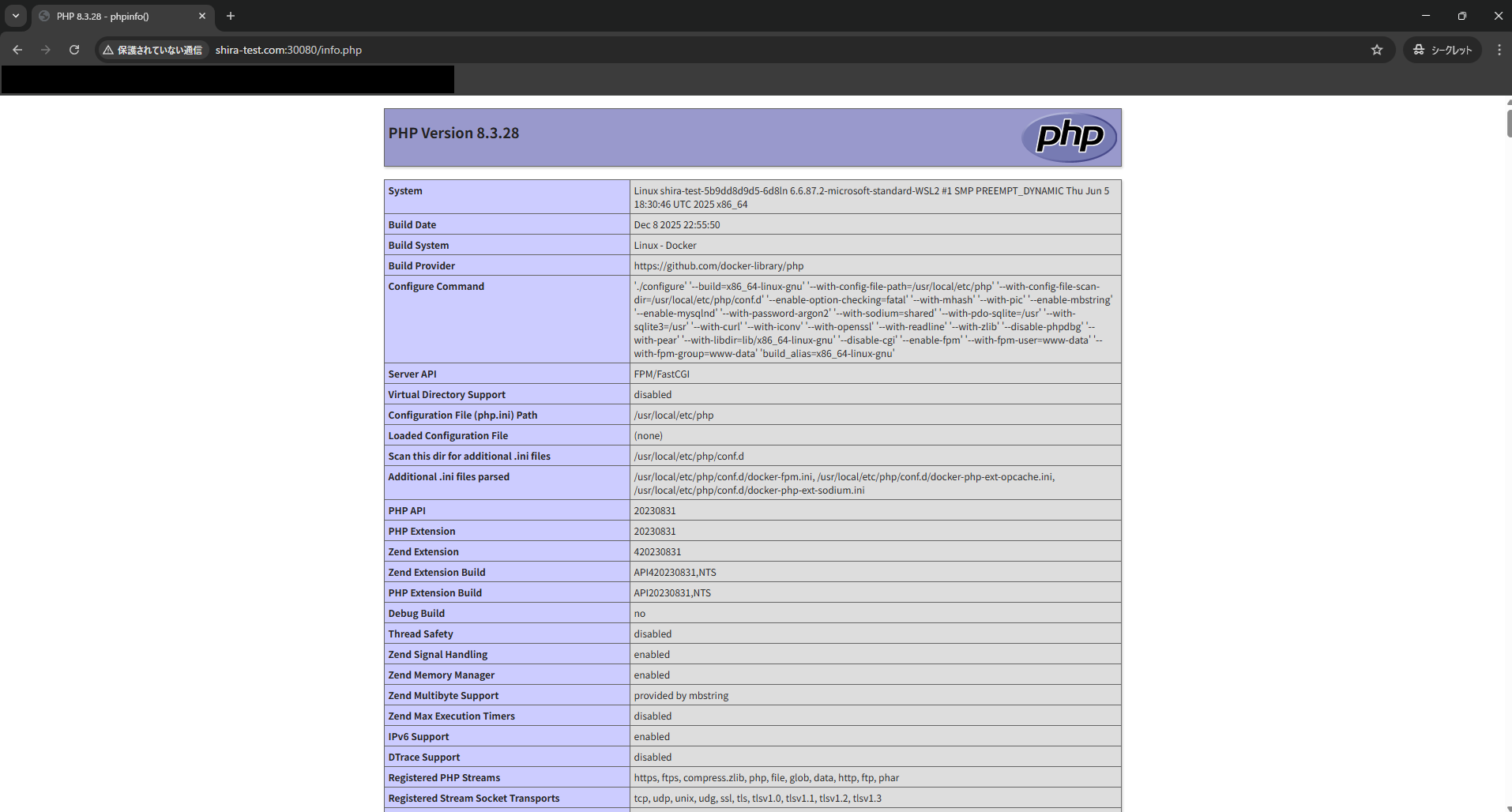
→ 如果 phpinfo 内容如屏幕上所示,则正常。
结论
你觉得怎么样?
这次我们创建了访问自定义域名所需的最小 Kubernetes 配置,看起来过程相当快。
如果你想使用路径模式设置路由,则需要编写一个稍微复杂一些的清单文件,所以我之后想深入了解一下。
我们还提供 Kubernetes 设计和构建服务,欢迎您也了解一下。Kubernetes
(K8s) 设计、构建和运维服务
 4
4 加载中...4



这篇文章的作者
关于作者









