

[K8s] Deploying Nginx + PHP-FPM on K8s and accessing it with your own domain

table of contents
Thank you for your continued support
I'm Shirasaka from the System Solutions Department, and I can't stop my body from getting bulky from weight training.
By the way, are you using
Kubernetes (K8s) It seems convenient, but also seems difficult.
I haven't had many opportunities to get involved, and every time I have, I've found it difficult, so I decided to take this opportunity to learn more.
The configuration and requirements I created are listed below, and I think you'll see them quite often.
- Nginx + PHP-FPM configuration
- If the file extension is .php, it will be locally proxied to the Nginx → PHP-FPM container.
- You can access your own domain hosted on Docker from the Service's NodePort (port 30080).
*Note
: This time we are using the Kubernetes engine of Docker Desktop for Windows
, so name resolution also uses the local hosts file.
This article does not explain the basic components of Kubernetes (K8s) (Deployment, Service, etc.).
→ If you are unfamiliar with the terminology, please refer to the detailed explanation below.
[Introduction] Setting up nginx on Kubernetes and displaying the default page
Now, let's move on to explaining each file.
(By the way, I've been writing k8s for as long as I can remember.)
Directory structure
First, I will describe the overall directory structure.
The directory structure is divided into different services, which makes it easy to modify and update each one.
. ├── README.md ├── docker-image-build.sh ├── k8s │ ├── deployment.yml │ ├── namespace.yml │ └── service.yml ├── nginx │ ├── Dockerfile │ ├── conf │ │ └── shira-test.com.conf │ └── src │ └── index.html └── php-fpm ├── Dockerfile └── app └── info.php
Explanation of various files
./docker-image-build.sh
#!/bin/bash # Build a Docker image for Nginx docker build -t shira-test-k8s-nginx:latest ./nginx --no-cache # Build a Docker image for PHP-FPM docker build -t shira-test-k8s-php-fpm:latest ./php-fpm --no-cache # Check the built image docker images | grep shira-test-k8s
→ This is a script to create/update Docker images.
./k8s/deployment.yml
--- apiVersion: apps/v1 kind: Deployment metadata: name: shira-test namespace: shira-test spec: selector: matchLabels: app: shira-test replicas: 1 template: metadata: labels: app: shira-test spec: containers: - name: nginx image: shira-test-k8s-nginx:latest imagePullPolicy: IfNotPresent ports: - containerPort: 80 - name: php-fpm image: shira-test-k8s-php-fpm:latest imagePullPolicy: IfNotPresent ports: - containerPort: 9000
→ Nginx and PHP-FPM containers are created using Deployment, and the Docker images are specified using the Docker files created for each.
Also, the namespace is specified using the namespace.yml file (described later).
./k8s/namespace.yml
--- kind: Namespace apiVersion: v1 metadata: name: shira-test labels: name: shira-test
→ Create a namespace
./k8s/service.yml
--- apiVersion: v1 kind: Service metadata: name: shira-test namespace: shira-test labels: app: shira-test spec: type: NodePort ports: - port: 8080 targetPort: 80 nodePort: 30080 protocol: TCP selector: app: shira-test
→ Create a NodePort service on port 30080 and make it accessible from your browser.
./nginx/Dockerfile
FROM nginx:latest COPY ./conf/shira-test.com.conf /etc/nginx/conf.d RUN mkdir -p /var/www/vhosts/shira-test.com/public_html COPY ./src /var/www/vhosts/shira-test.com/public_html/ EXPOSE 80
→ This is a Docker file that creates an Nginx container.
The document root is /var/www/vhosts/shira-test.com/public_html.
Also, copy the local custom conf file and the contents under the document root to the Docker container and open port 80.
./nginx/conf/shira-test.com.conf
server { listen 80; server_name shira-test.com; root /var/www/vhosts/shira-test.com/public_html; index index.php index.html index.htm; access_log /var/log/nginx/shira-test.com_access.log main; error_log /var/log/nginx/shira-test.com_error.log; location / { try_files $uri $uri/ /index.html?$query_string; } location ~ \.php$ { include fastcgi_params; fastcgi_param SCRIPT_FILENAME $document_root$fastcgi_script_name; fastcgi_pass localhost:9000; } }
→ This is a conf file for your own domain and is hosted at shira-test.com.
If the request extension is .php, it will be proxied to the PHP-FPM container running at localhost:9000.
./nginx/src/index.html
shira-test.com
→ It will be an index file that does not go through Nginx's PHP
./php-fpm/Dockerfile
FROM php:8.3-fpm RUN mkdir -p /var/www/vhosts/shira-test.com/public_html COPY ./app/info.php /var/www/vhosts/shira-test.com/public_html/info.php EXPOSE 9000
→ This is a Docker file that creates a PHP-FPM container.
Copy the local php file to the Docker container and open port 9000.
./php-fpm/app/info.php
<?php phpinfo(); ?>
→ This is the file that outputs phpinfo
Deploy
・Building Docker files
sh docker-image-build.sh
→ Once the shira-test-k8s-nginx and shira-test-k8s-php-fpm Docker images are created, it's OK.
・Deploying namespace
kubectl apply -f ./k8s/namespace.yml
・Deployment
kubectl apply -f ./k8s/deployment.yml
・Deploying the service
kubectl apply -f ./k8s/service.yml
→It's OK if all the output shows "created"
・Deployment confirmation
kubectl get pods -n shira-test
→If the pod is displayed as shown below, it is OK.
NAME READY STATUS RESTARTS AGE shira-test-5b9dd8d9d5-mtb9f 2/2 Running 0 3m35s
Operation check
*Please set up name resolution in the local hosts file beforehand.
127.0.0.1 shira-test.com
・Access from a browser (display Nginx index)
http://shira-test.com:30080/
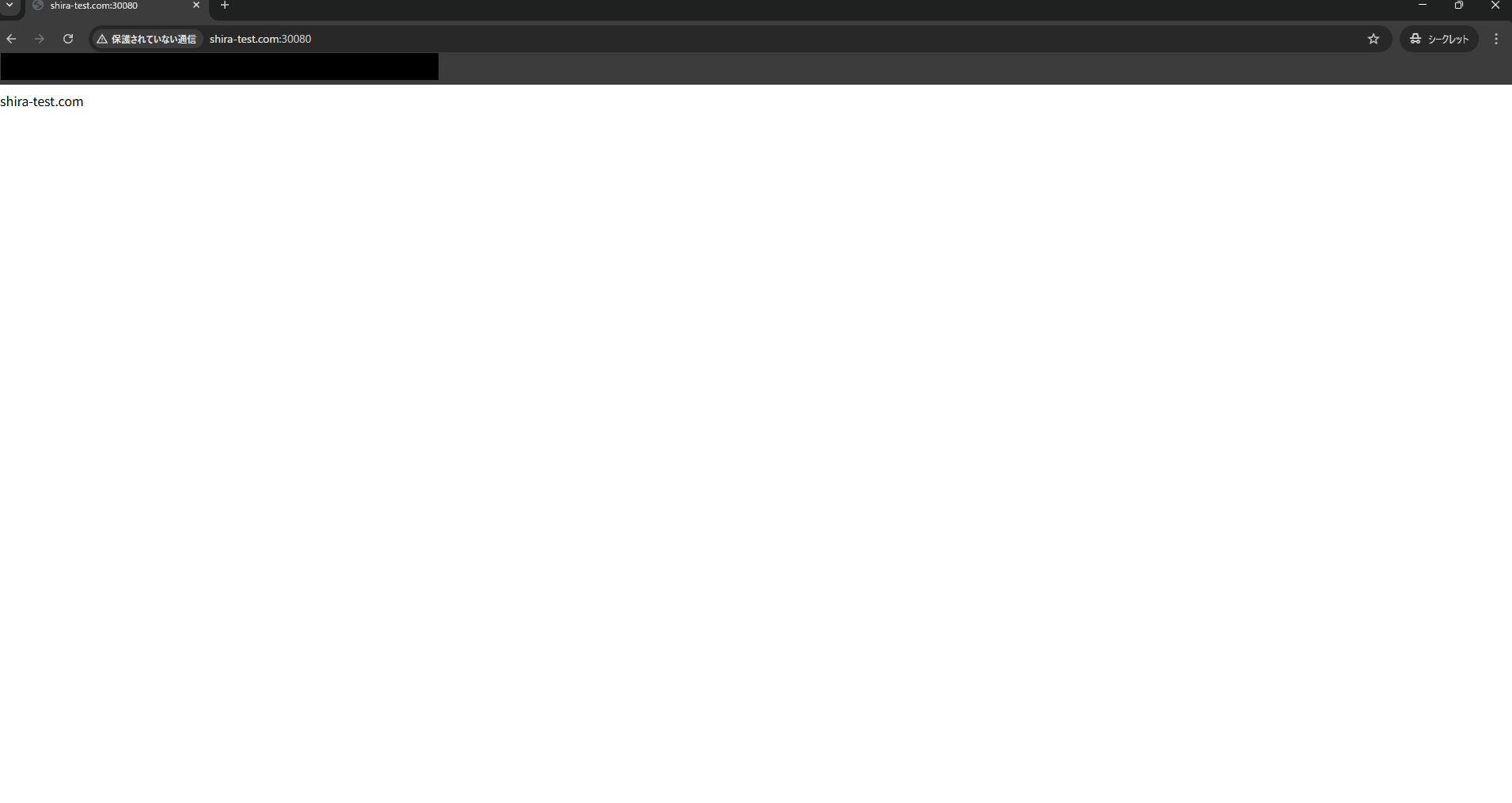
→ If the contents of index.html of the Nginx container are displayed as shown on the screen, it is OK.
・Access from browser (display phpinfo)
http://shira-test.com:30080/info.php
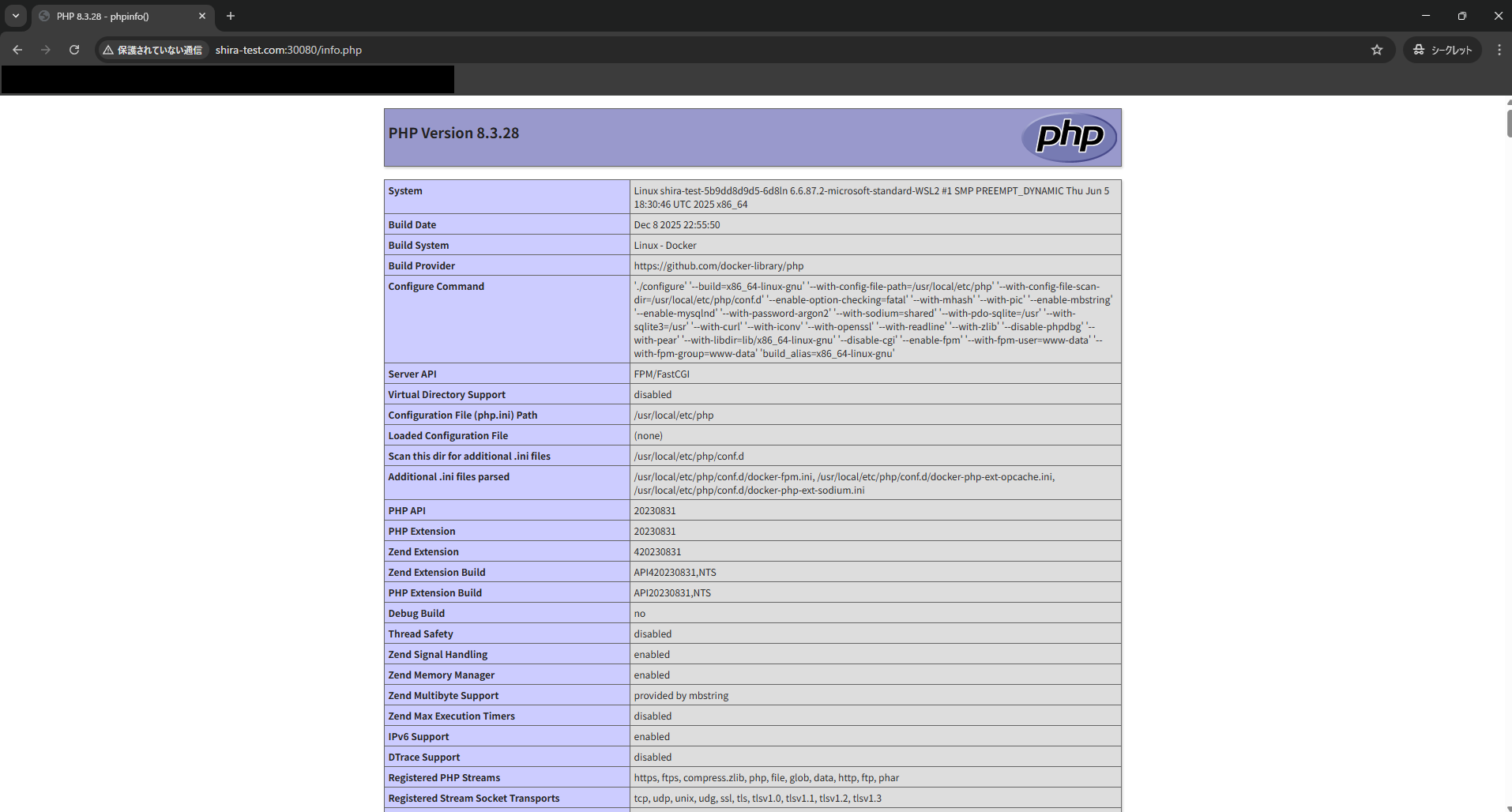
→ If the phpinfo content is displayed as shown on the screen, it's OK.
Conclusion
What did you think?
This time, we created the minimum necessary k8s configuration for accessing a custom domain, and it seems like it was a fairly quick process.
If you want to set up routing using path patterns, you'll need to write a slightly more complicated manifest file, so I'd like to learn more about that later.
We also offer Kubernetes design and construction services, so please check them out as well.
Kubernetes (K8s) Design, Construction, and Operation Services
 4
4 Loading...4



The person who wrote this article
About the author









