

A summary of the convenient features of the EDISONE reservation system
Hello
The hot summer continues, but I'm Goto from the Web Services Department, and just the other day I found out that my electricity bill for last month was nearly 14,000 yen due to excessive air conditioning use, which made me feel 2 degrees colder
I thought, "That's ridiculous..." but now I 'm strangely excited about how I can lower my electricity bill from here on out.
If you have any good ideas,Twitter.
Now, to get to the main point, our company, Beyond, operates the reservation system EDISONE
What is a reservation system?
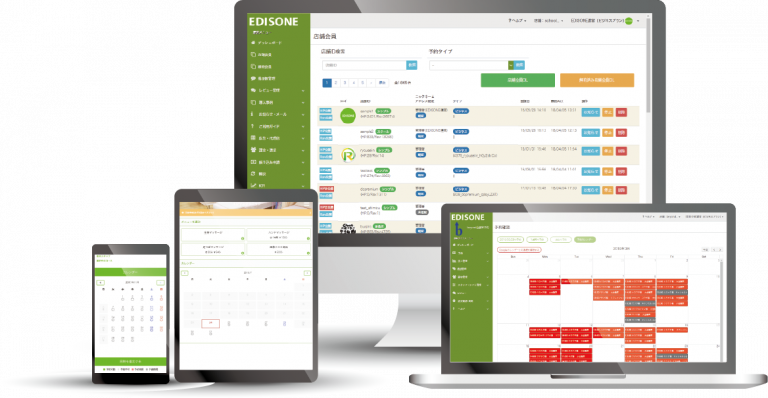
A reservation system is a web service that allows stores to automatically accept customer reservations and adjust reservation slots 24 hours a day via the web (internet)
As a reservation system, it's expected that it can accept and manage reservations, but the Edison reservation system also has many other convenient features that are useful for store operations , such as staff shift management , in addition to reservation acceptance and management functions
Introducing the convenient features of the Edison reservation system!
This article introduces some of the convenient features of the Edison reservation system. If you are considering implementing or switching to a reservation system, please check the Edison blog for more details
Now, let's take a look at each feature below!
Reservation management is possible at multiple stores! Multi-store operation function

Edison's " multiple store operation function" allows you to create multiple reservation forms and issue a dedicated management screen for each reservation form with just one account registration.
If you're considering implementing this system in multiple locations, you only need to pay for one account, making it a cost-effective option . It's also convenient if you want to handle different types of reservations at the same location , such as dine-in and takeout .
Pricing details
- With the Basic Plan (¥5,478/month including tax) , you can create reservation forms for up to 5 stores
- The Advanced Plan (¥10,780/month including tax) allows you to create reservation forms for up to 30 stores
https://edisone.jp/blog/210805-multiple_stores/
We can also accommodate irregular reservations! Unique timetable

Reservation systems usually automatically create and adjust reservation schedules based on pre-set conditions such as business hours, holidays, break times, time intervals for accepting reservations (every 30 minutes, for example), and the required time for each menu item
While the above specifications are very convenient, there may be cases where the conditions cannot be set properly, for example , if the store has irregular breaks in the middle of the day, or if you want to accept reservations only within fixed time slots , such as "10am-12pm, 2pm-4pm, and 6pm-9pm," rather than varying the reservation acceptance time depending on the menu .
In situations like this, the "custom timetable function" comes in handy .
Pricing details
Available for all pricing plans, including the free plan
If you would like to accept reservations as described above, please see the details
https://edisone.jp/blog/210728_timetable-custom/
Easily confirm your visit with a QR code! Check-in function
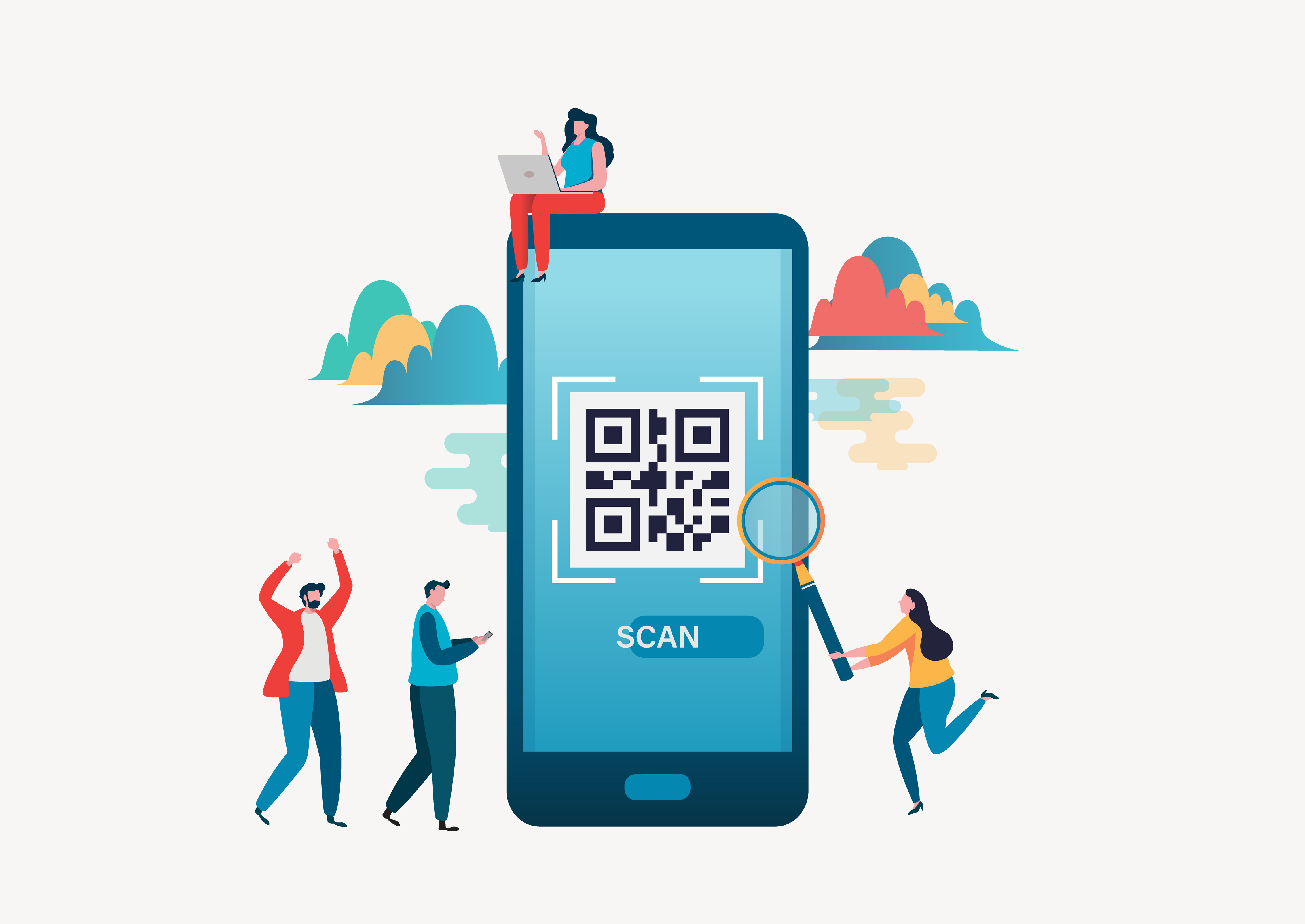
Even when accepting reservations through a reservation system, managing which customers have actually visited the store usually requires separate tools such as spreadsheets. However, Edison makes this customer visit confirmation process easy with a check-in function using QR codes
Additionally, it's possible to automatically process payments for customers whose visit has been confirmed . (※Paid plan only)
Pricing details
Available with all pricing plans, including the Free Plan.
, which "confirms" payment upon check-in completionthe automatic check-in payment systemTo useyou must subscribe to the Basic Plan (¥5,478 including tax) or the Advanced Plan (¥10,780 including tax).
https://edisone.jp/blog/210811_check-in/
Easily create a pre-reservation questionnaire! Customize your contact information input form

With Edison, you can customize the contact information input form , such as name and phone number, for each store after a reservation is made. For example, you can create a section asking "What prompted you to make a reservation?" and use the customer's response to help improve your marketing strategies
Pricing details
Available for all pricing plans, including the free plan!
https://edisone.jp/blog/210701-survey/
summary
This time, we introduced four convenient features of the Edison reservation system
Edison can be used immediately for free, and paid plans also offer a free trial period of up to one month . If you are considering using a reservation system, please give it a try
Thank you for watching until the end
Go to the official EDISONE reservation system website




The person who wrote this article
About the author









