

Something like a memo about installing Kali Linux 2024.2 and recovering passwords with John the Ripper

Hello.
I'm Kawa from the System Solutions Department, and
my dream is to be a white hacker
I've finally gotten around to using Kali Linux, something I've been meaning to do for ages, so I thought I'd write a memo about it.
This time, I'll cover everything from installing it as a virtual machine on a Windows machine to, as a bonus, using John the Ripper to recover passwords.
environment
Windows 11 Pro
(*Assuming a virtual environment capable of running ISO files is already set up)
download
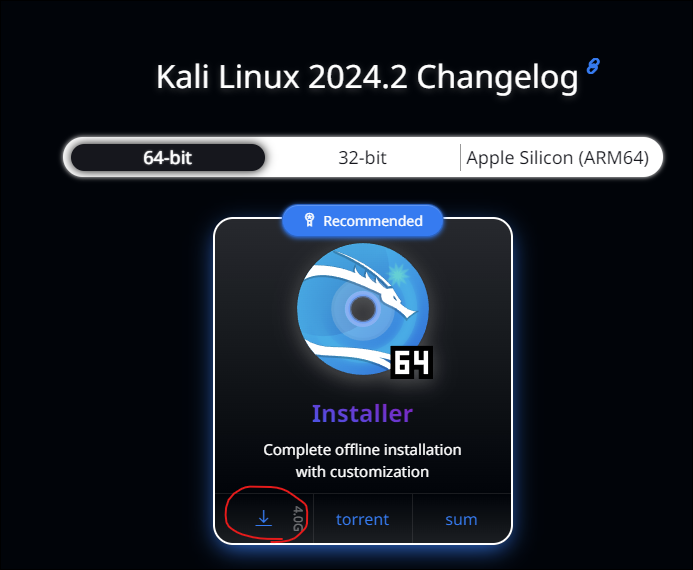
We'll download the images from the official website. It's about 4GB, so please wait a moment.
https://www.kali.org/get-kali/#kali-installer-images
This time I will try downloading the 64-bit version, the complete image that was recommended
I'm also interested in Kali Purple, so I'll try it out sometime.
https://gitlab.com/kalilinux/kali-purple/documentation/-/wikis/home
install
Once it starts up as a virtual machine, you basically just need to follow the prompts in the following steps.
It's very easy because it's a GUI.
https://www.kali.org/docs/installation/hard-disk-install
See below for system requirements
https://www.kali.org/docs/installation/hard-disk-install/#system-requirements
As quoted below, if you are only using a GUI for basic purposes, 2GB of RAM and around 20GB of disk space should be sufficient
On the low end, you can set up Kali Linux as a basic Secure Shell (SSH) server with no desktop, using as little as 128 MB of RAM (512 MB recommended) and 2 GB of disk space.
On the higher end, if you opt to install the default Xfce4 desktop and the kali-linux-default metapackage, you should really aim for at least 2 GB of RAM and 20 GB of disk space.
When using resource-intensive applications, such as Burp Suite, they recommend at least 8 GB of RAM (and even more if it is a large web application!) or using simultaneous programs at the same time.
This time, I'll go with English, as it has more documentation. Just click through this part, and
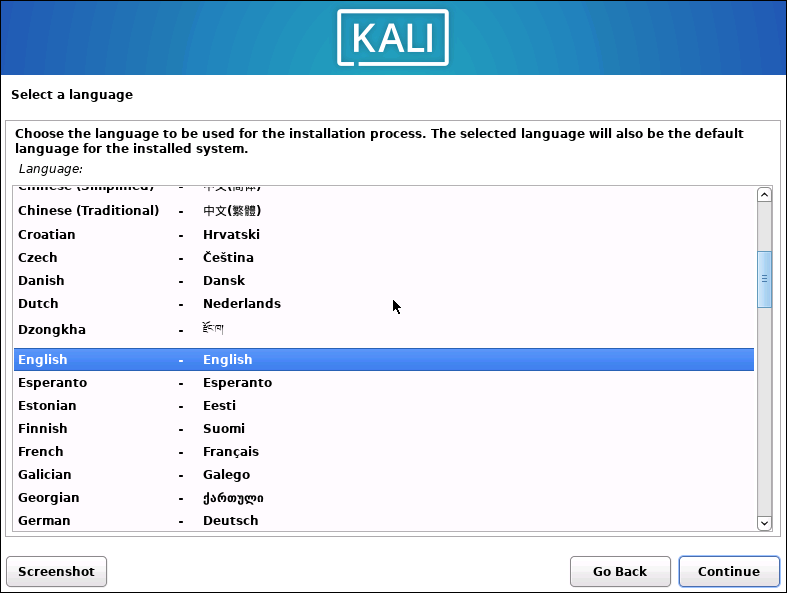
the installation will begin once you've finished entering the prompts. I'll wait while I have a cup of tea.
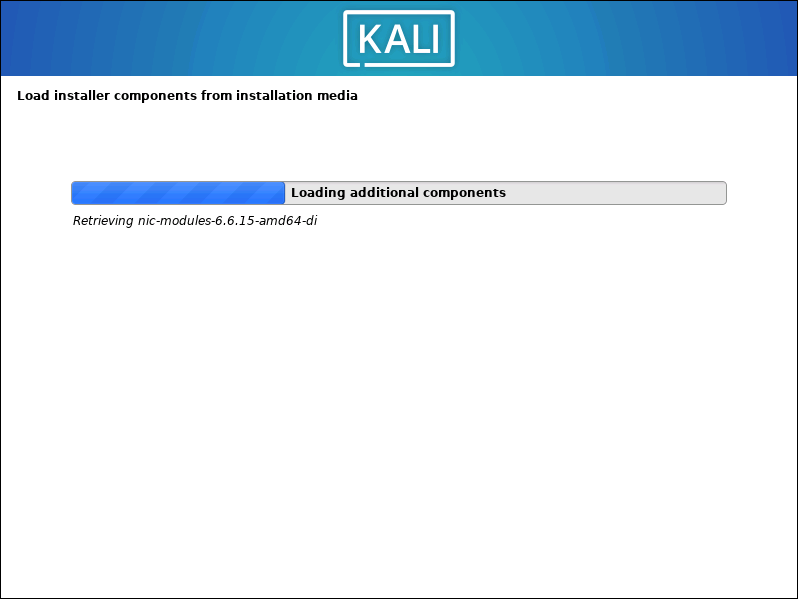
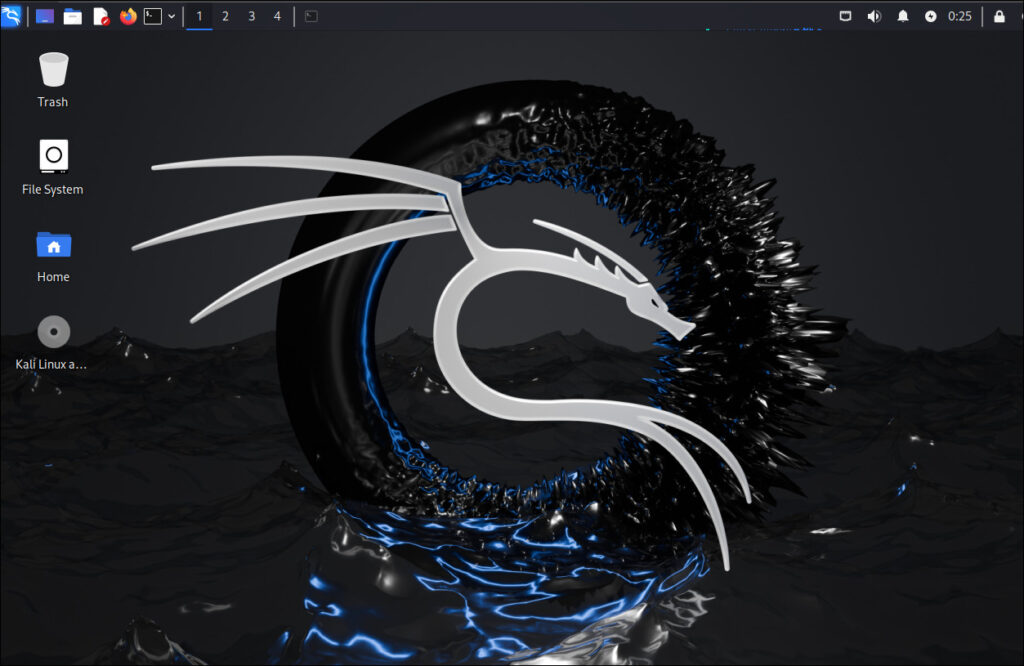
It took about 10 minutes from download to launch. It started up successfully.
I think I made a backpack with a similar pattern in home economics class when I was a student.
Version
┌──(hamchan㉿kali)-[~/.ssh] └─$ cat /etc/os-release PRETTY_NAME="Kali GNU/Linux Rolling" NAME="Kali GNU/Linux" VERSION_ID="2024.2" VERSION="2024.2" VERSION_CODENAME=kali-rolling ID=kali ID_LIKE=debian HOME_URL="https://www.kali.org/" SUPPORT_URL="https://forums.kali.org/" BUG_REPORT_URL="https://bugs.kali.org/" ANSI_COLOR="1;31"
Trying out John the Ripper
John the Ripper is one of the features installed on Kali Linux
This is open-source software that can be used for security audits and password recovery tools. Of course,misuseis strictly prohibited.
This time, we'll use this to crack a simple password.
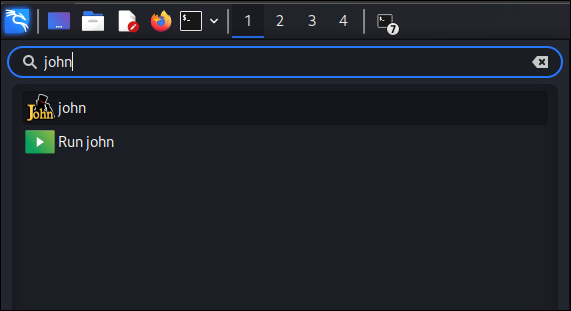
Find "john" in the dragon menu in the upper left and open it.
ZIP file password cracking
Create a text file and compress it with a password, something like " password1234 "
$ nano test.txt # This time, enter "test" in the text and save it $ zip -e --password='password1234' test.zip test.txt
The password list files are located under "/usr/share/wordlists", so we will use " rockyou.txt
In my environment, rockyou was compressed into a gz file, so I will decompress it before using it.
$ sudo gunzip /usr/share/wordlists/rockyou.txt.gz # Contents of rockyou.txt. A simple list-based attack... $ head -10 /usr/share/wordlists/rockyou.txt 123456 12345 123456789 password iloveyou princess 1234567 rockyou 12345678 abc123 ....
The compressed file is hashed using "zip2john".
Then, the output file is analyzed.
# Hashing $ zip2john test.zip > output.txt ver 1.0 efh 5455 efh 7875 Scanning for EOD... FOUND Extended local header test.zip/test.txt PKZIP Encr: 2b chk, TS_chk, cmplen=12, decmplen=0, crc=00000000 ts=3D07 cs=3d07 type=0 Skipping short file test.txt # By the way, you can see that it hashed like this (PKZIP format) $ cat output.txt test.zip/test.txt:$pkzip$1*2*2*0*11*5*3bb935c6*0*42*0*11*3adc*6a1ab15b45aae616ebb971e8a7b70f7905*$/pkzip$:test.txt:test.zip::test.zip # Analysis $ john --wordlist=/usr/share/wordlists/rockyou.txt output.txt Using default input encoding: UTF-8 Loaded 1 password hash (PKZIP [32/64]) Will run 4 OpenMP threads Press 'q' or Ctrl-C to abort, almost any other key for status password1234 (test.zip/test.txt) # Password cracked 1g 0:00:00:00 DONE (2024-08-13 07:42) 100.0g/s 1638Kp/s 1638Kc/s 1638KC/s total90..cocoliso Use the "--show" option to display all of the cracked passwords reliably
I successfully (?) cracked the password "password1234".
Of course, it can't be cracked if it's not in the dictionary, but it seems useful when you lose the password to a ZIP file.
Try to analyze the private key passphrase
John the Ripper can be used not only for compressed files, but also if you forget the passphrase you set for your private key.
Again, misuse is strictly prohibited.
In keeping with the times, I would like to create a key using ED25519 and analyze the passphrase (also "password1234")
# Generate a key. $ ssh-keygen -t ed25519 Generating public/private ed25519 key pair. Enter file in which to save the key (/home/hamchan/.ssh/id_ed25519): Enter passphrase (empty for no passphrase): # Set passphrase to "password1234" Enter same passphrase again: Your identification has been saved in /home/hamchan/.ssh/id_ed25519 Your public key has been saved in /home/hamchan/.ssh/id_ed25519.pub The key fingerprint is: SHA256:Zf4jdBop+vjjWmnZnErvdRzwgPY8zlzSnXyv7OPJ75s hamchan@kali The key's randomart image is: +--[ED25519 256]--+ | | | . | | = o | | = + =...| | S = * =oo| | . BX = .o| | . * * B o .| | *.oo =.o.| | o+=oo oBE+| +----[SHA256]-----+ # Generate hash value $ /usr/share/john/ssh2john.py id_ed25519 > id_25519.txt $ ls -l total 12 -rw-rw-r-- 1 hamchan hamchan 616 Aug 14 01:10 id_25519.txt -rw------- 1 hamchan hamchan 444 Aug 14 01:03 id_ed25519 -rw-r--r-- 1 hamchan hamchan 94 Aug 14 01:03 id_ed25519.pub # List. This time it took about 8 minutes. $ john id_25519.txt --wordlist=/usr/share/wordlists/rockyou.txt Using default input encoding: UTF-8 Loaded 1 password hash (SSH, SSH private key [RSA/DSA/EC/OPENSSH 32/64]) Cost 1 (KDF/cipher [0=MD5/AES 1=MD5/3DES 2=Bcrypt/AES]) is 2 for all loaded hashes Cost 2 (iteration count) is 24 for all loaded hashes Will run 4 OpenMP threads Press 'q' or Ctrl-C to abort, almost any other key for status 0g 0:00:00:04 0.00% (ETA: 2024-08-20 11:43) 0g/s 20.86p/s 20.86c/s 20.86C/s daniela..diamond 0g 0:00:00:06 0.00% (ETA: 2024-08-21 19:53) 0g/s 20.94p/s 20.94c/s 20.94C/s carolina..david 0g 0:00:02:22 0.02% (ETA: 2024-08-23 18:51) 0g/s 20.90p/s 20.90c/s 20.90C/s lance..colton 0g 0:00:02:23 0.02% (ETA: 2024-08-23 17:57) 0g/s 20.90p/s 20.90c/s 20.90C/s blessing..roses 0g 0:00:02:40 0.02% (ETA: 2024-08-23 18:03) 0g/s 20.92p/s 20.92c/s 20.92C/s hellboy..stargirl 0g 0:00:05:22 0.04% (ETA: 2024-08-23 15:57) 0g/s 20.95p/s 20.95c/s 20.95C/s love77..random1 0g 0:00:05:23 0.04% (ETA: 2024-08-23 15:33) 0g/s 20.94p/s 20.94c/s 20.94C/s polly..3333333 0g 0:00:05:25 0.04% (ETA: 2024-08-23 15:50) 0g/s 20.95p/s 20.95c/s 20.95C/s 123456123..valley 0g 0:00:05:29 0.04% (ETA: 2024-08-23 15:18) 0g/s 20.94p/s 20.94c/s 20.94C/s bethan..blaster 0g 0:00:07:55 0.06% (ETA: 2024-08-23 14:42) 0g/s 20.93p/s 20.93c/s 20.93C/s gideon..stevens 0g 0:00:07:58 0.06% (ETA: 2024-08-23 14:38) 0g/s 20.93p/s 20.93c/s 20.93C/s cosworth..rainier password1234 (id_ed25519) # Password1234 successfully cracked. 1g 0:00:12:37 DONE (2024-08-14 01:23) 0.001320g/s 20.92p/s 20.92c/s 20.92C/s sexyslim..moocow1 Use the "--show" option to display all of the cracked passwords reliably. Session completed.
The analysis was successful(?) this time too. The procedure is the same for RSA
This articleis solely intended to explain how to recover your passphrase if you forget it, so I must reiterate that misuseis strictly prohibited.
Kali Linux is like a fun amusement park for white-hat hackers, so I'd like to write more about it when I have time.
complete




The person who wrote this article
About the author









