

[TypeScript] Image upload process with ionic2 [Transfer]
This is Hase from the development team!
This time, I'd like to write about the process of uploading images (files) using Ionic 2.
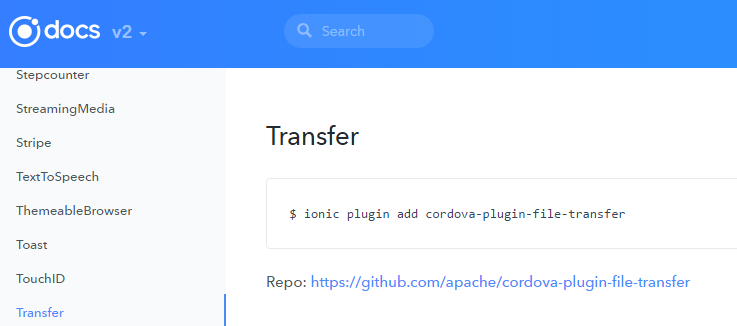
cordova-plugin-file-transfer plugin.
Install the plugin
First, install the plugin
$ ionic plugin add cordova-plugin-file-transfer
Usage example
import { Transfer } from 'ionic-native'; @Component({omitted}) export class FileUpload{ fileTransfer = new Transfer(); constructor({omitted}){ } upload(){ let options: any; options = { fileKey: 'file', fileName: 'name.jpg', headers: {} ..... } this.fileTransfer.upload( "file path", "server path", options, false ) .then((data) => { // success }, (err) => { // error }) }
explanation
Line 22 of the above source code is the process that actually uploads the image
upload(file path, server path, options, trustAllHosts)
The `upload` method is used to send files to a server.
Let's explain each of its arguments.
| argument | type | detail | ||||||||
|---|---|---|---|---|---|---|---|---|---|---|
| file path | string | Specify the path to the image | ||||||||
| server path | string | Specify the server path where you want to save the image | ||||||||
| options | FileUploadOptions |
|
||||||||
| trustAllHosts | boolean | Basically, false is OK |
This concludes our explanation of the image upload process. A
more detailed explanation is available on the official website
.
Conclusion
The Transfer plugin can handle both image uploads and downloads.
This time, I only explained the upload process, but if there is demand, I will explain the download process as well, so
please let me know.
If you found this article helpful,please give it a "Like"!
1,008




The person who wrote this article
About the author









