

HTTPS is now available for free on GAE, so I tested it to see if it really works
Hello.
I'm Mandai, the Wild team member in charge of development.
Some shocking news has just come in (though I kind of expected this to happen eventually):
HTTPS is now available for free on Google App Engine (GAE)!
This time, we tried to see if HTTPS really can be used for free
I'll try it right away
I logged in to the console and looked at the settings of an existing instance..
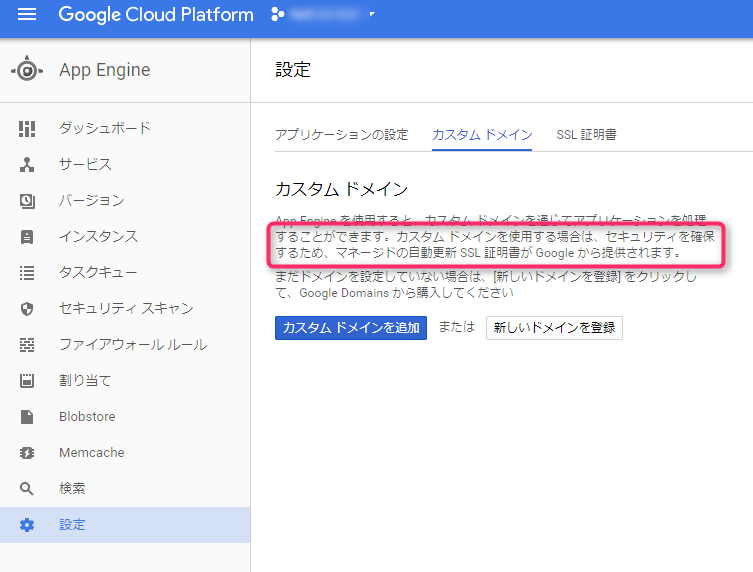
It's written there!
To access this screen, go to "Settings" → "Custom Domains" → "Add Custom Domain"
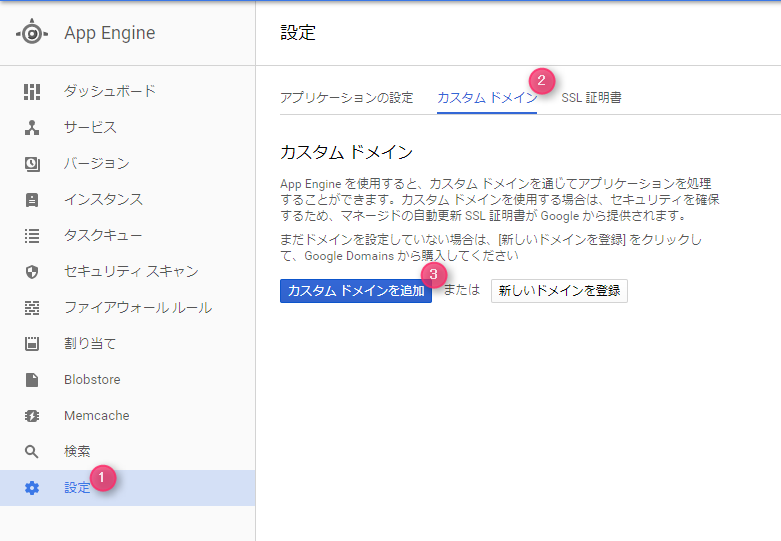
By the way, if you click "Register a new domain", you will be redirected to Google Domains
First, verify domain ownership
Select the registrar from which you obtained your domain in "Webmaster Central".
If you purchased your domain from a registrar not listed, or if you are unsure, select "Other" at the bottom, and you will be able to verify it by registering the information displayed in the TXT record or CNAME record.
In this case, we verified it using the CNAME method.
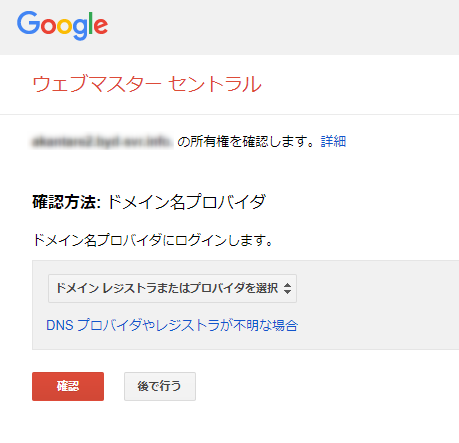
After checking the TTL and confirming that it has been updated appropriately, press the confirmation button to verify.
Once confirmation is received, proceed to the next step.
Creating domain mapping information
Next, set the domain to map to the GAE instance
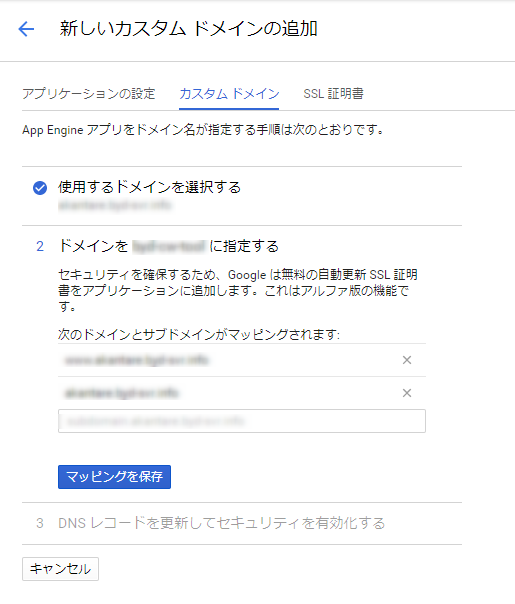
Normally, two types of domains are mapped: the one you entered and the domain with "www" added. However, if you want to map other subdomains, enter them here.
After saving, it will look like this.
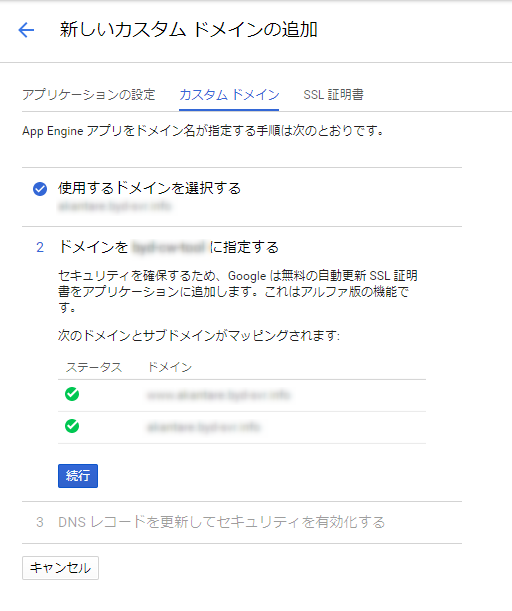
Once you have finished entering the information, the A record, AAAA record, and CNAME record will be displayed
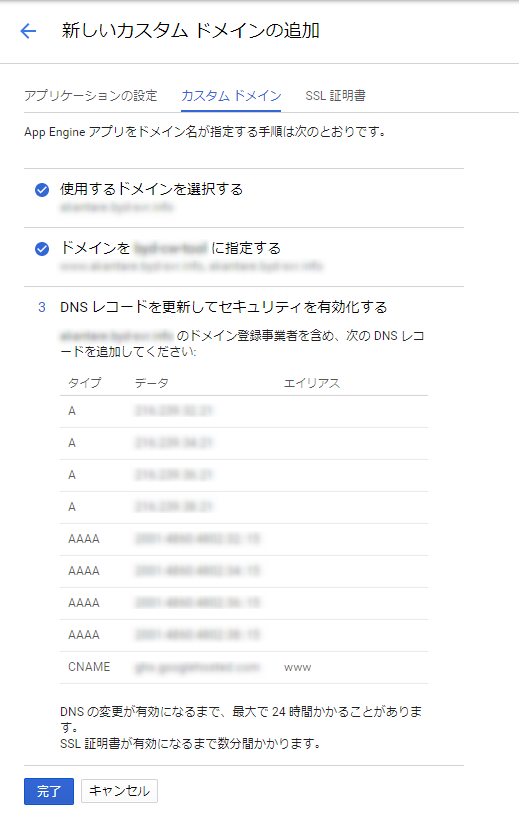
Register this in DNS and click Finish to complete the registration
The instructions say that the SSL certificate will be issued in a few minutes, but the SSL certificate won't be enabled unless the above DNS is registered.
I waited for a while because it wasn't being enabled, but of course that makes sense...
Once the configuration is complete, it will look like this:
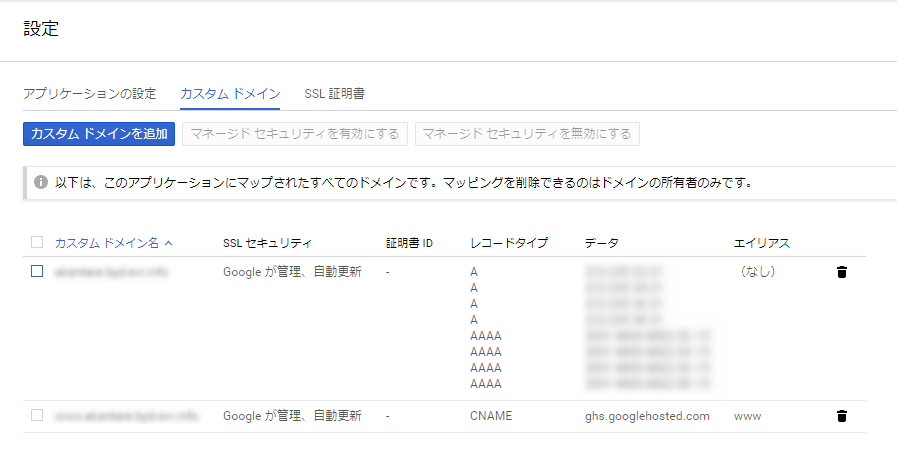
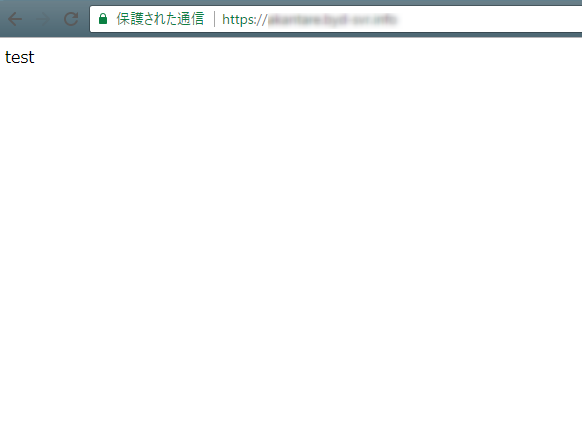
If you check it in your browser, you will see that it is enabled
As of September 19th, this feature is still in alpha, so please be patient!
That's all




The person who wrote this article
About the author









