

[Default Tool] I tried creating a composite photo using Paint 3D!
Hello!
I'm Inoue, the Persian cat at Beyond Shikoku office.
I'm sure you all know "Paint," right?
I used to draw illustrations with "Paint" a lot when I was in elementary school.
know that Beyond Haraoka is also very good at "Paint"? (lol) Not wanting
to be outdone, I decided to make use of "Paint" myself, and
Paint 3D " that I didn't know about before, which is included by default.
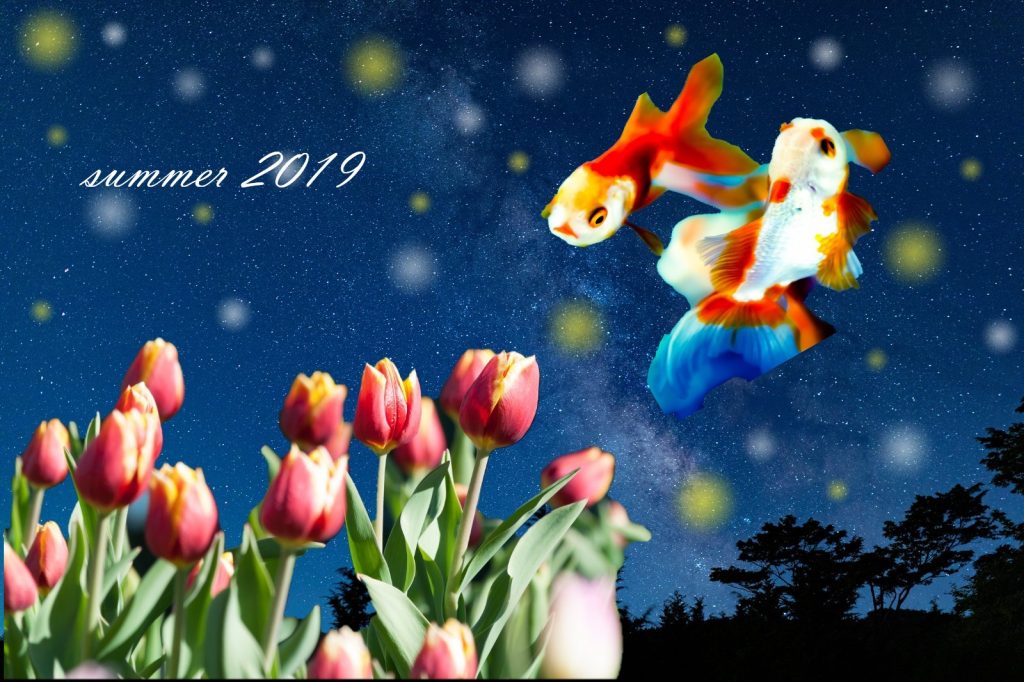
The eye-catching image is also a composite photo I created with "Paint 3D"!
What do you think? I think I've created a fantastic and beautiful composite photo (`・ω・´) Self-praise!
Let's create a composite photo!
The images used for the composite photos were taken from
PAKUTASO, a free stock photo site
First, save the photo you want to use to your desktop.
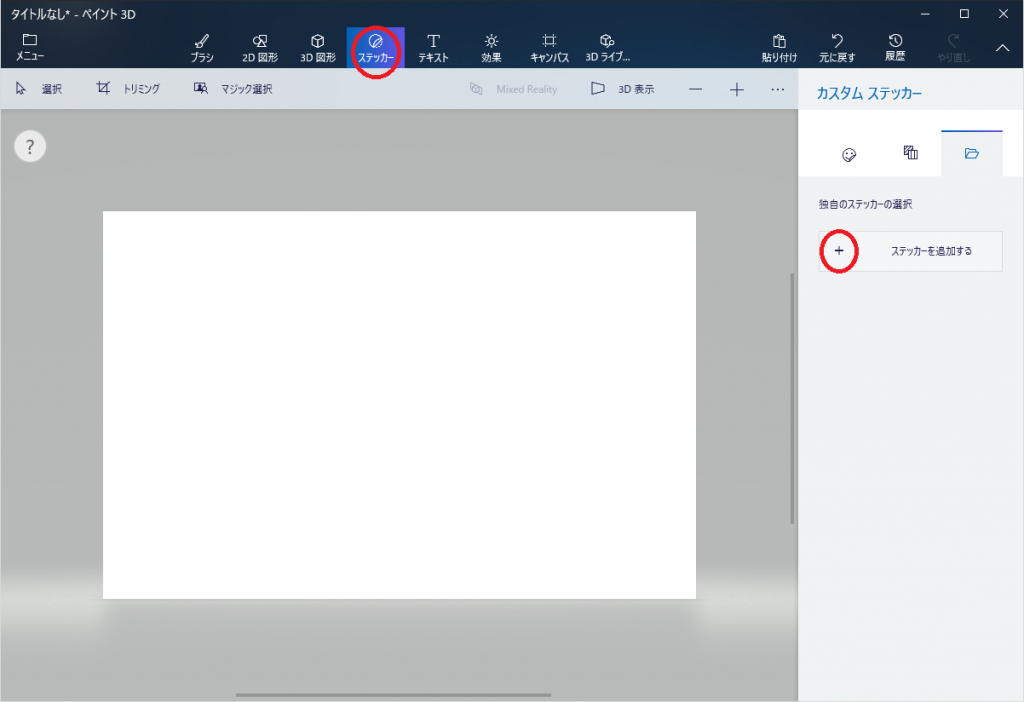
Launch "Paint 3D". Create
a "sticker" to cut out the image.
Click [Stickers] -> [Add Sticker] and select the image.
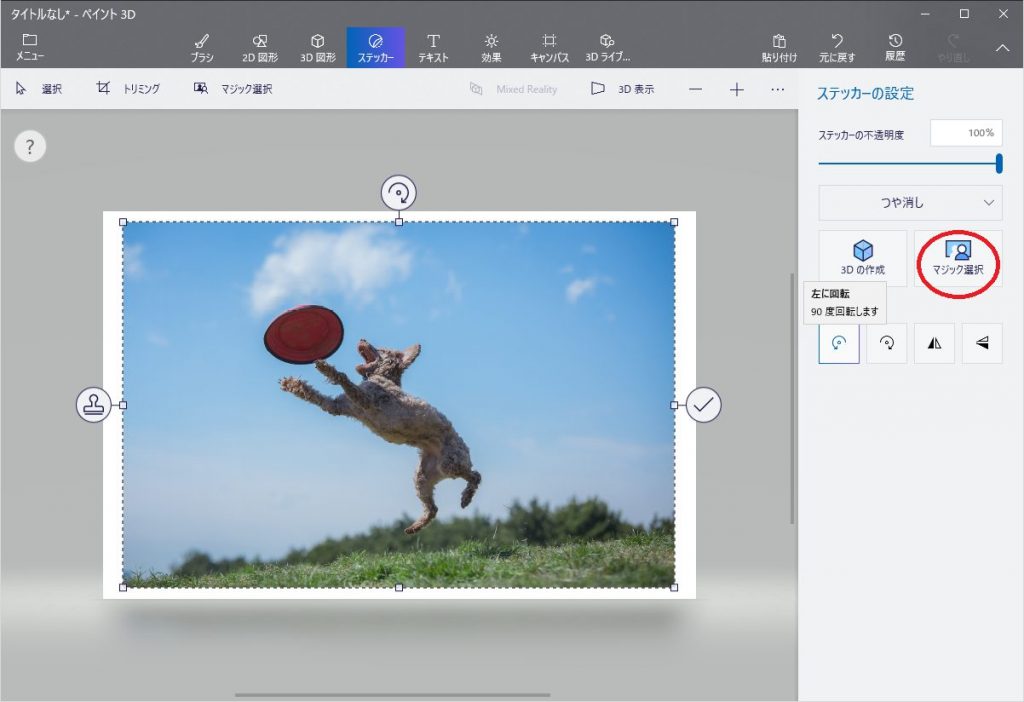
Crop the subject using [Magic Select].
The selection area will be automatically cropped once you set it, but if it's not cropped as you wanted,
you can fine-tune it by tracing the subject with [Add] or [Delete].
Once you've cropped it well, click [Done].
Finally, select a background from the [Menu], decide on the orientation and size of the sticker you created, and you're done.
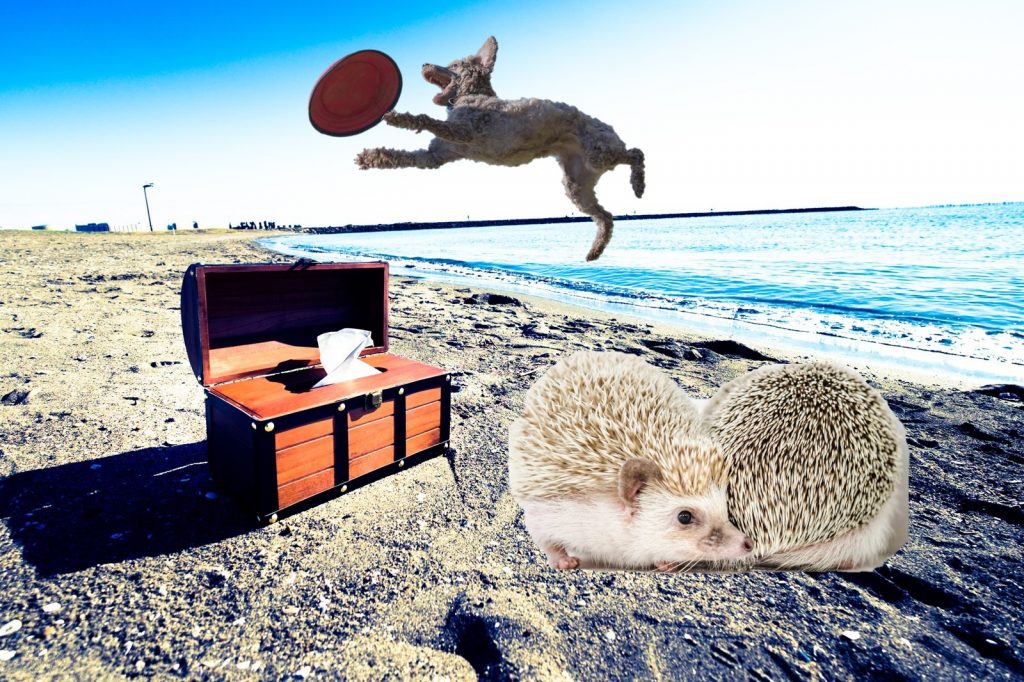
Also great for creating fantastical and celebratory images!
in the eye-catching image
, I added a star-like sparkle using the "spray can" brush.
There are also many other types of handwriting pens, such as "pencil" and oil paint brushes.
You can also insert your favorite text using the "text" tool. With
a wide variety of fonts available, you can create elaborate designs as you like.
It worked with an analog Persian cat too!
Registration is free, so I was able to try it out easily.
You can create strange images with photo manipulation, so
if you can't find the image you want on a blog like this, you can create it yourself.
Even I, who am not very tech-savvy, was able to create something easily, so I think anyone can do it!
It would also be fun to use your child's imagination and create images together!
You could incorporate memories into one image...
Personally, I
create celebratory images every year for the birthdays of my loved ones, so I thought I'd like to use it that way!
You could crop and combine photos of memories you took together, add text and decorate it...♪
It's fun while you're creating it, so please give it a try!
Even if you're not good at drawing, cropping and combining images is easy, right?
I want to emphasize that it's just "easy!!" - Persian Cat.
Also, if I come across any other interesting tools, I'd like to try them out and introduce them to you! I
usually only type on the keyboard, so
it was a refreshing and fun experience to try out something like "Paint 3D" this time (・´з`・)
Growing every day, moving forward every day.
I must update myself every single day!!!
Thank you for reading to the end.




The person who wrote this article
About the author









