

[Summer of Decluttering] How to Choose a Long-Lasting USB-C Cable (September 2021 Edition) [Summer in Japan]

Hello.
I'm Mandai, the Wild team member in charge of development.
This might be sudden, but September was decluttering month at Beyond.
So, I also decluttered the huge number of USB charging cables I had in my room.
If you're just going to say "I threw it away," you can do that on Twitter, so when it comes to decluttering, you need to know about cables in order to think about how to sort them.
However, I have the impression that USB standards have become confusing lately with all the different ones, so this time I won't go into too much detail about those standards, but I'll try to put together the information you need to choose the right cable for your environment.
What is USB-C?
I'm sure you're all familiar with the USB standard, but if you're asked about the USB-C standard, you might find it hard to answer or you might have a misunderstanding, so let's briefly explain it
USB-C is a standard for the connector shape used for USB connections, and is unrelated to USB 3.0 or USB 2.0.
Its shape looks like this.
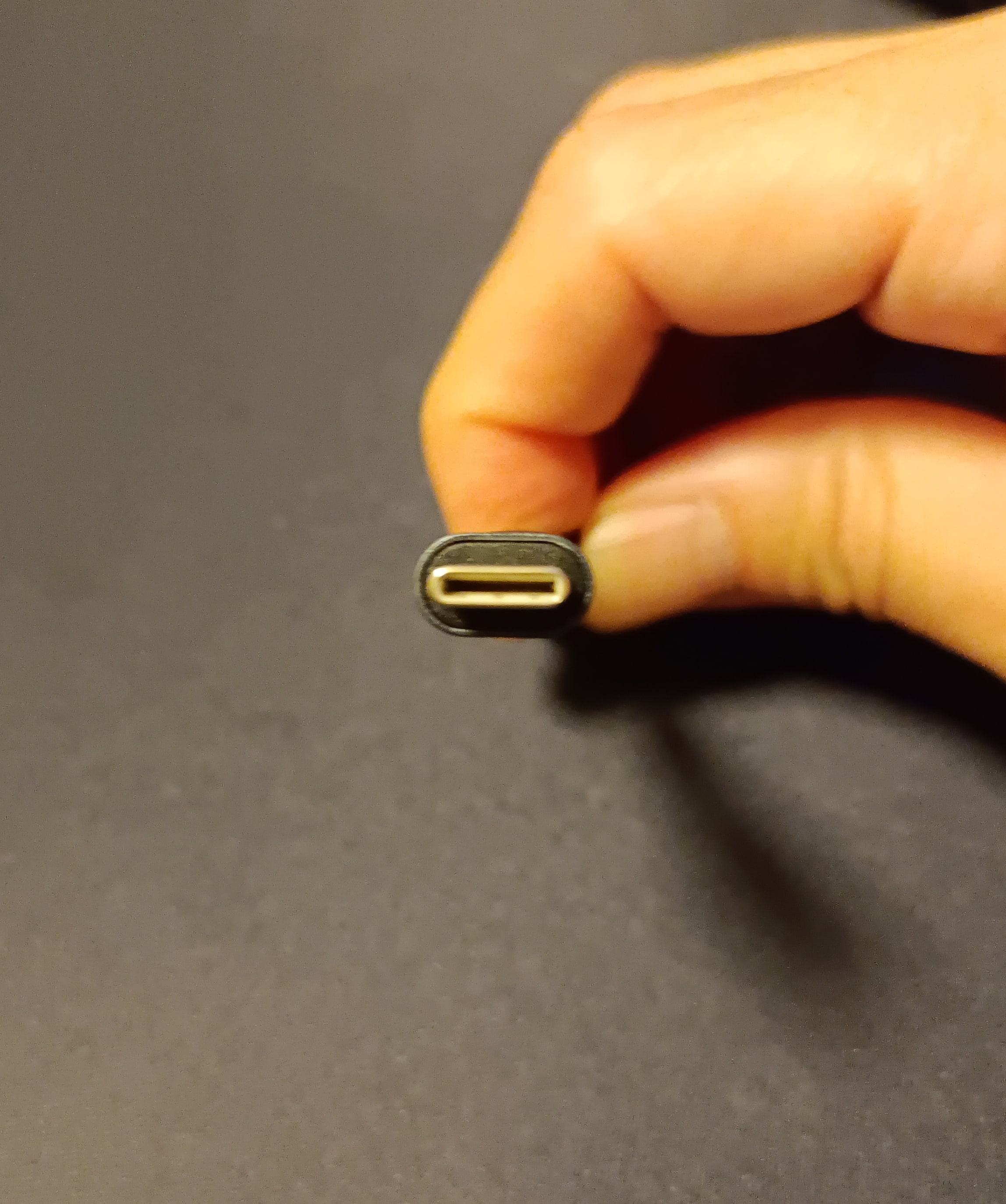
USB 3.0 is a data transfer standard, and just because a cable is USB-C does not mean that it can charge at lightning speeds.In fact, there are many cables that have a USB-C connector but have slow charging speeds and use the USB 2.0 data transfer standard
And then a lot of people choose these kinds of cables and leave one-star reviews complaining that the data transfer is slow!
Well, that's understandable. The description for those cables usually clearly states that it's USB-C and USB 2.0.
Key points for sorting cables
Connector Shape
With the introduction of USB-C, the number of connector shape patterns has increased, so there may be cases where you need to carefully check the connectors on both ends
USB-C and USB-A patterns
I think this is the most common pattern.
When using it with a smartphone, the smartphone side has a USB-C port, but the power supply side has a USB-A port.
In this case, it can often be used in existing environments, so it's convenient to have one on hand.
USB-C and USB-C Pattern
While this pattern isn't uncommon, it features USB-C connectors on both ends.
Since both the charging and power supply ends are USB-C, you don't need to worry about the cable's orientation. However, because the power supply end also needs to be USB-C, most chargers from the micro USB era are unusable and will require a replacement.
Most modern PCs come equipped with USB-C connectors, and many laptops are also capable of charging, so if yours is compatible, you could make the full switch
Data Transfer Speed
This is also important.
However, since USB cables are used less and less for data transfer these days, you may not need to worry about it too much.
charging speed
This is very important,
so I'd like to explain it in more detail in the next section.
Slow charging issue
Since USB-C cables have been around for a while now, I have a large collection of them. However, some cables charge slowly, while others charge quickly.
Also, slow charging isn't solely a cable issue; the charger itself must be able to deliver high power.
If your charger and cable are compatible with fast charging on recent smartphones, some models will display a message on the lock screen or status bar saying that fast charging is in progress, making this an easy way to check
However, since we can't accurately grasp the cable's performance, a lingering feeling of unease remains (is it just me?).
That's where items for measuring the conductivity of USB cables come in.
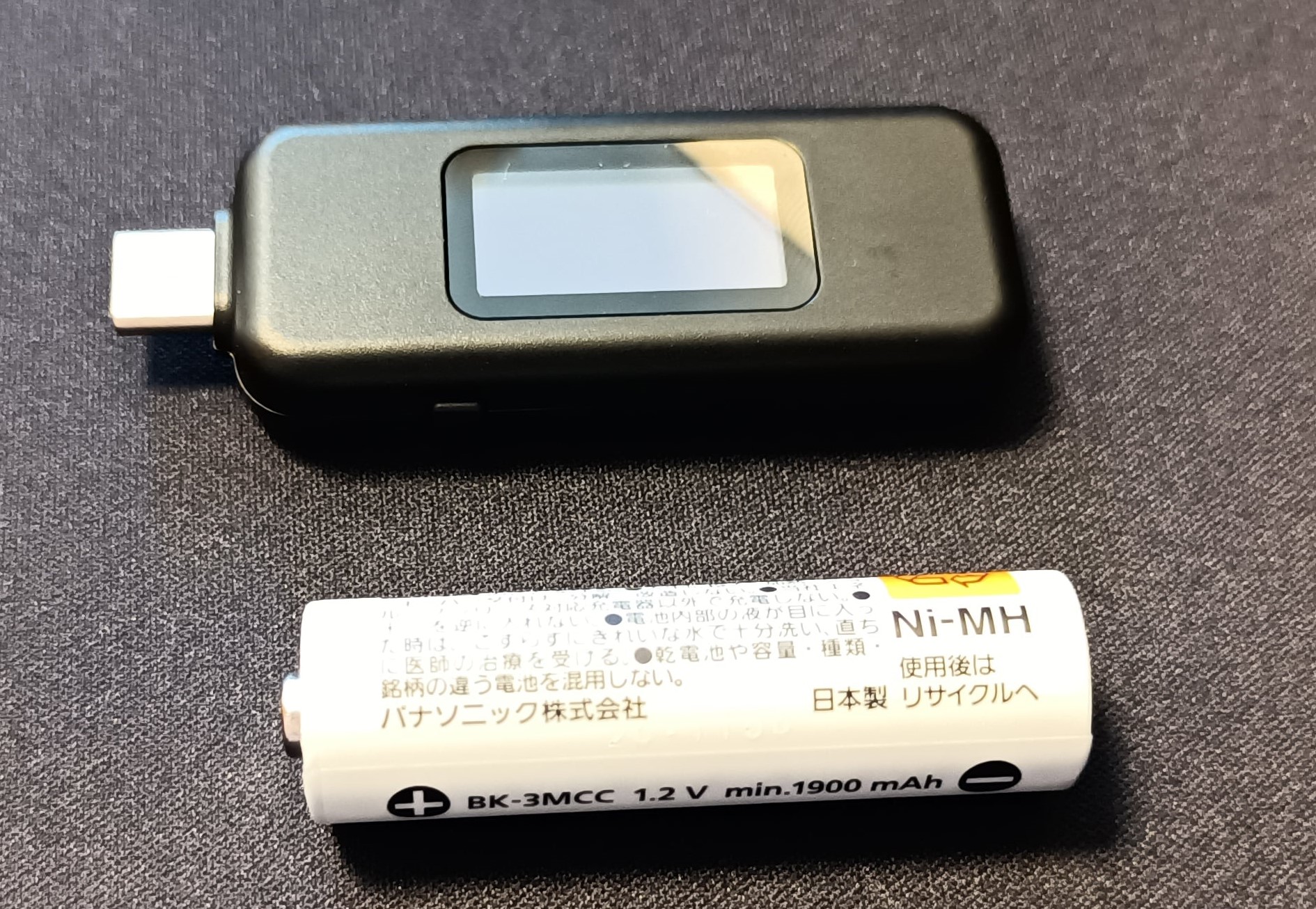
This tester, which is roughly the same size as an AA battery, allows you to see the voltage, current, and amount of power consumed during charging at a glance, allowing you to accurately determine the performance of the cable (or charger)
Sorting the cables
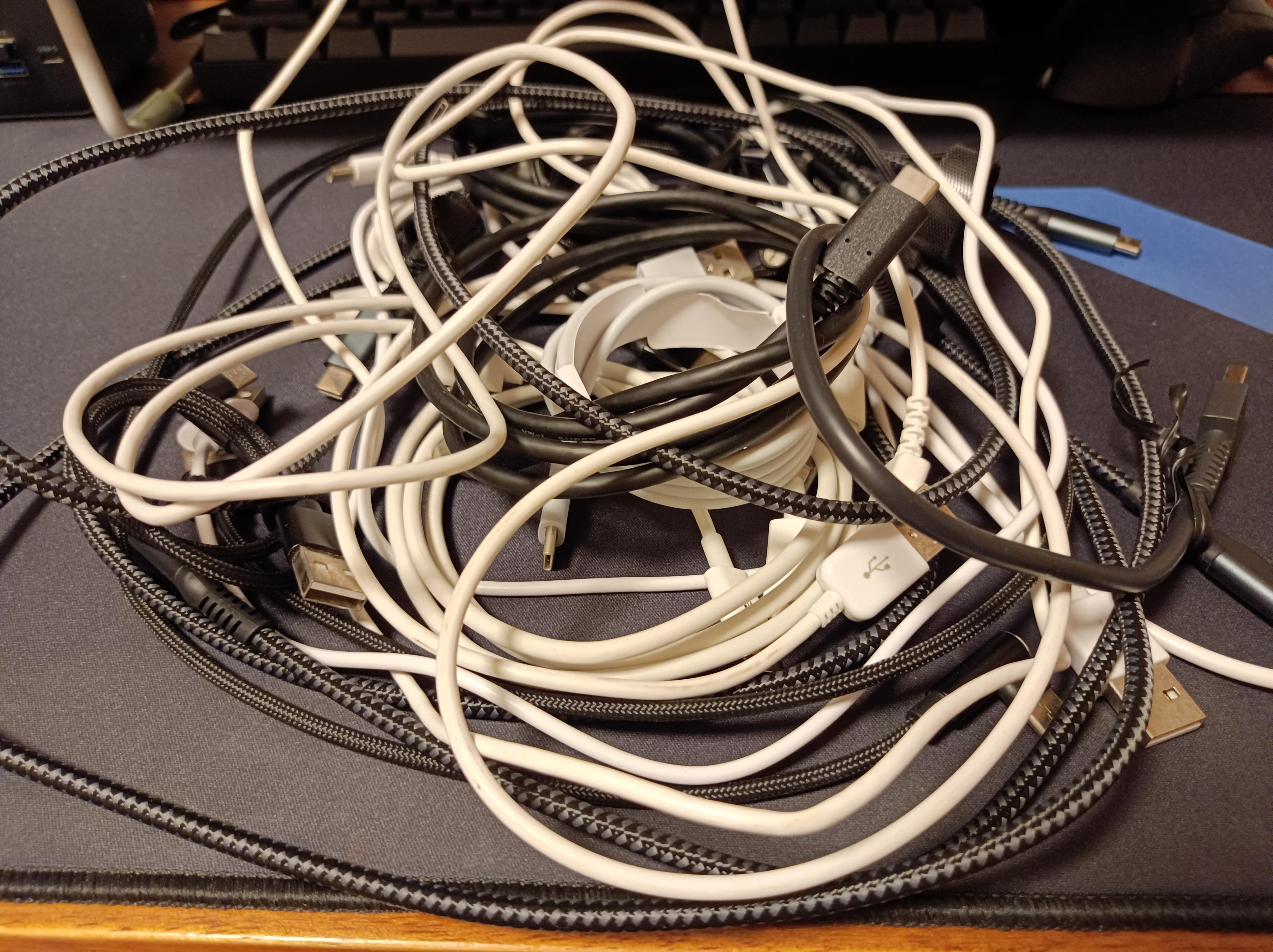
Gather all the USB-C cables in your room and run them through the tester
You can easily determine the performance of this tester by plugging in a cable and charging a device. Try charging a device that requires as much power as possible (a laptop would be better).
If that's not possible, a minimum level that can fast charge a smartphone would be a good benchmark.
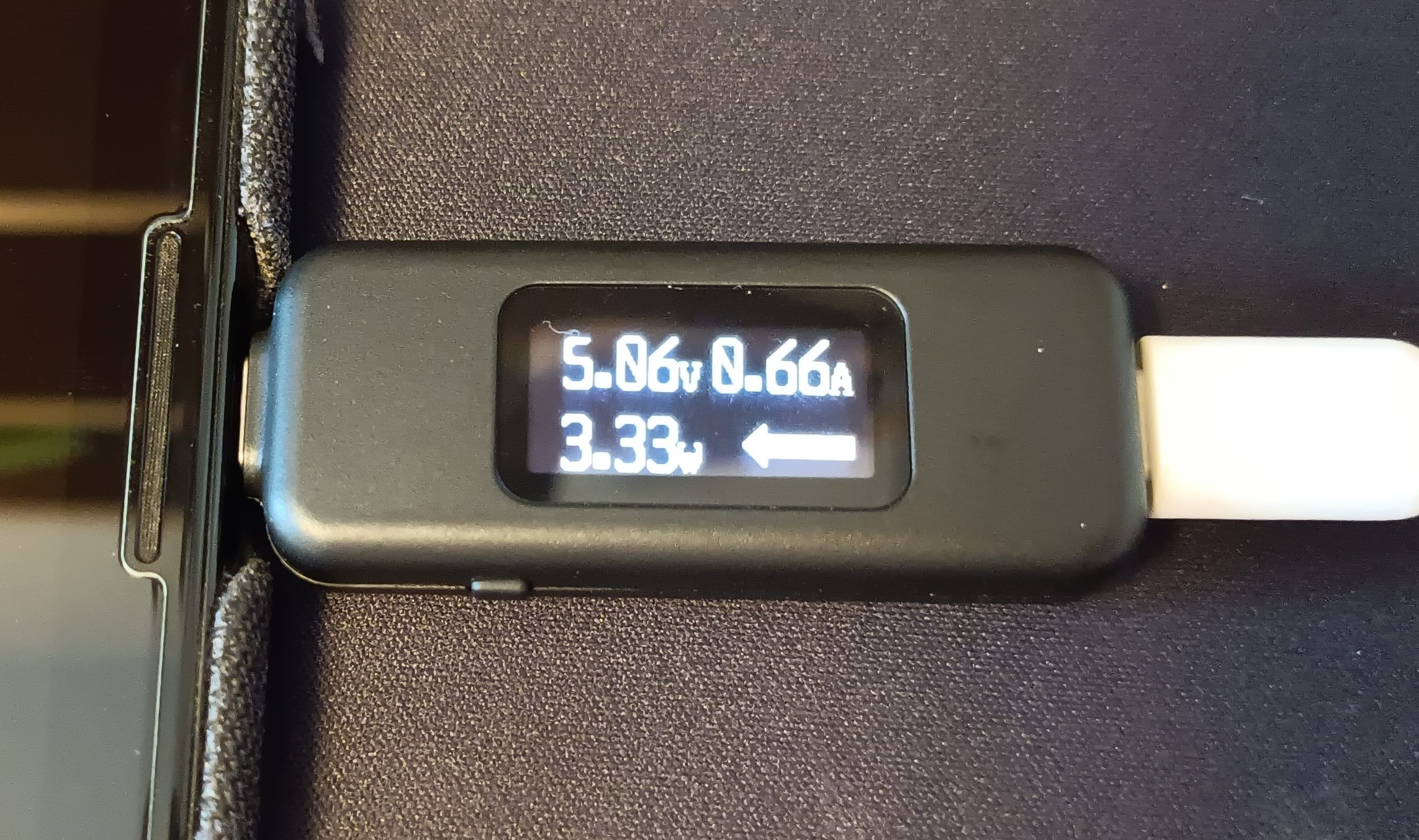
There's no point in using it for charging anymore
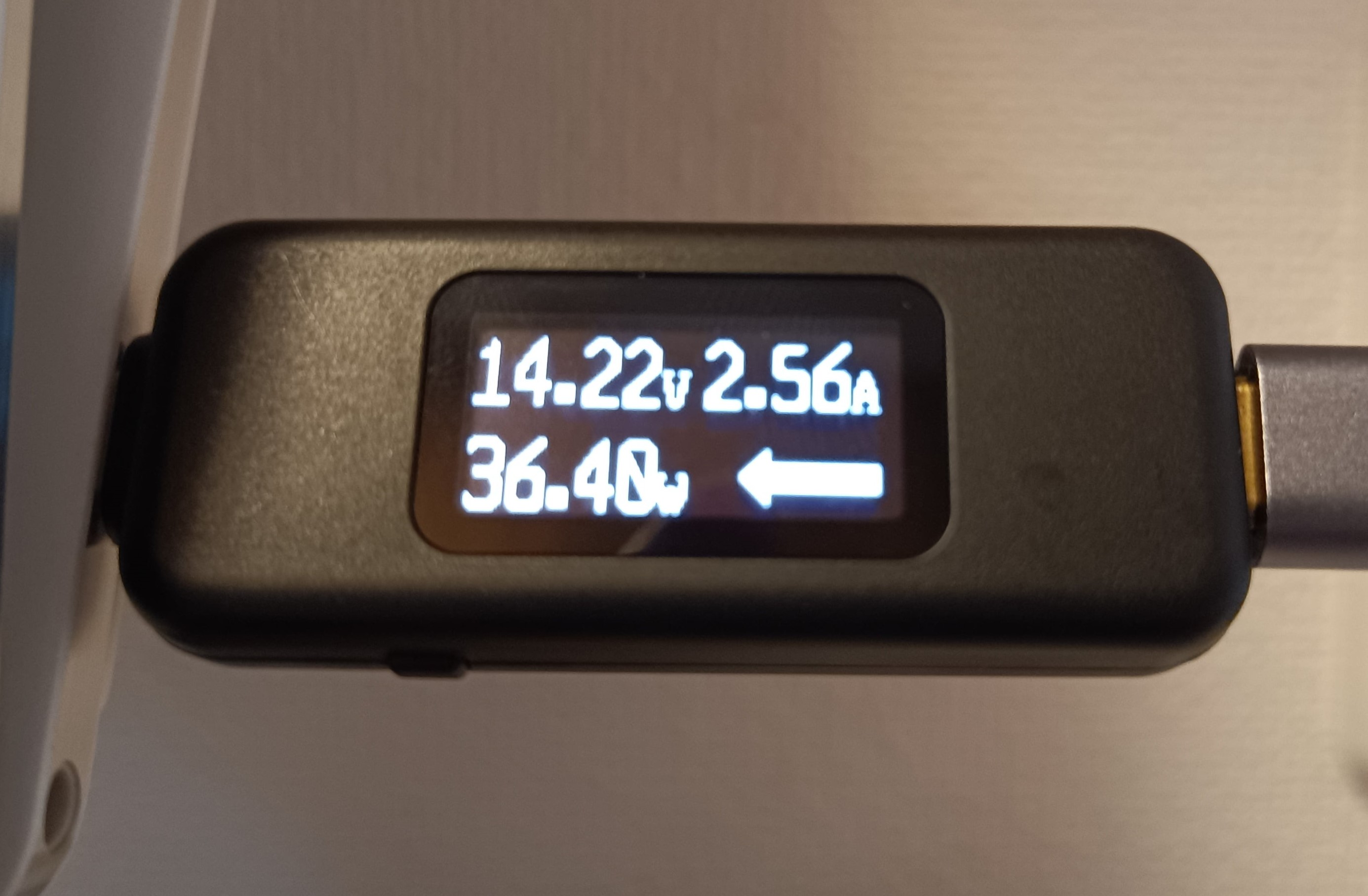
I think it's a passing grade
So, I had fun measuring and sorting the cables
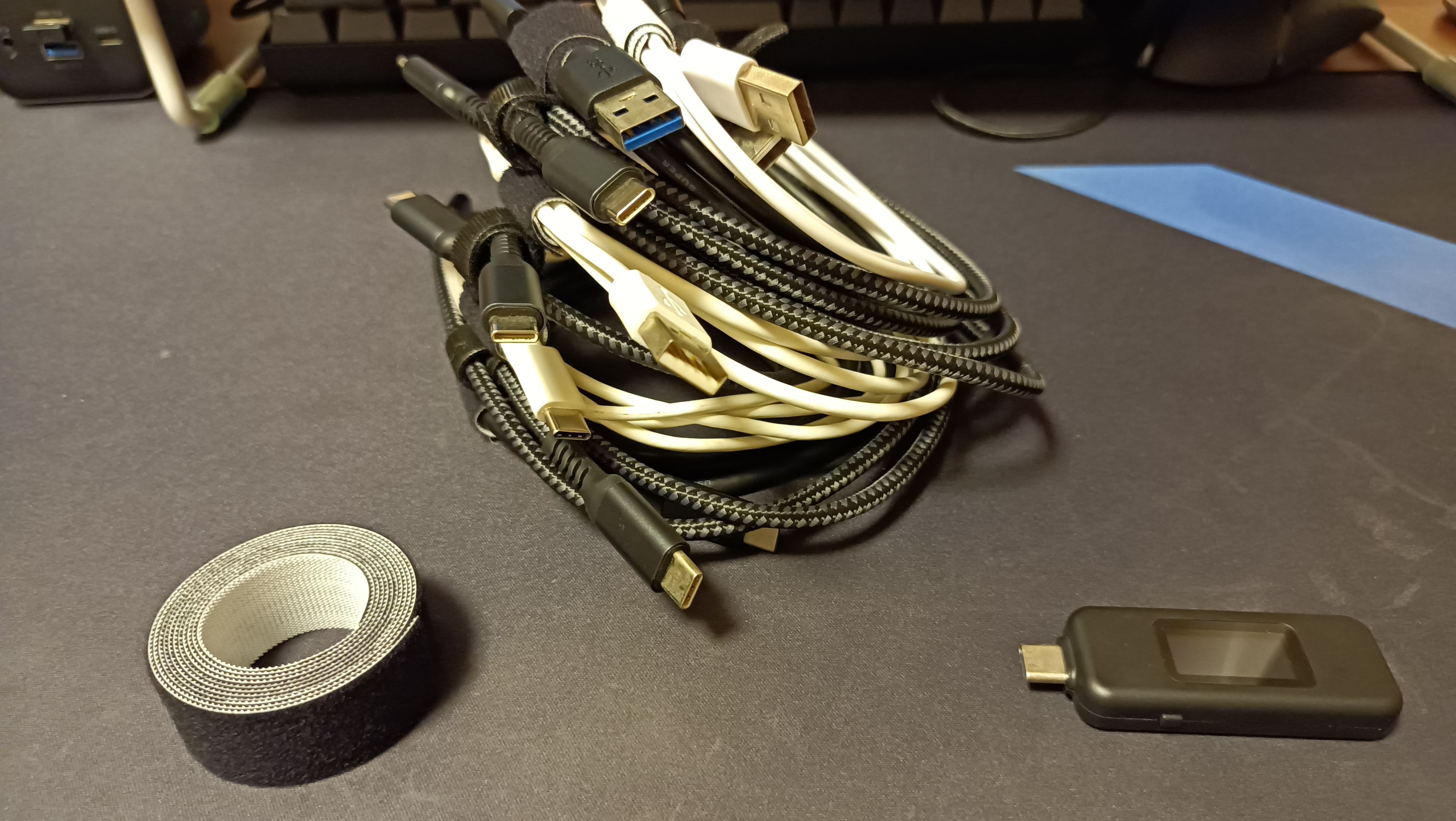
In my case, I had quite a few cables that could conduct a reasonably high amount of power.
I felt that charging with such cables would only cause stress, so I threw away all the low-performance cables.
As a side note, I also had a large quantity of micro USB cables, so I threw those away as well. Since there were cables of various lengths, I sorted them into short, medium, and long ones, keeping only one or two.
Also, the ones wrapped in Velcro were done purely for the sake of the photoshoot; I don't normally do that.
There are many more types of devices that support fast charging
There's a standard for USB charging called USB Power Delivery (hereinafter referred to as USB-PD).
You can assume that the remaining cables after sorting are compatible with USB-PD, but there are actually several versions of USB-PD...
Personally, I think it's best to check the wattage (W) rather than trying to memorize the specifications.
In my case, my laptop supports 45W charging, so a USB-PD compatible cable that supports 60W should be fine. My
smartphone supports 18W fast charging, so to keep it at home, it needs to be able to receive at least 18W of power.
This is getting a bit complicated, but USB-PD is not related to data transfer standards like USB 3.0.
There are also USB 2.0 cables that support USB-PD (a certain BASIC USB-C to USB-C cable seems to be one of these; it charges quickly but transfers data slowly).
However, the latest USB-PD standard stipulates that the connector shape for USB-PD will be USB-C, so if you are looking for a cable that is compatible with USB-PD, you will need to start by looking for a USB-C cable
summary
We've put together a guide on how to choose a USB cable that will charge quickly, but in order to do so, you'll need to know about a few USB standards
- Connector shape standards and data transfer standards are different things
- If you want to charge at high speed, it is safe to have the USB-PD label
- If you want to use it for more than just charging, pay attention to the data transfer standard
As of September 2021, the two most prominent high-power models are 60W and 100W.
Choosing from these two options should allow you to use them for a reasonable amount of time.
Although not mentioned in the main text, a reliable method is to choose a Thunderbolt 4 cable.
Thunderbolt 4 is the latest USB standard, and only the highest-spec cables can bear the name, so charging speeds are undoubtedly fast, and high-speed data transfer is guaranteed.
However, it is more expensive, but it will last a long time, so it's worth taking good care of it.
All that's left to do is choose your preferred cable surface material and terminal shape (it's convenient to have one L-shaped one), and enjoy a comfortable charging experience
lastly
I have launched "SEKARAKU Lab," a service site for the system development company I belong to.
Beyond offers a one-stop service for everything from server design and construction to operation, so please feel free to contact us if you have any problems with server-side development.
SEKARAKU Lab:[https://sekarakulab.beyondjapan.com/](https://sekarakulab.beyondjapan.com/)
That's all




The person who wrote this article
About the author









