

[AWS IAM] Policy settings that allow access to only specific hosted zones
2022.12.15




Hello!
This is Hide, the Ramen King from Beyond Co., Ltd.'s Osaka office.
This is my 12th post.
Last time, I wrote about how to display a WordPress site that's running in a subdirectory on the homepage!
The change is relatively easy, but if you make a mistake in the settings, problems such as a blank screen can occur.
I also introduced solutions to these problems, so if you're interested, please check it out.
overview

"I want to create a user who can only view this host zone, but...
how do I actually do that...?"
Have you ever encountered the above situation?
You might want another company to check a specific hosted zone, but
you don't know how to adjust their permissions to allow them to view only.
I also spent a considerable amount of time researching this using AWS references and other articles.
However, this guide will show you how to easily configure permissions, so let's take a look together!
How to set it up
①Copy the Hosted Zone ID of the corresponding domain name in Route53>Hosted Zones

②IAM>Policies>【Create Policy】

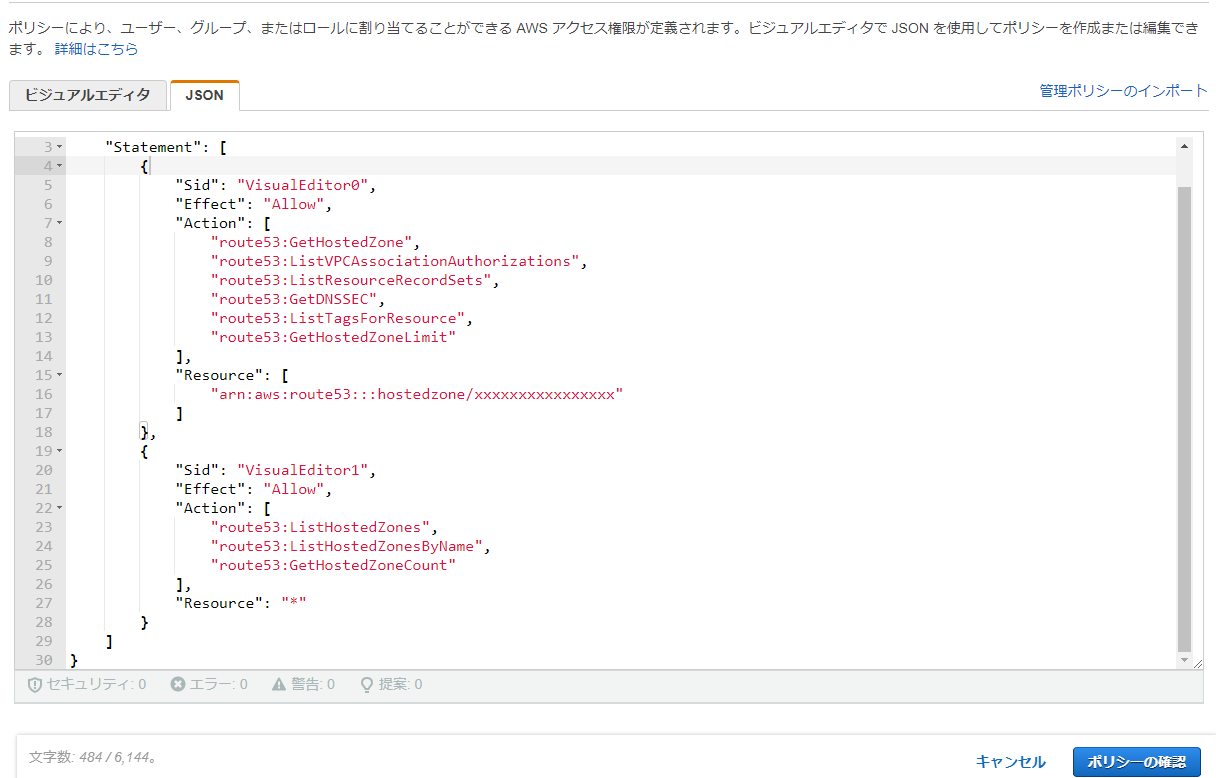
③Create a policy>Enter the information in the JSON tab and click [Next step: Tags]
* Please replace `arn:aws:route53:::hostedzone/xxxxxxxxxxxxxxxxxx` with your hosted zone ID
{ "Version": "2012-10-17", "Statement": [ { "Sid": "VisualEditor0", "Effect": "Allow", "Action": [ "route53:GetHostedZone", "route53:ListVPCAssociationAuthorizations", "route53:ListResourceRecordSets", "route53:GetDNSSEC", "route53:ListTagsForResource", "route53:GetHostedZoneLimit" ], "Resource": [ "arn:aws:route53:::hostedzone/xxxxxxxxxxxxxxxxxx" ] }, { "Sid": "VisualEditor1", "Effect": "Allow", "Action": [ "route53:ListHostedZones", "route53:ListHostedZonesByName", "route53:GetHostedZoneCount" ], "Resource": "*" } ] }
| Action List | |
| Action Name | explanation |
| GetHostedZone | Grants permission to retrieve information about the specified hosted zone, including the four name servers that Route 53 has assigned to the hosted zone |
| ListVPCAssociationAuthorizations | Grants permission to retrieve a list of VPCs created by other accounts that can be associated with the specified hosted zone |
| ListResourceRecordSets | Grants permission to list the records in the specified hosted zone |
| GetDNSSEC | Grants permission to retrieve information about DNSSEC for a specific hosted zone, including the hosted zone's key-signing key |
| ListTagsForResource | Grants permission to list tags for a single health check or hosted zone |
| GetHostedZoneLimit | Grants permission to get the specified limit for the specified hosted zone |
| ListHostedZones | Grants permission to retrieve a list of public and private hosted zones associated with the current AWS account |
| ListHostedZonesByName | Gives permission to retrieve the list of hosted zones in lexicographical order. Hosted zones are sorted by reversed label name (e.g. com.example.www |
| GetHostedZoneCount | Grants permission to retrieve the number of hosted zones associated with the current AWS account |
| Resource types list | |
| Resource type name | explanation |
| hostedzone | You can restrict actions by specifying a hosted zone ID |
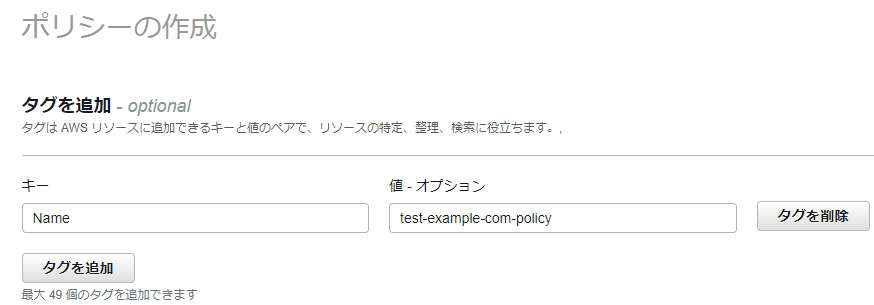
④Specify the following and click [Next Step: Confirm]
Key: Name
Policy: *Please specify your preferred name
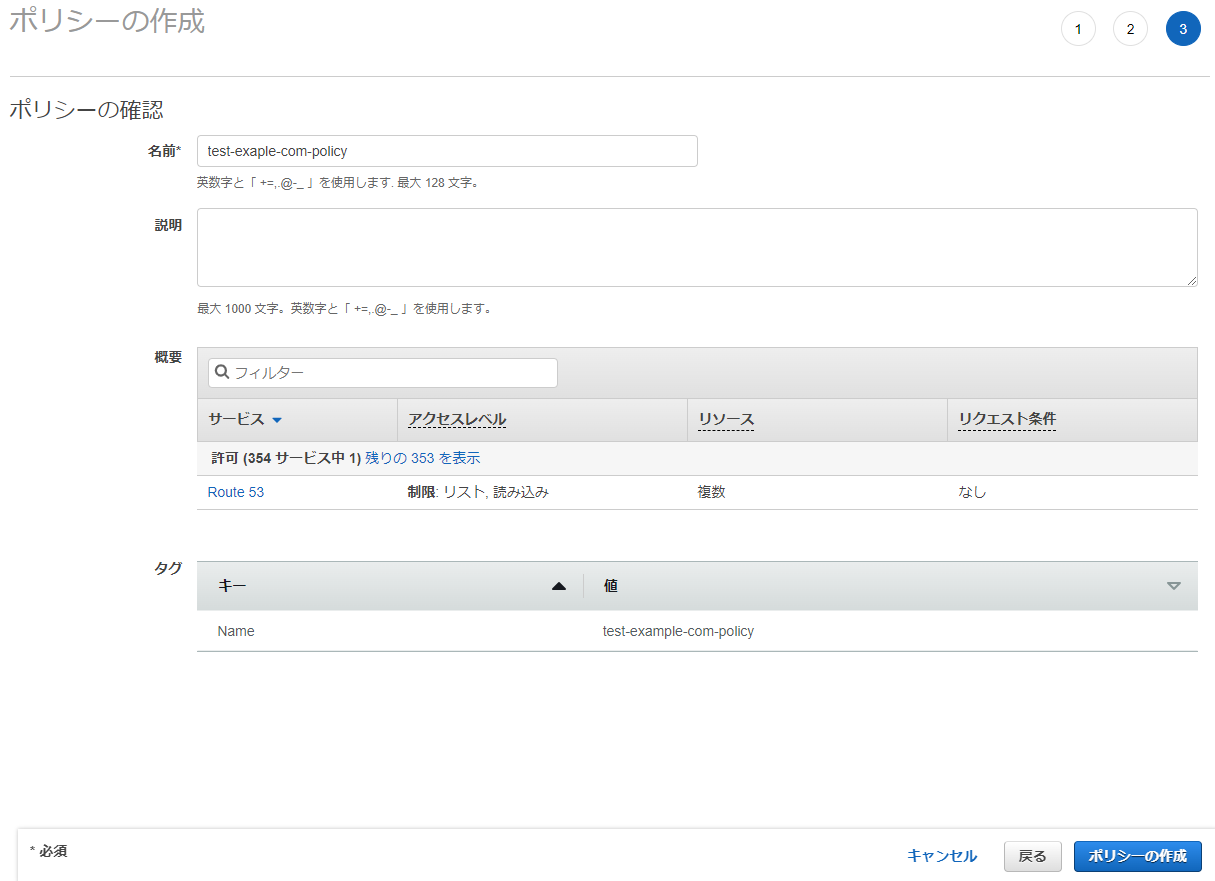
⑤ Confirm the policy and click [Create Policy]
Name: Please specify your preferred name
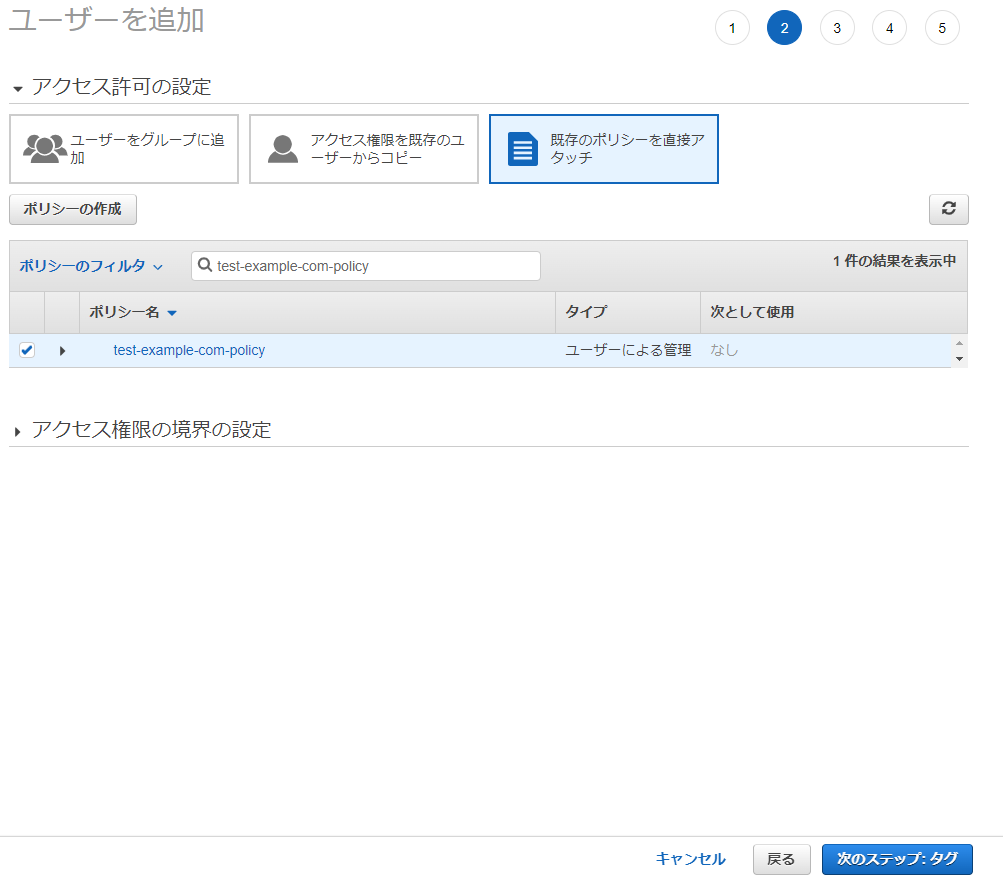
⑥ Attach the created policy to the user
⑦Log in and check operation
*If you try to check something other than the hosted zone, such as a health check, the following error will occur:

*Due to the permission specifications, you can only see the list of other hosted zones in the hosted zone list, but when you try to check the contents, the following error occurs
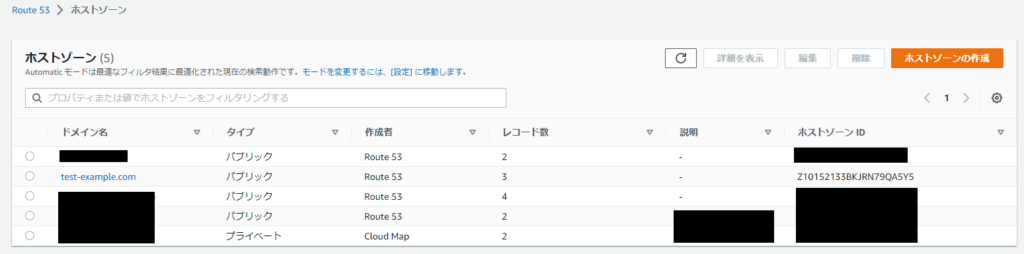
・Hosted Zone List Screen
・Error screen

*When I try to create, delete, or edit a record, the following error occurs:

summary
How was it?
While policy settings allow for very detailed permission configuration, you'll likely find many things unclear even after consulting the official documentation.
I struggled with it myself.
However, this procedure makes it easy to create a policy that allows access to a specific hosted zone, so
please take a look if you need it!
Thank you for watching!
The person who wrote this article
About the author









