

Creating a progress bar in Python using carriage returns
My name is Saito and I am an infrastructure engineer
Today, I'd like to introduce you to carriage returns (CRs) and write a few scripts to demonstrate them.
Then, we'll use carriage returns in Python to create a progress bar.
What is a carriage return (CR)?
A carriage return (CR)is a special character represented by 'r'. Many people are probably familiar with the newline character 'n'.
What is a carriage return?
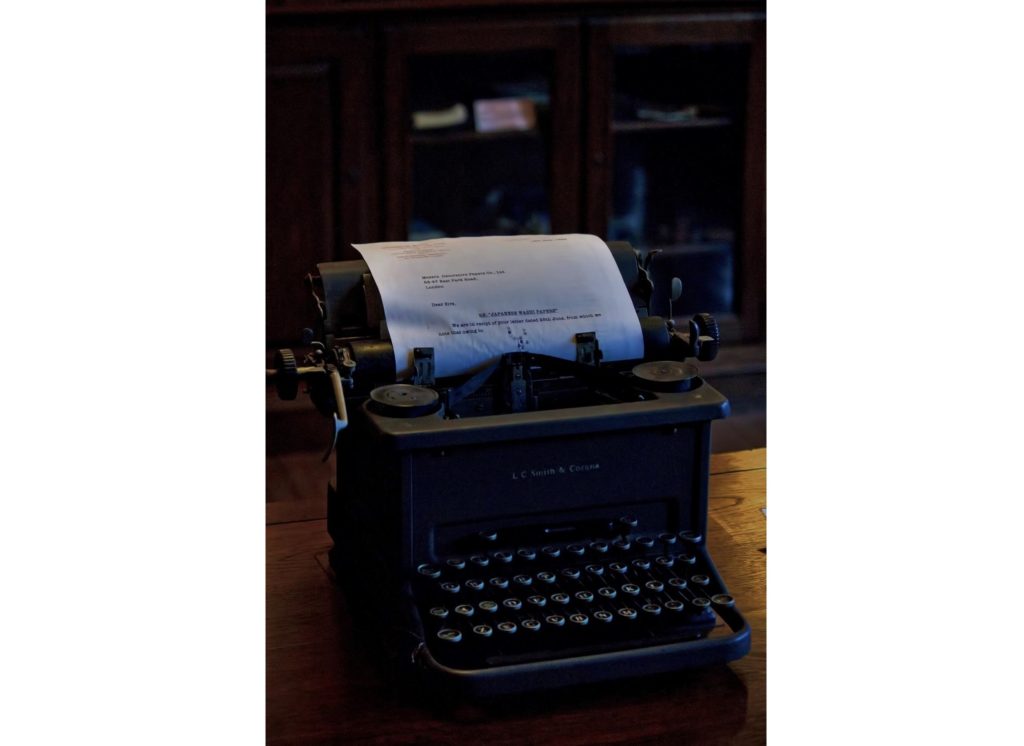
Originally, when using a typewriter, the action of manually returning the part of the carriage that prints characters was called a carriage return (CR)
The action of moving to a new line is called a line feed (LF)
All operating systems in use today have a history of being compatible with electronic typewriters, and this 'r' appears in some form
For example, in Windows OS, a line break is rn, which can be interpreted as "go back to the original position (CR) and then move to a new line (LF)."
Unix, Mac, Linux, BSD, etc. use r and n separately based on the POSIX standard
When you use the newline character n, the cursor is set to the beginning of the new line
In other words, n acts as both a CR and a LF, while r acts as a CR that returns the cursor to its original position
Try using r
I have given examples for different operating systems, but even in programming languages, r and n are often used separately
Let's actually try using R in Python
$ python -c "import sys; sys.stdout.write('beyondrBn')" Beyond
- The "-c" option is used to write one-liners in Python.
- sys.stdout.write outputs to standard output, and the string is written to a buffer (cache).
Well, in 'beyondrBn', how is the display result determined?
1. First, the string "beyond" is displayed. At this point, the cursor is after "d".
2. Because there is "r", the cursor moves to the beginning of "b".
3. Now, "B" is printed over "b".
4. Because there is "n", a new line is created.
In this way, r can write characters on the same line multiple times
Create a progress bar
Using the above characteristics, you can create a progress bar that runs on the command line. Below is a progress bar written in Python
import sys, time def prog_bar(length=100): for i in range(length): sys.stdout.write('#'*i + 'r') sys.stdout.flush() time.sleep(0.01) for i in range(4): prog_bar()
sys.stdout.write caches the output before displaying it to the terminal.
(In fact, print() uses sys.stdout internally.)
sys.stdout.flush is used to delete the cached information.
Trying to write an animation
Let's also write a fun animation where the bar rotates. (The following has been confirmed to work with Python 3.)
import time space = '.' bar = '-|/' length = 100 printset = (('{0}{1}r'.format (space*(i-length//2) if i > length//2 else '', bar[i%4]), time.sleep(0.05)) for i in range(length)) for i in printset: print(i[0], end='') print(' '*length, end='r')
It can be used for many other purposes as well.
I've even added slot-like animations to a password generation script.
Please feel free to expand on it and have fun!
If you want to consult with a development professional
At Beyond, we combine our extensive track record, technology, and know-how in system development with OSS technology and cloud technologies such as AWS to provide contracted development of web systems with reliable quality and excellent cost performance
We also handle server-side/back-end development and proprietary API collaboration development, making full use of our technology and know-how in building and operating web system/application infrastructure for large-scale, high-load games, applications, and digital content
If you have any problems with your development project, please visit the following website
● Web system development
● Server-side development (API / DB)




The person who wrote this article
About the author









