

Installing Concrete5 on CentOS 6.7
2016.06.27




My name is Ito and I am an infrastructure engineer
Our clients operate a variety of websites.
Of course, many of them use a CMS, so we have plenty of opportunities to work with CMSs in addition to servers.
This time, I tried using Concrete5
download
Download :: concrete5 Japan Official Japanese Website
This time, we will download the latest version as of June 23, 2016, 5.7.5.8.
It will likely be saved as index.html by default, so we will use the "-O" option to create a zip file.
# wget http://www.concrete5.org/download_file/-/view/89071/ -O concrete5.zip # unzip concrete5.zip # mv concrete5.7.5.8/* /var/www/public_html/
Move the unzipped (extracted) file to the directory you want to make public
As an aside, there are two ways to use compressed files: "unpack" and "decompress," but "decompress" seems to be an old term
Creating and Configuring the Database
Let's create a database to use with Concrete5
If the database is not empty, you will get an error during installation.
This time, we will use a database called "concrete5".
# mysql> create database concrete5; # mysql> show databases; +--------------------+ | Database | +--------------------+ | information_schema | | concrete5 | | mysql | | test | +--------------------+ 4 rows in set (0.00 sec)
Set a password. In this case, it's "concuser"
# mysql > GRANT ALL PRIVILEGES ON concrete5.* TO 'concuser'@'localhost' IDENTIFIED BY '******' WITH GRANT OPTION;
*Please change the password as appropriate
While you probably won't use MySQL with its default settings,
Concrete5 requires the database to be UTF-8 encoded.
The character set (connection collation) for the database tables must be "utf8_general_ci".
Reference site:Installation Preparation :: concrete5 Japan Official Japanese Website
So let's check it out
# mysql> SELECT @@character_set_database, @@collation_database; +--------------------------+----------------------+ | @@character_set_database | @@collation_database | +--------------------------+----------------------+ | latin1 | latin1_swedish_ci | +--------------------------+----------------------+
That's no good! This is what it looks like when you run MySQL with absolutely no default settings.
It's in Latin.
# mysql> alter database concrete5 character set utf8; # mysql> use concrete5 Database changed # mysql> SELECT @@character_set_database, @@collation_database; +--------------------------+----------------------+ | @@character_set_database | @@collation_database | +--------------------------+----------------------+ | utf8 | utf8_general_ci | +--------------------------+----------------------+ 1 row in set (0.00 sec)
Now it's utf8!
Actually, let's change my.cnf.
# vim /etc/my.cnf character-set-server = utf8 default-character-set=utf8 # /etc/init.d/mysqld restart
Now we're all set!
Let's configure Apache's VirtualHost and try accessing it.
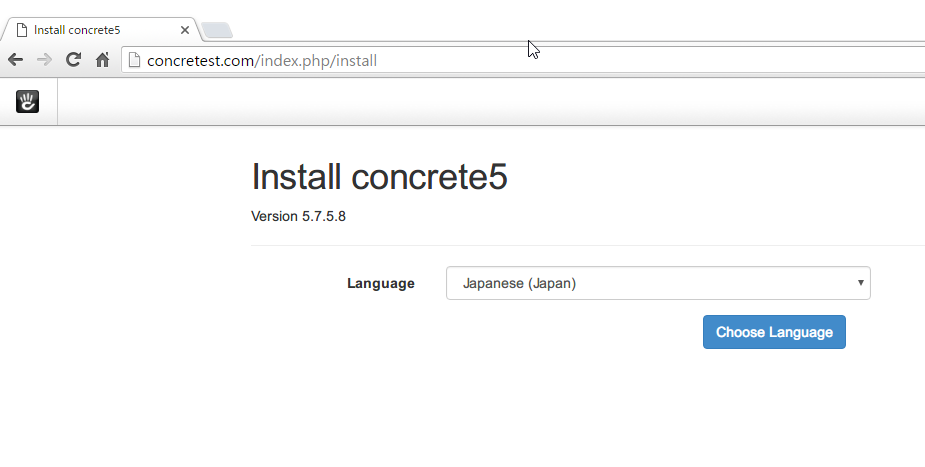
This is the installation screen. Select your language and click "Choose Language"
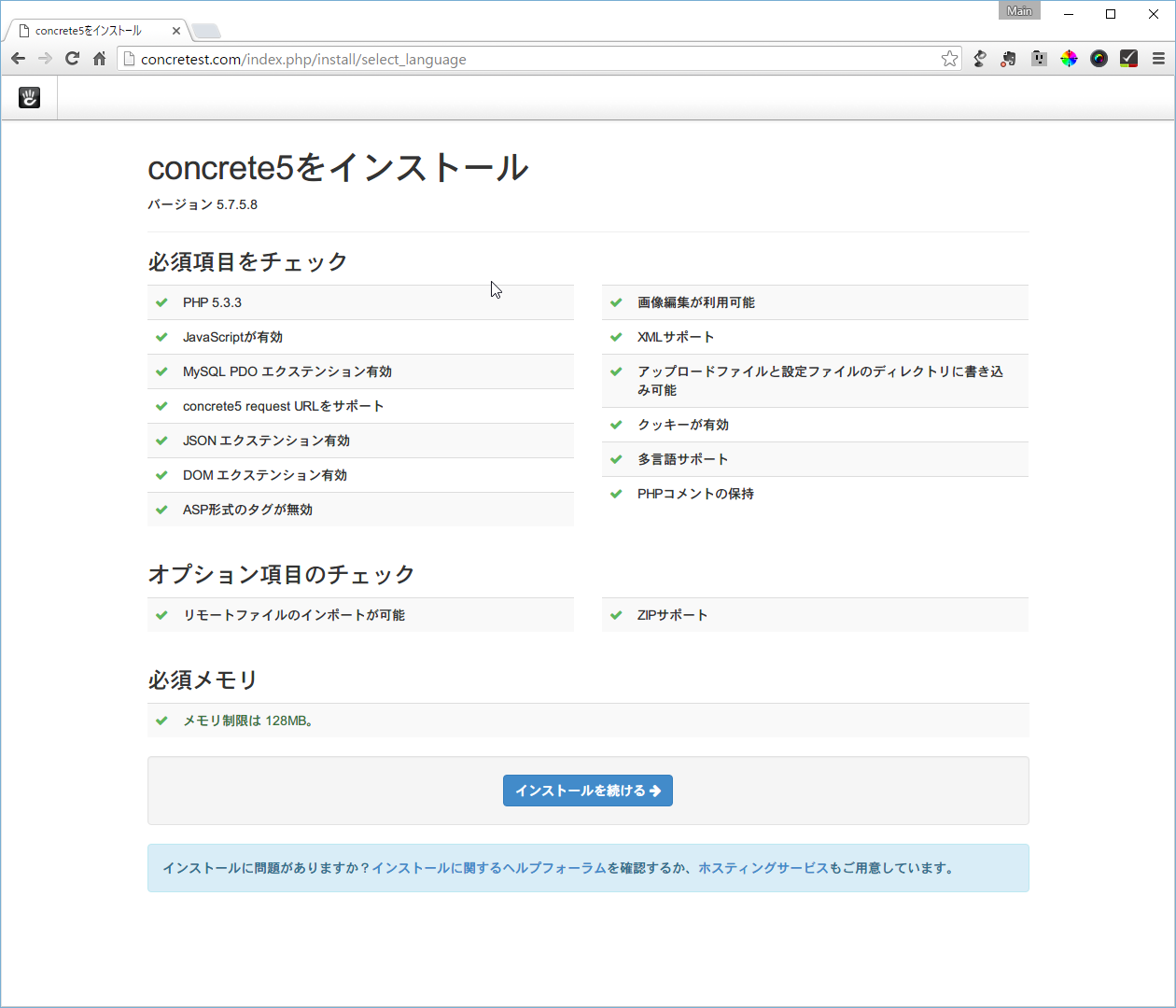
This checks if the necessary components for installation are installed.
If there are any problems, correct them and select "Continue Installation".
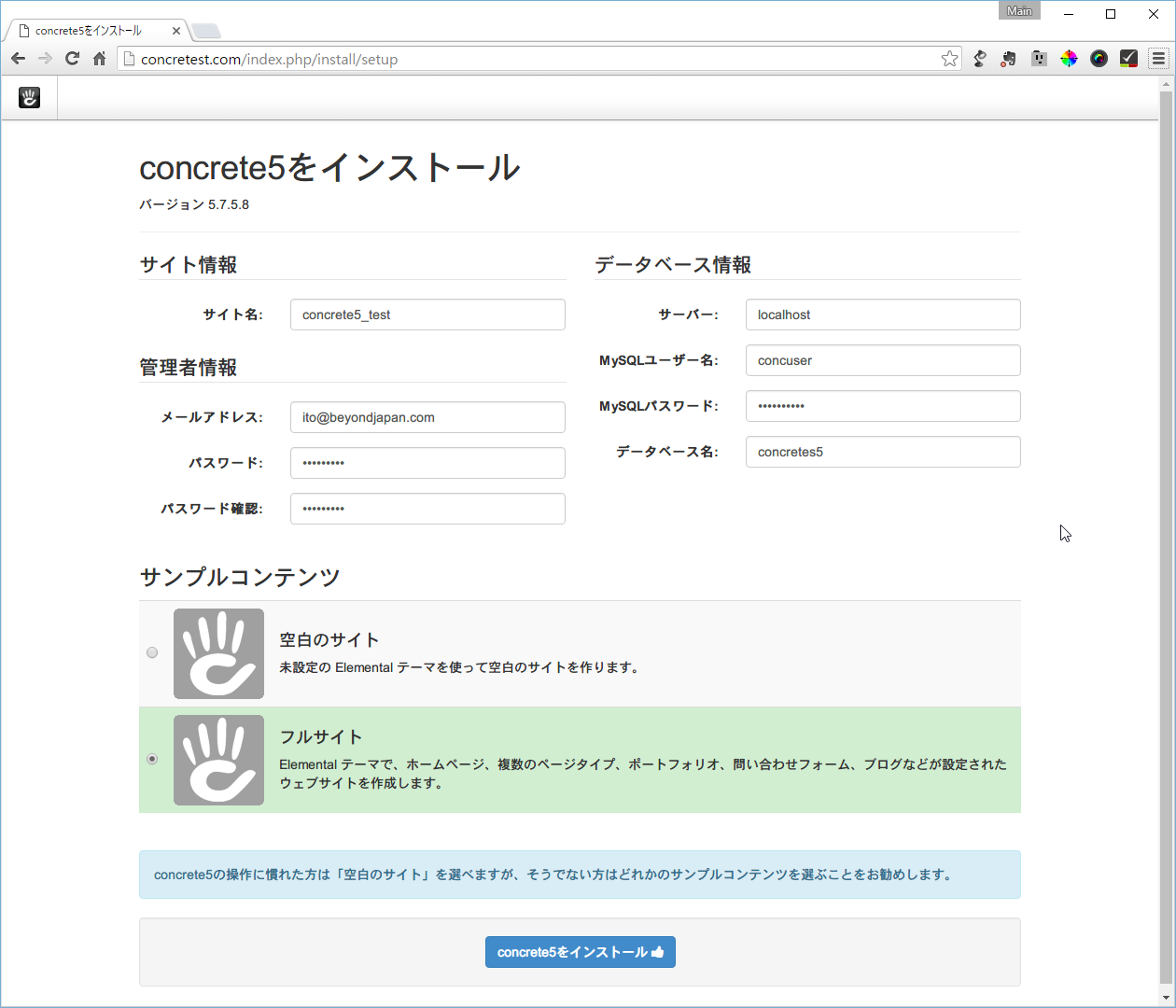
Enter the information required for installation. Site information and administrator information can be changed later.
If you want to build from scratch, choose "Blank Site"; if you're unfamiliar with the process, choose "Full Site" to install the sample site.
After filling in the required information, click "Install concrete5".
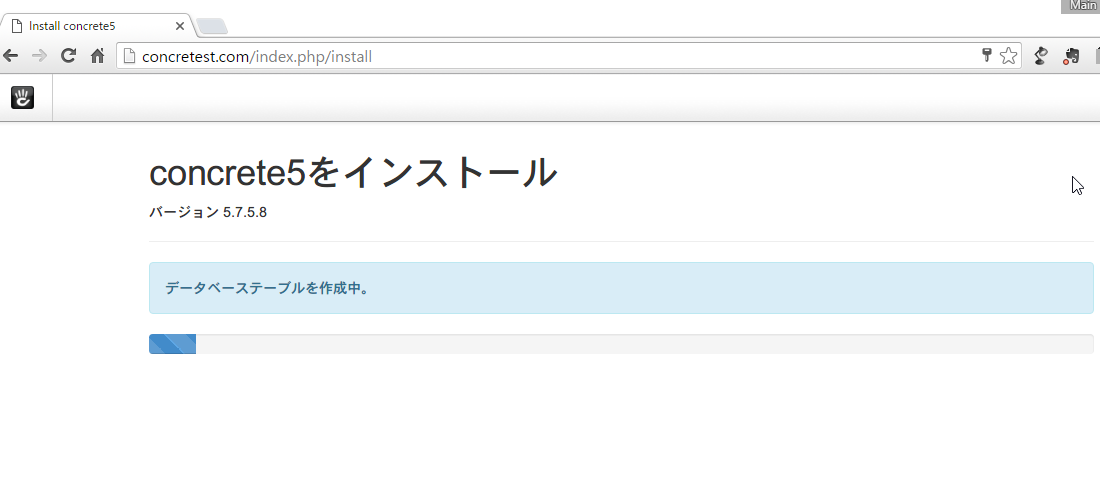
Installing... Please wait a moment
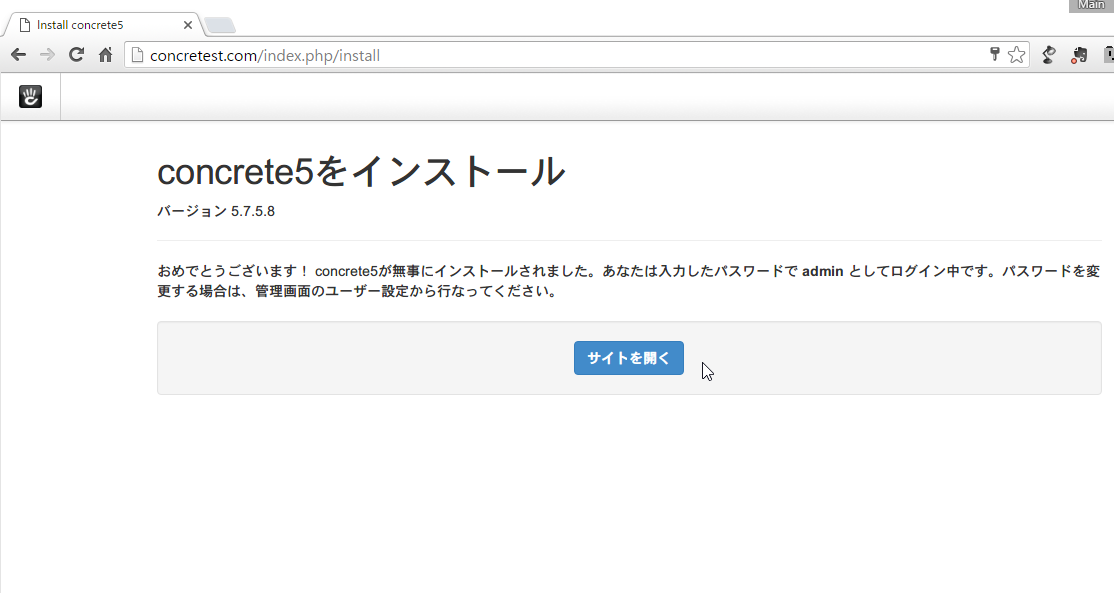
You will see a notification that the installation is complete. Click "Open Site."
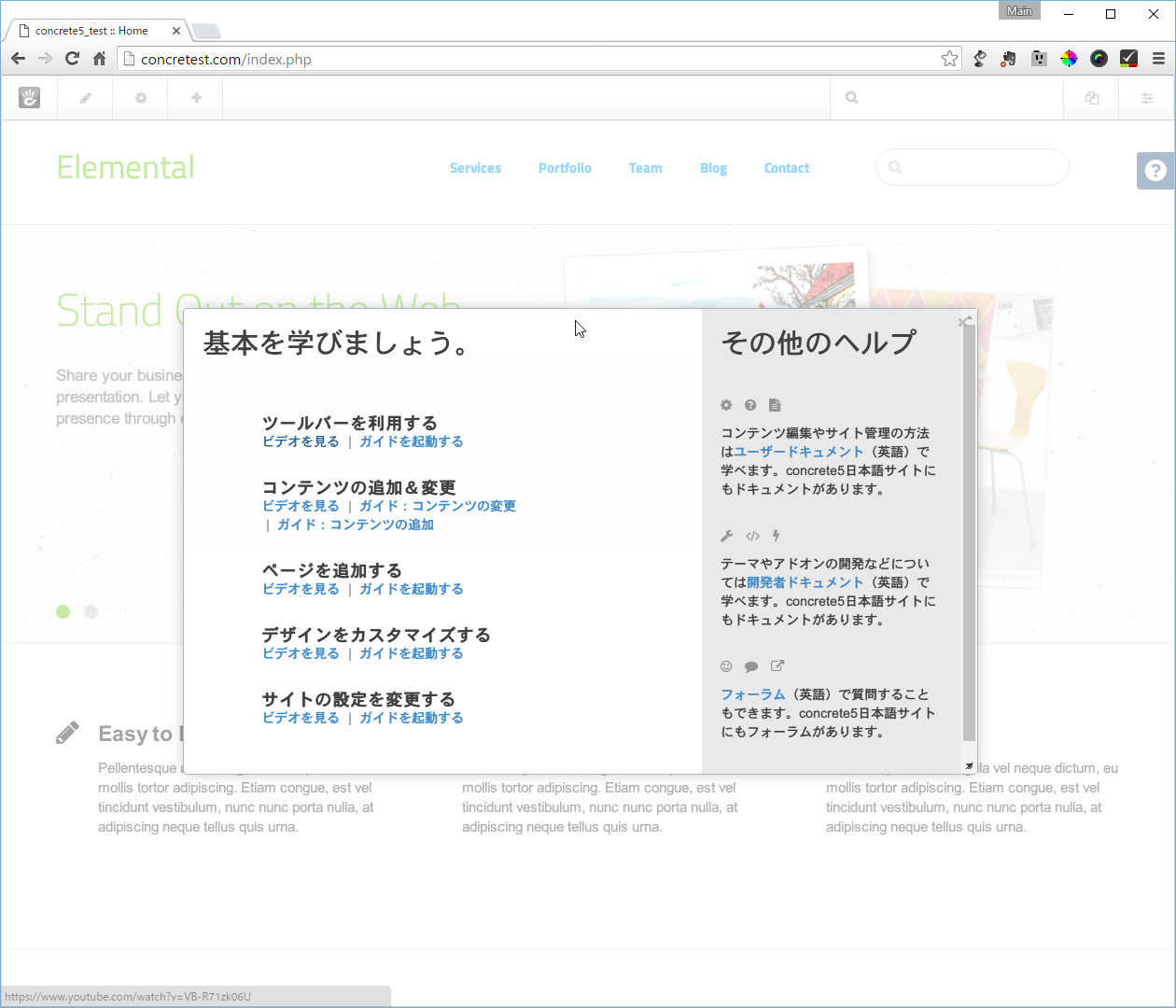
Congratulations!!
And just like that, Concrete5 was installed!
Yeah, it was easy.
The person who wrote this article
About the author









