

My impressions of using Google's drawing tool "Auto Draw"
This is Ohara from the Technical Sales Department
I'll write about my impressions of using AutoDraw, the drawing tool released by Google in April
How to use AutoDraw
You can get started with AutoDraw from the URL below.
Incidentally, you don't need to set up a login ID or password initially.
■AutoDraw
https://www.autodraw.com/
Click the "Start Drawing" button on the top page to get started right away
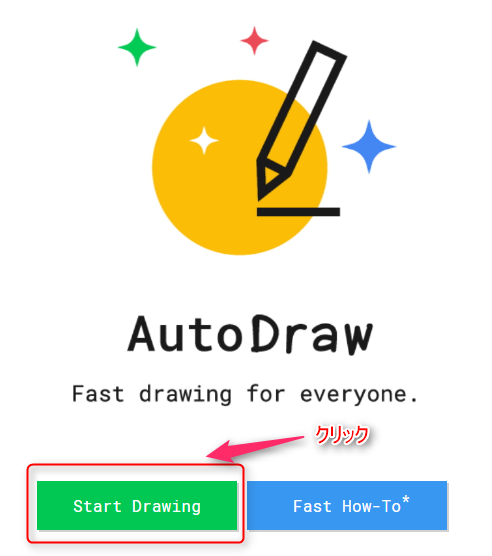
Once you click, the creation screen will appear immediately
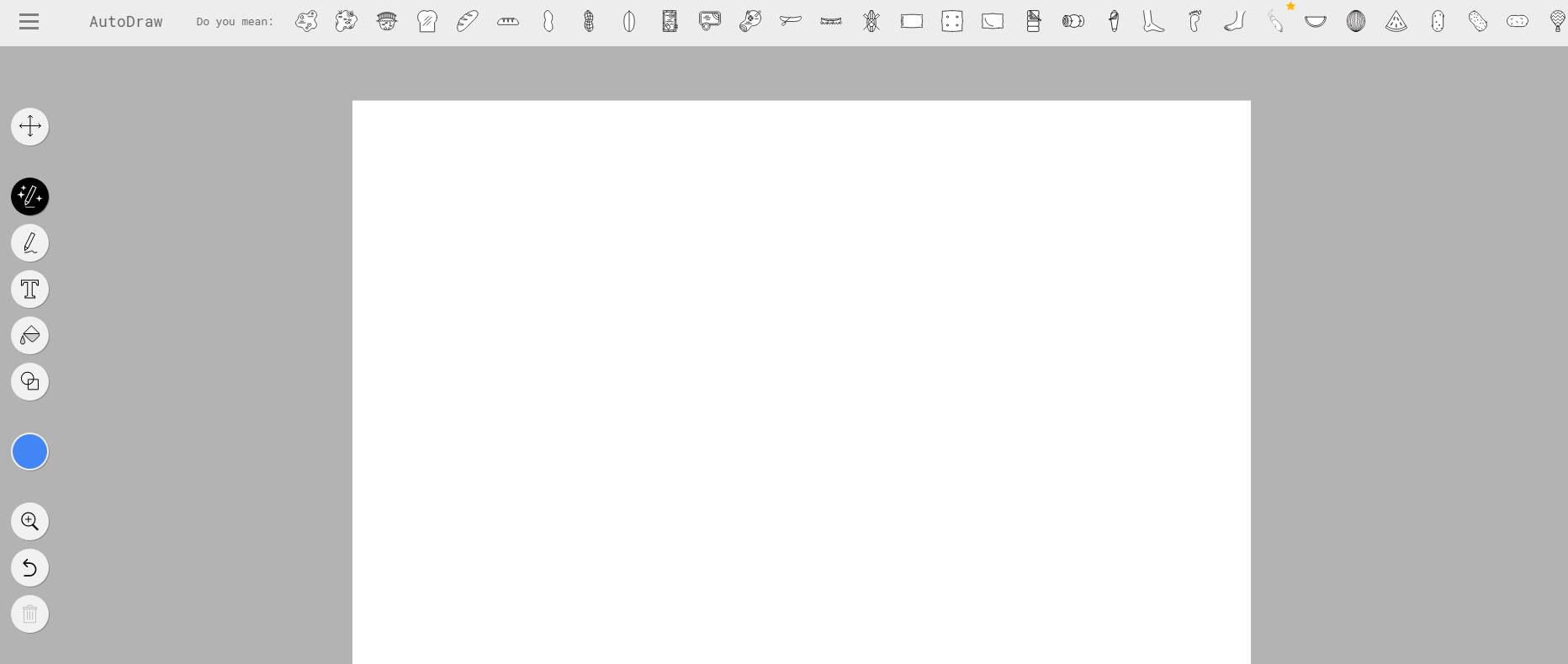
First, try writing
For now, I tried drawing a mushroom freehand..
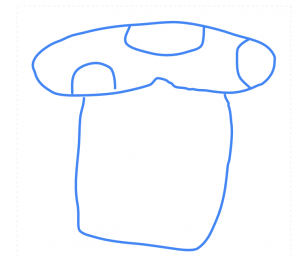
However, the amazing thing about "AutoDraw" is that it uses Google's machine learning capabilities to
transform your images into beautiful ones!
After creating an illustration like the one shown above on the creation screen,
candidate images generated by machine learning will appear at the top of the creation screen.

Now, click on the candidate image of a mushroom

It automatically converted it into a beautiful mushroom
Next, we'll paint the mushrooms

It's starting to look good
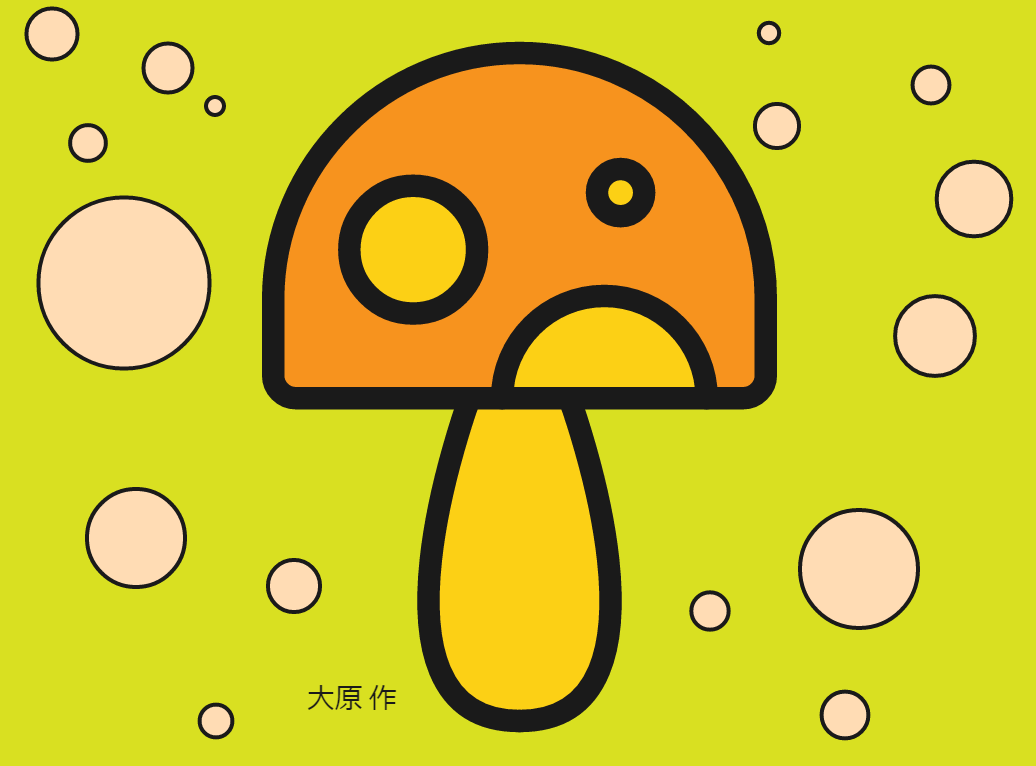
And it's done!
You can also add background colors and text.
The time from start to finish is about 2-3 minutes.
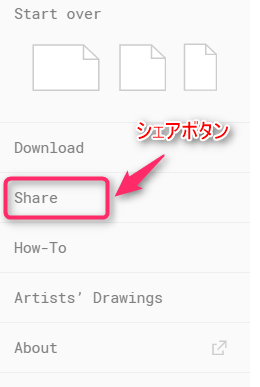
You can also share the images you create on social media or by copying the link URL
summary
There are many other features,
The features of AutoDraw are as follows:
- Google's machine learning continuously increases the number of image transformation patterns.
- Users can submit their own illustration images as transformation candidates.
- Images created with AutoDraw can be embedded into photos and videos.
By using AutoDraw to create eye-catching images for blogs, or
by providing and posting illustrations and materials for conversion,
new and unprecedented businesses may emerge in the future.
■AutoDraw
https://www.autodraw.com/




The person who wrote this article
About the author









