

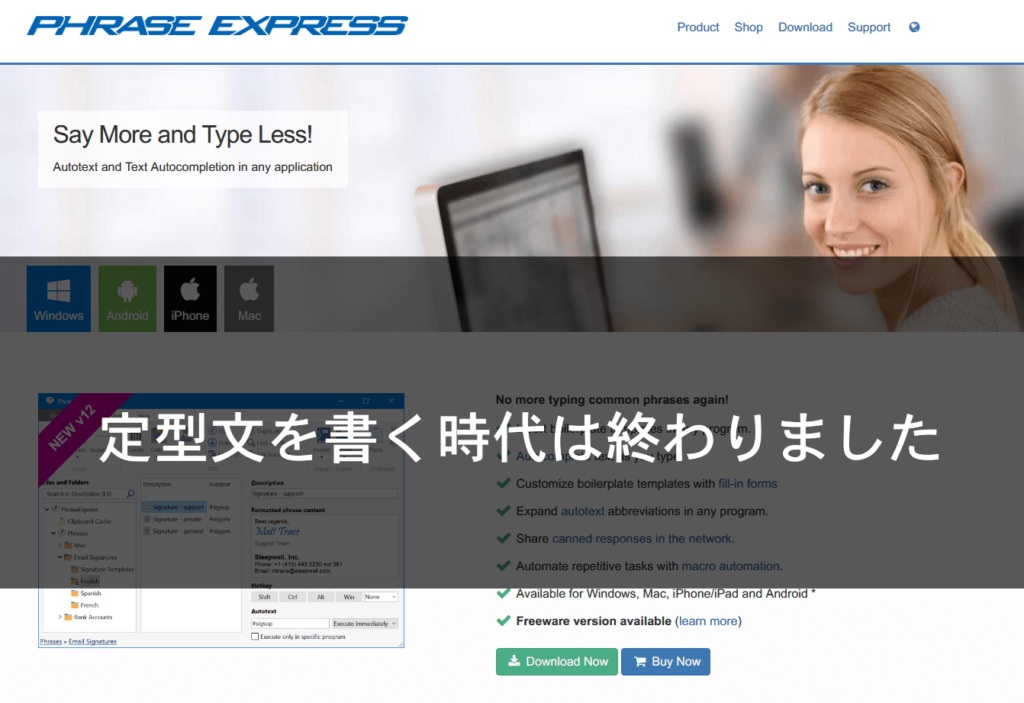
"Phrase Express" The days of writing boilerplate phrases are over. Now you can just call them up
I'm Ito from the infrastructure team
At our company , we use ChatWork, which is well-known for its slogan "The era of email is over," unless there is a special reason not to
One of the great things about ChatWork is that it eliminates the need for the typical email phrases like, "Thank you for your continued support. This is Ito from Beyond. ...Thank you for your cooperation."
Since it's a "chat" application, it naturally cuts out such
unnecessary elements
That said, we also provide email support for customers who cannot use ChatWork.
Once you get used to ChatWork, you realize how tedious it is to use pre-written templates.
Even though I'm used to typing them, it still takes 10 seconds to type each one.
The more emails I send, the more those 10 seconds feel wasted.
I'd like to introduce "Phrase Express," a tool so convenient that you might wonder, "
Does anyone actually type out those standard phrases every time?"
Autotext - Text Expander for Windows - Snippets Manager
Mastering Snippets
One work technique is to register email addresses in your dictionary as "mail," so that email addresses will appear as conversion suggestions when you type "mail."
I think many people do this kind of thing...
For now, take a look at this
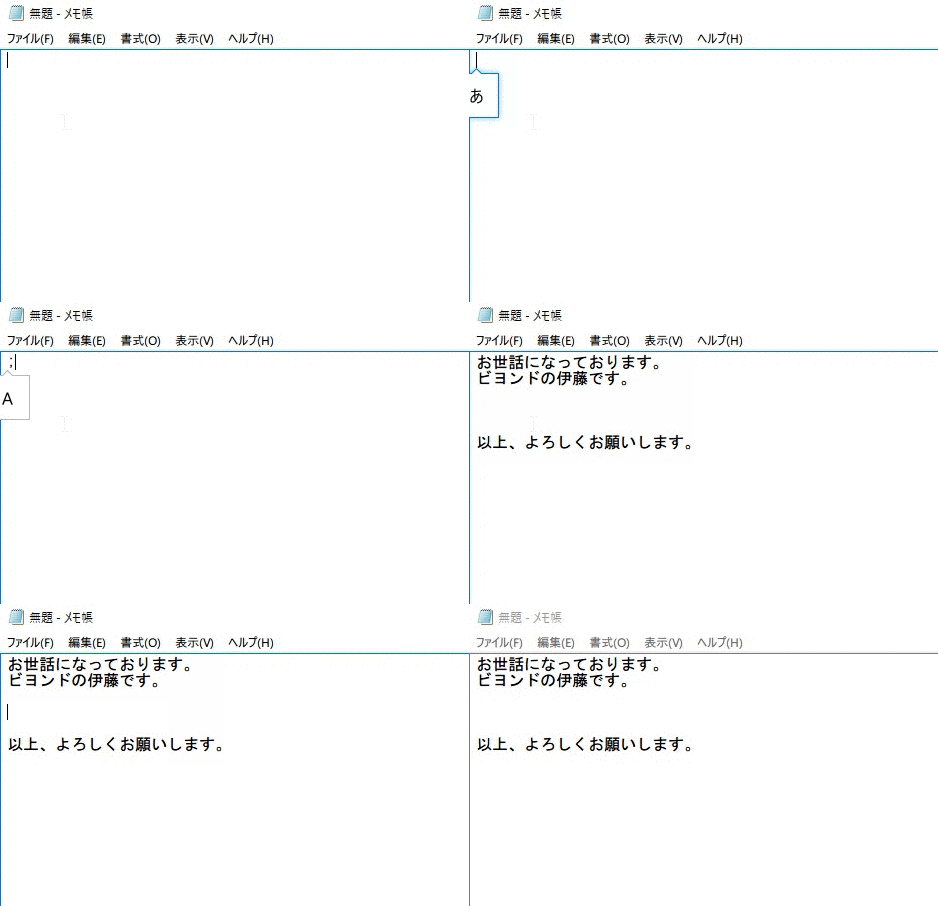
What do you think?
My registered items appeared in an instant.
Hello, this
is Ito from Beyond.
Thank you for your cooperation
In my case, I can get it by simply typing ";o". What's
places the cursor in
the correct position for the main text (in the example above, between "This is Ito from Beyond" and "That's all, thanks")
The settings are as follows. It's very simple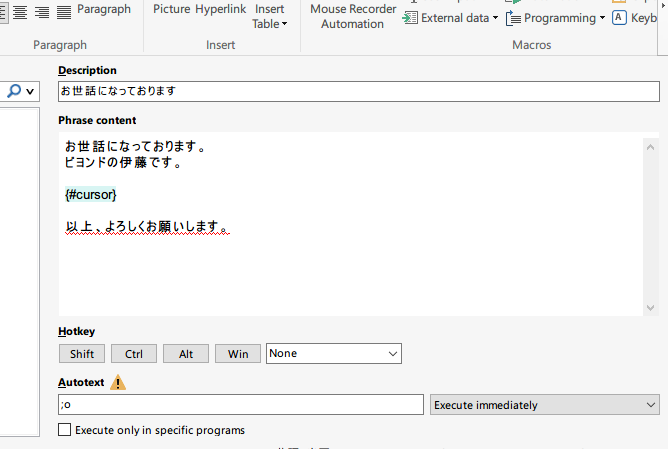
| item | Setting details |
|---|---|
| Phrase Content | Words and sentences to register |
| Autotext | Characters that invoke the above |
The macro function allows you to set things quite flexibly, not just the cursor position, but also insert hyperlinks, time, etc
This time I used email as an example, so you could also include it in your signature beforehand, but there are many other ways to
use it, such as registering frequently used codes or inserting content copied to the clipboard at a specified location to call up a snippet,
so please give it a try.
Autotext - Text Expander for Windows - Snippets Manager




The person who wrote this article
About the author









