

5 ways to reduce server running costs

This is Nakagawa from the Technical Sales Department
This time, I'd like to share some methods I've come up with for reducing server running costs.
I hope this blog post will be helpful in reducing your costs.
Beyond has also launched a new service called "Cloud Cost Review Headquarters."
Please feel free to contact us here for consultations regarding cloud cost reduction.

1. Review server specifications (CPU, memory)
We regularly check the CPU and memory load status, and reduce costs by lowering the server machine's specifications when they are excessive
This is a cost-saving method using cloud servers that allow for flexible machine size changes.

■Points to note
: - If you do not change the size based on resource usage over several months, the server may not be able to withstand high loads.
- Most clouds require a server restart when changing server specifications.
2. Review the disc
You can reduce costs by transferring log data, backup data, large video files, image files, and other data that you don't normally use but need to store for a long period of time to a storage service
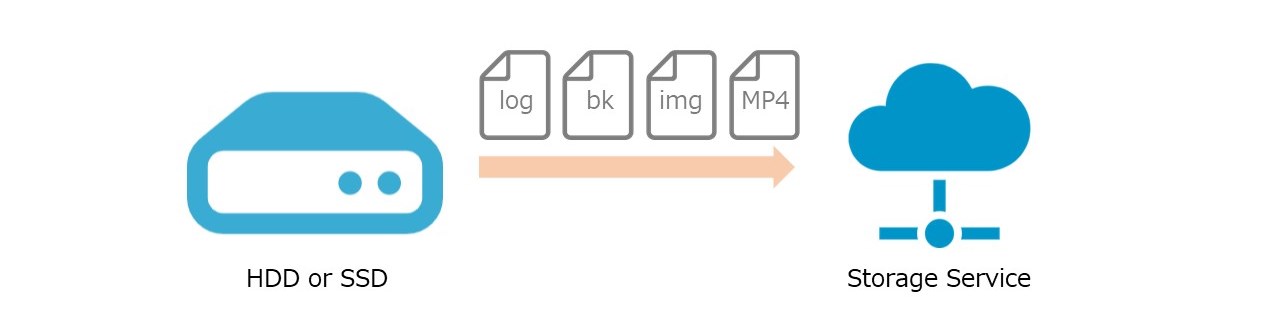
As an example, migrating from disks to cloud storage on AWS, GCP, and Azure can result in the following savings:
■ AWS (approx. 74% OFF)
EBS (Standard SSD) ⇒ S3 (Standard)
■ GCP (approx. 56% OFF)
Standard disk ⇒ Cloud Storage
■ Azure (approx. 74% OFF)
Managed Disks (Standard SSD) ⇒ Blob Storage (Standard storage)
If you're using disk space in terabyte (TB) units, the charges can be quite substantial, so it
might be a good idea to review how you're using your disk space.
■Important Note:
Most storage services cannot handle dynamic content, so this service is intended for static files such as video files and image files.
3. Review the server configuration
We will reduce costs by consolidating servers with different functions, such as web servers and database servers, into a single machine.
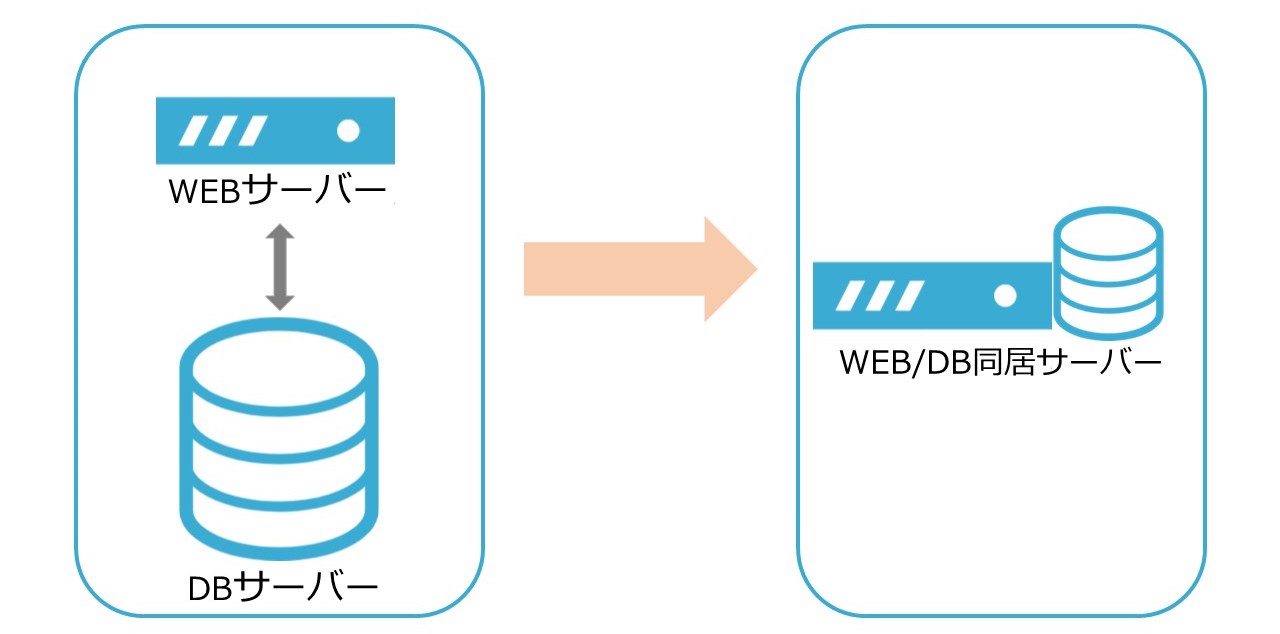
■Notes:
Since web and database functions will run on a single machine, the load on the server will increase.
Also, because the server configuration will change, server reconstruction and some program modifications may be necessary.
4. On-premise to cloud migration
Migrating from on-premises to the cloud
eliminates the need for physical equipment maintenance such as CPU, memory, and disk replacement, thus reducing server management costs.

Since the cloud uses a pay-as-you-go model where you are only charged for what you use, it's possible to reduce unnecessary costs.
■Important Note
: Depending on your current usage, it is not guaranteed that the price will be lower. You will need to compare it with your current server usage and estimate whether cost savings are possible.
5. Review your contract plan
Each cloud provider offers various contract plans.
By paying in advance, you can opt for plans that are cheaper than usual, thus reducing costs.
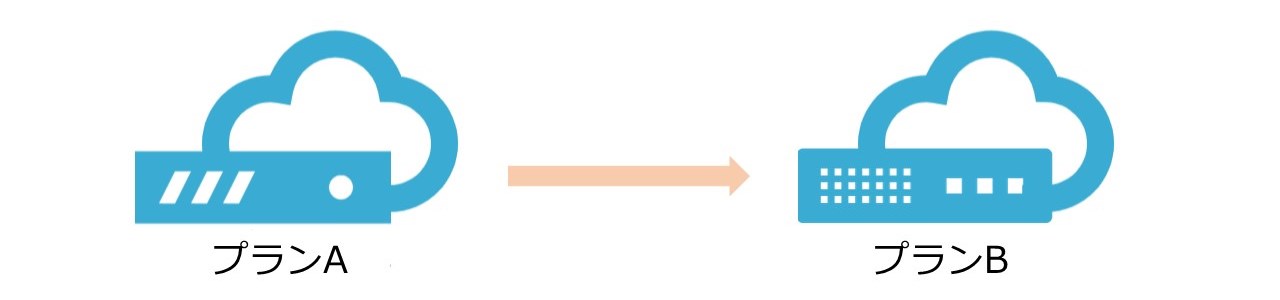
For example, AWS, GCP, and Azure offer the following contract plans:
■ AWS (up to 72% off)
Reserved Instances
■ GCP (up to 70% off)
Guaranteed Usage Discount
■ Azure (up to 72% off)
Reservations
■Important Note:
The aforementioned contract plans are services that allow you to use servers at a lower cost by paying in advance. Therefore, if you do not anticipate using the service for a long period of time, you may end up paying unnecessary fees.
summary
In order to reduce server running costs, there is a possibility that things necessary for stable operation, such as redundancy and availability, will be reduced, so we do not recommend implementing everything just because it will be cheaper
However, if you can reduce server costs, that amount will directly translate into company profits, so
it's best to understand the advantages and disadvantages and then implement appropriate cost reduction measures.




The person who wrote this article
About the author









