

[Easy] Free method to manage domain and SSL certificate expiration dates [Website Management]

Last updated: October 29, 2021
The contents of this article are also explained in an easy-to-understand manner in the video below
Please be sure to check it out!
Hello
This is Goto from the Web Services Division
The summer of 2021 has already arrived. How are you planning to spend it?
This summer is not a special one for me,
No, it wasn't a special summer
Recently, one of our engineers has been whispering something to me
"Mr. Goto, this is your last summer in your twenties, right?"
What is this? I wasn't particularly thinking about it, but because of the powerful word "last," I feel like I have to make this summer incredibly important.
So, instead of doing anything special for my last summer in my twenties, I'm thinking of saving up some money and buying a nice guitar
Now, let me get to the main topic and talk about how to manage the expiration dates of domains and SSL certificates to make website operation easier during the last summer of your twenties
Domains and SSL certificates have expiration dates. If you forget to renew them..

When launching a website, obtaining a domain name and SSL certificate are now essential, but these have expiration dates and usually require renewal every year or so .
However, with renewals occurring only once a year or every few months, it's surprisingly easy to forget about them. Managing multiple websites can be particularly complicated, and if you're a web manager, you've probably experienced that " I didn't realize the renewal deadline was approaching...??" moment at least once
What happens if I forget the expiration date?
If your domain and SSL expire, the following will happen:
domain
- will be set to "hold" for 45 days from the expiration date.
During this time, the domain will be unavailable, but ownership will not be transferred to another company.
It can also be restored through the renewal process. - After 45 days, it is deleted from the registrar's database. It is stored in the registry's database for 30 days.
During this time, recovery is possible, but at a higher cost than usual. - After 30 days, ownership rights will be lost and the domain will become available for anyone to register
SSL
When the SSL expires, the browser detects the expiration of the SSL andStop viewing the siteAt that time, the browser"It's not safe."、"Privacy is not protected"An error screen such as the one shown will be displayed. Also, the URL will change from "https" to "https" is displayed. It gives off a dangerous vibe, doesn't it? By the way, this display is handled automatically by the browser, so unlike normal communication errors, you cannot pre-set the screen that will be displayed when the error occurs
Therefore, if your SSL certificate expires, it can lead not only to lost business opportunities on your site, but also to a direct damage to the image of the services you offer on your website
What you can do to avoid expiry
What can you do to prevent your domain and SSL from expiring?
I have summarized it below
Register in a scheduler such as a calendar

By registering various expiration dates in Google Calendar or similar services, you can prevent missing important dates if you have a habit of checking your calendar daily
Furthermore, since the renewal process can take time, it's important to schedule the work with ample time to spare . For example, OV and EV certificates take longer to issue than DV certificates
For more information on the types of SSL, please see the following article written by our engineers
What is an SSL certificate? A brief introduction to its role and types
Registering your scheduled work dates in your calendar and setting up notifications will also serve as a reminder , providing peace of mind
Manage deadlines in one place with a spreadsheet

While registering expiration dates and scheduled work dates in a calendar can help prevent you from forgetting renewal tasks, managing them using a calendar is unsuitable if you want to "check the expiration dates of various website domains in one place."
One drawback of managing events using a calendar is that if you can't manage them in a list view , it's easy to miss things that have been registered in the calendar .
The solution to this is to manage various deadlines all at once using Microsoft Excel or Google Sheets. Managing them in a spreadsheet allows youto track the status," making it easy to manage.
Implement a website monitoring tool

The last method I would recommend is to implement a website monitoring tool
Website monitoring tools are easy to use for managing domain and SSL expiration dates. With simple tasks such as registering URLs, you can receive notifications when expiration dates are approaching and view a list of expiration dates for each domain and SSL certificate
Website monitoring tools such as detecting communication anomalies and display speed issues on a website and notifying users
offer numerous useful features for website management,
'd like to learn more about website monitoring tools,please see the article below.
Introducing recommended free website monitoring tools
As mentioned earlier,the best way to centrally manage domain and SSL certificate expiration dates is to implement a web monitoring tool.
Beyond, our company, which provides server operation and maintenance services, offers "Appmill," a website monitoring tool that anyone can use without requiring any technical knowledge
What is the website monitoring tool "Appmill"?
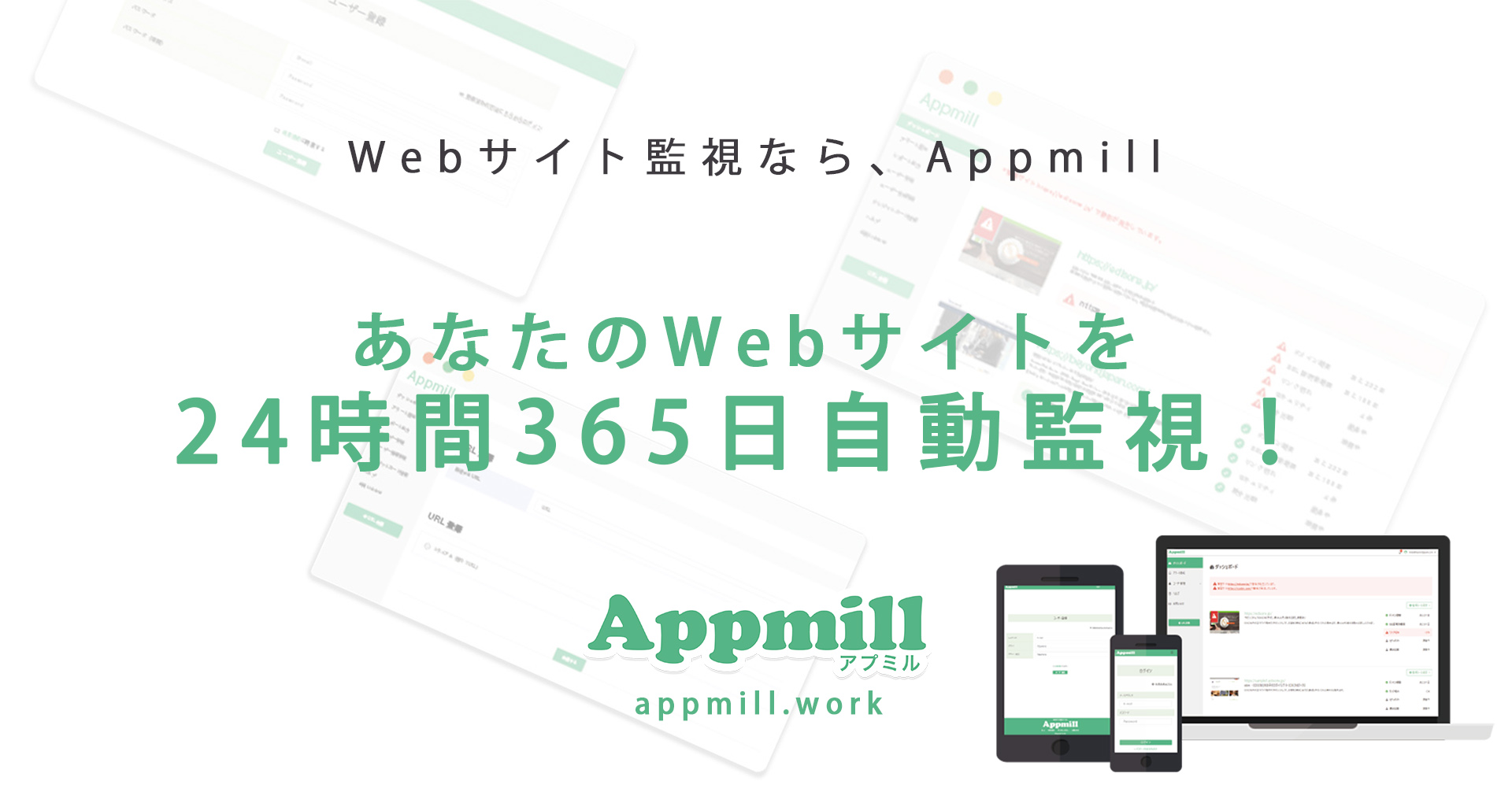
The website monitoring tool "Appmill" has the following features:
- 100 URLs can be registered for monitoring (free plan)
- Domain and SSL expiration dates can be managed in a list
- In addition, it is possible to monitor the status of the device and check the display speed
- Paid plans allow checking for attacks such as website tampering
- Registration is completed with just your email address and the URL of the site you want to monitor (about 1 minute)
Its greatest feature is that it offers free monitoring registration for up to 100 URLs , making it ideal for managing the expiration dates of domains and SSL certificates for multiple websites .
How to install Appmill
The registration process for Appmill is very simple
They advertise that registration and starting to use the service takes only one minute , and it really is that fast
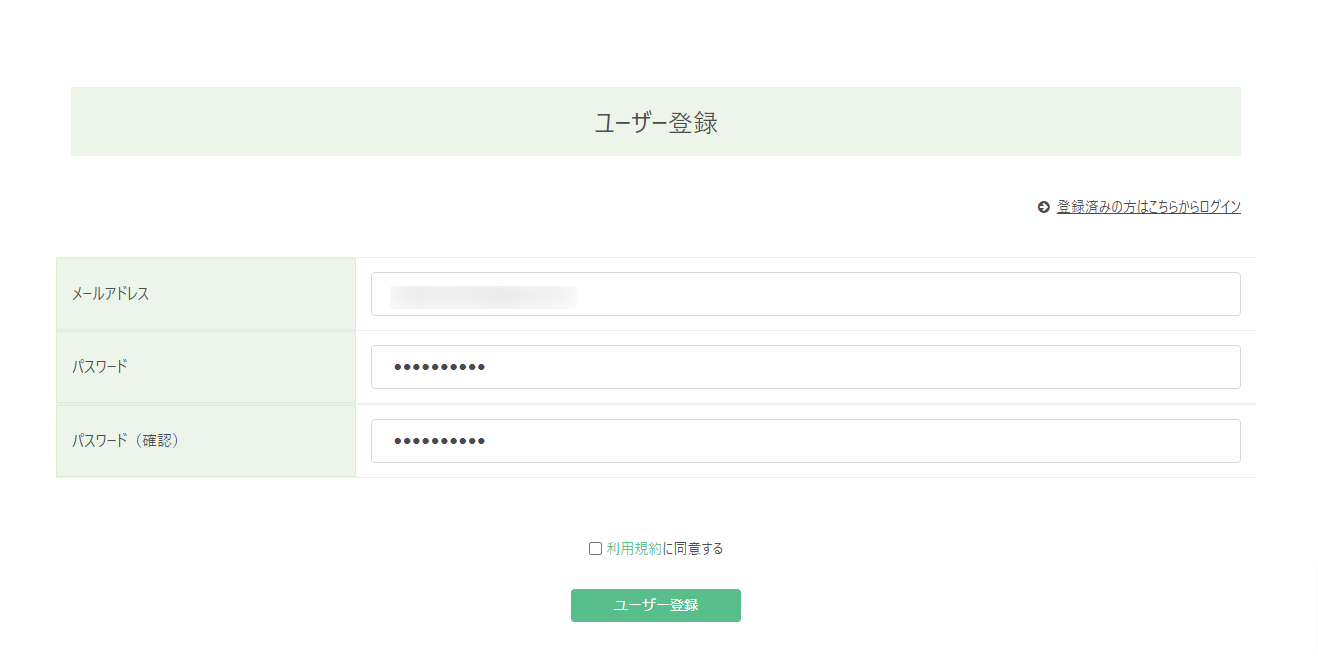
1. Register your email address and any password
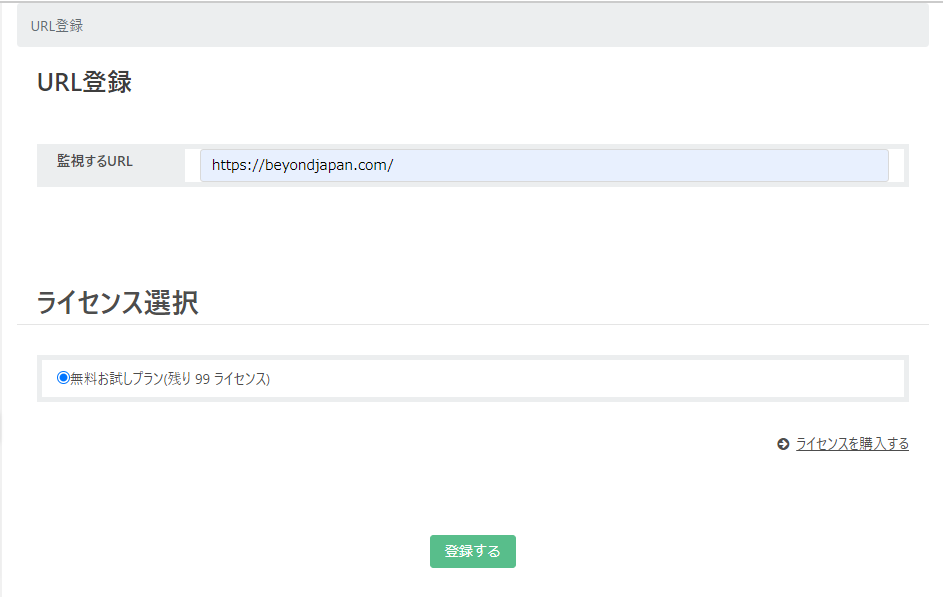
2. Register the URL you want to monitor
Once you have completed the user registration, the next step is to register a URL
3. Start monitoring! You will receive an email notification if an abnormality occurs!
Once you've registered your URL, you're done! From now on, you'll be able to not only manage your domain and SSL expiration dates, but also detect any anomalies that occur with the registered URL
The free plan allows you to register up to 99 additional URLs (for a total of 100 URLs)

summary
Our company, Beyond, has a missionto make the world a little "easier," and we believe this tool truly embodies that mission.
It's free, so give it a try!
Thank you for reading to the end
▼Website monitoring service Apmil▼
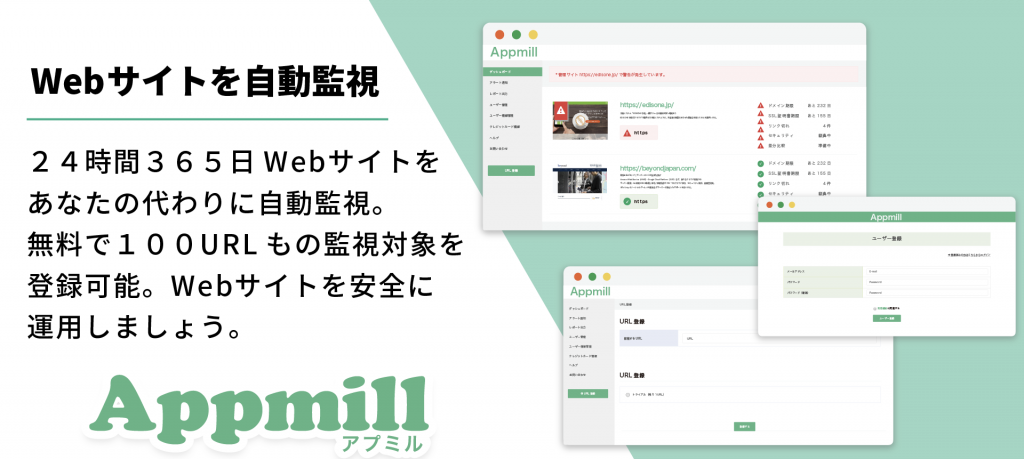
Apmil's functions and operation procedure introduction video
A video introducing Apmil's functions and operating procedures is available on YouTube below
Please take a look if you are considering it




The person who wrote this article
About the author









