

[Must-see for beginners] What is hardware? A simple explanation with all the technical terms you need to understand!
Hello.
This is Kita from Beyond Inc., and I've recently become completely hooked on The Battle Cats.
Last time, I wrote a blog post explaining servers
I wanted to explain the hardware aspects in more detail.
This time, I will explain it in an easy-to-understand manner with diagrams so that even beginners can understand it well
What is Hardware?
The English word for hardware is "hardware," and some people also refer to it as "hardware."
Apparently, either term is acceptable, butpersonally, I prefer "hardware."
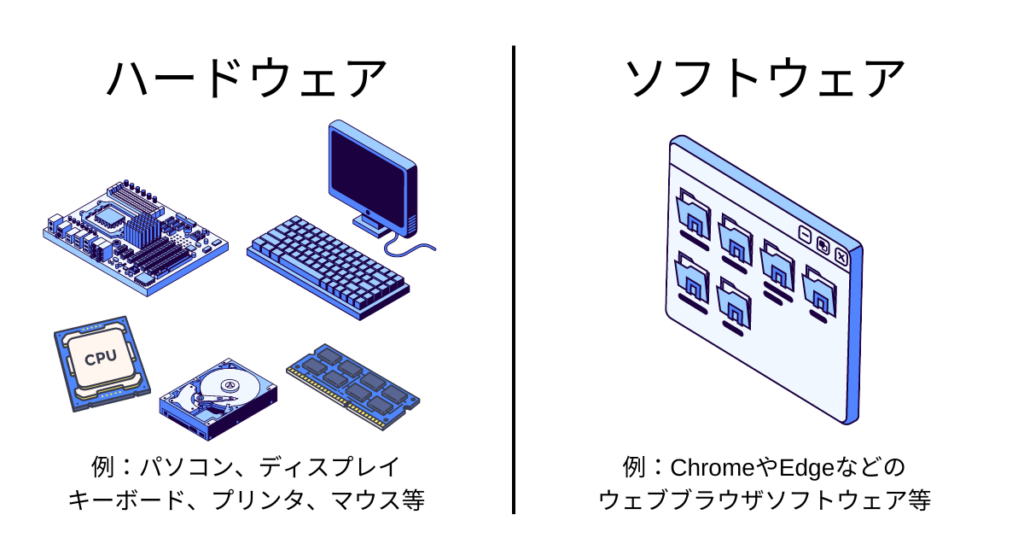
Hardware, simply put,refers to the visible mechanical parts of a computer, such as the computer itself, the display, the keyboard, the printer, and the mouse.
To explain in more detail, hardware also refers to the components that make up the entire computer system.
Basically, it's not just one component, but multiple components (hardware) that work together, and the computer itself and its peripherals are collectively referred to as hardware.
Conversely, "software"refers to intangible objects, and programs such as Windows, Word, and Chrome are collectively called software.
In other words, the computers we use every day, such as smartphones and PCs, are made up of hardware and software
Hardware Type
Next,on computers such as PCs and smartphones
we will explain in detail the types of hardware used to process information and record data
Motherboard
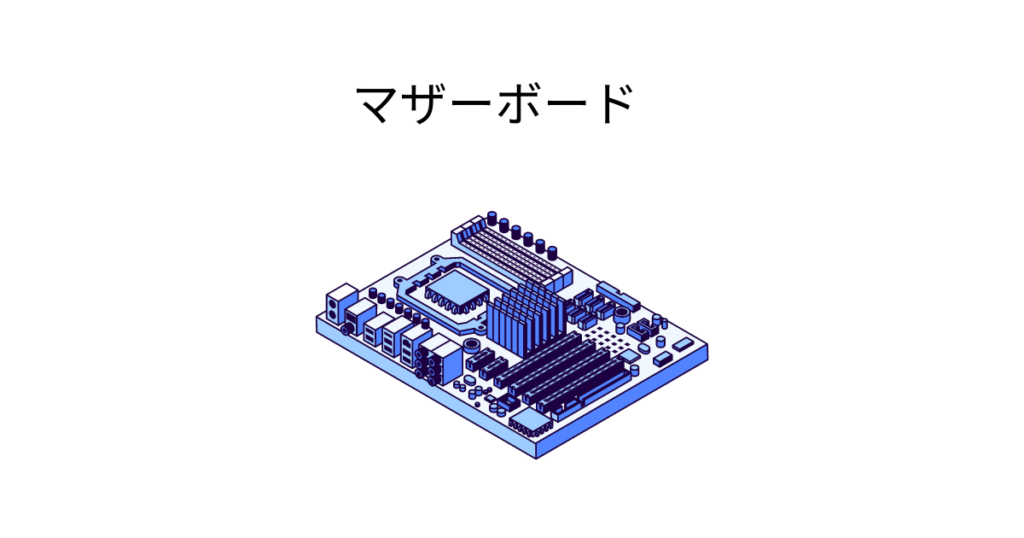
- Electric circuit boards required to configure a computer
- The fundamental foundation of computers such as PCs and smartphones
- The hardware required for a computer to operate is attached to the motherboard
CPU (Central Processing Unit)
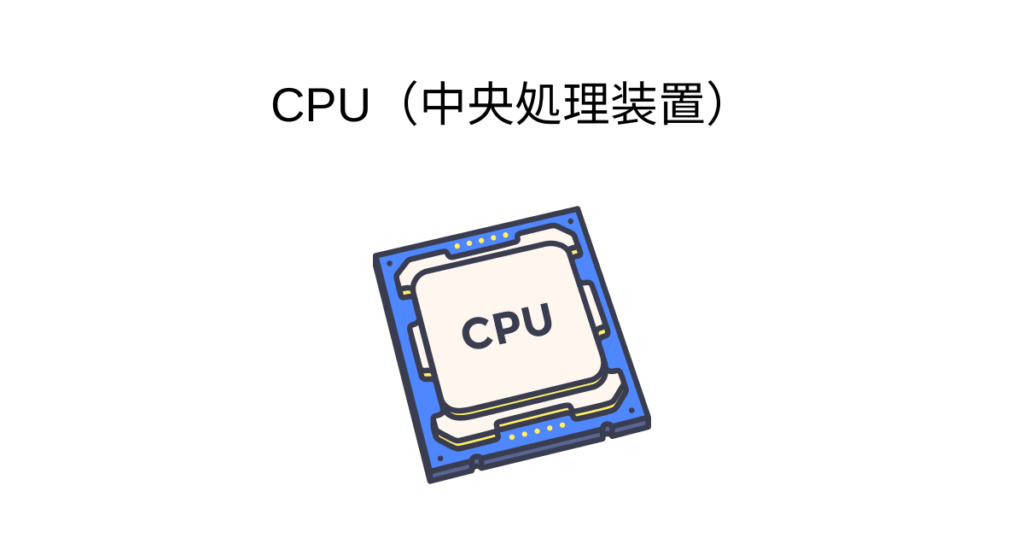
- Receives commands from peripheral devices such as hard disks and memory, controls operations, and performs calculations
- It functions like the "brain" in humans
- It has a big impact on computer performance
Memory (main storage device)
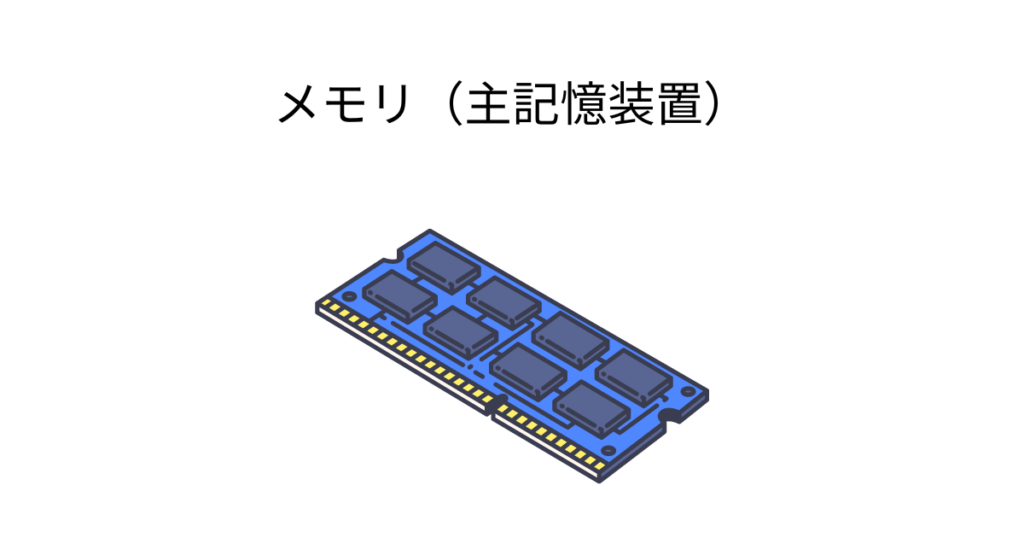
- A medium for storing data, also known as "main memory"
- In a computer, the location where running programs and data are stored
- If you were to compare it to an object, it would function like a desk
- The larger the capacity, the more efficient the work
- There are two types: RAM and ROM.
The difference between RAM and ROM
- RAM (Random Access Memory)
is the working memory used for CPU calculations
. Generally, when people refer to "memory," they are referring to this type of memory
.A key characteristic is that all stored data is lost when the power is turned off. - ROM (Read Only Memory)
is a type of memory that is read-only and has no write load.
Hard disks and SSDs fall into this category.
It has the characteristic that data is not lost even when the power is turned off .
Hard disk (auxiliary storage device)
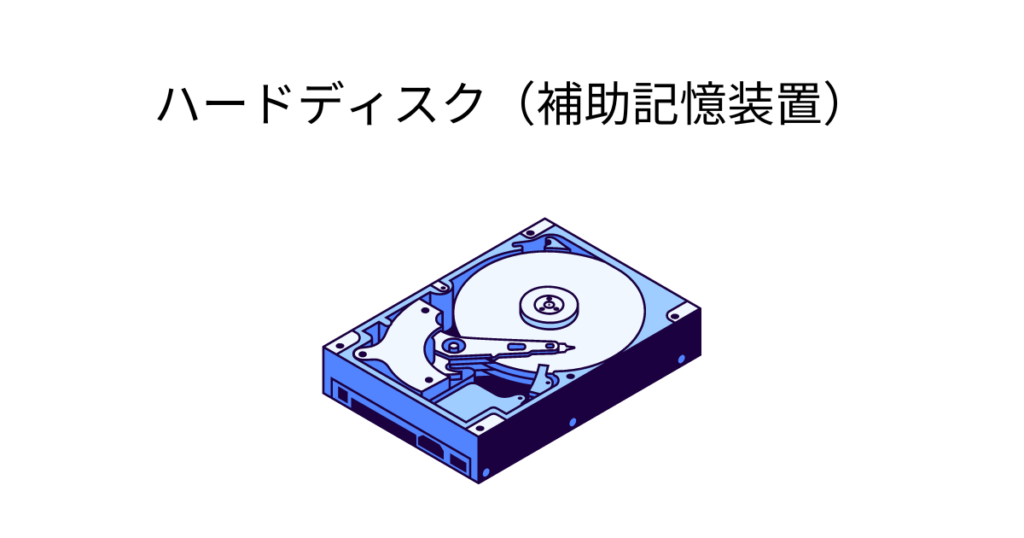
- A medium for storing computer data
- All your stored data is located here
- RAM is also called "secondary storage" because,
since data is lost when the power is turned off, it helps prevent data loss.
- Processing speed is extremely slow compared to RAM (memory)
- If you were to compare it to an object, it would function like a bookshelf
- The more capacity you have, the more data you can store
- Vulnerable to physical shock and easily broken
- When using it for business purposes, always configure it in a RAID array.
SSD (auxiliary storage device)
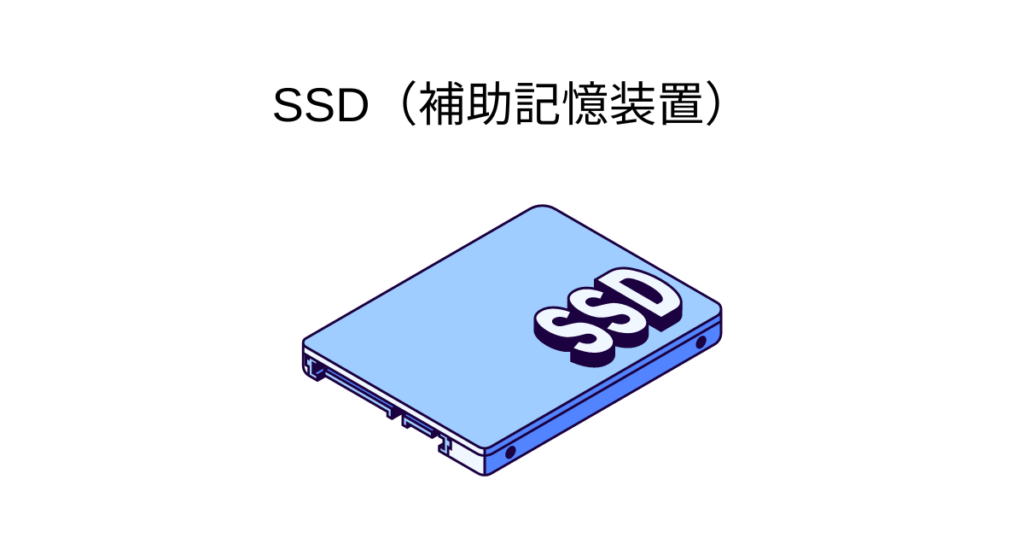
- A medium for storing computer data, similar to a hard disk
- Compared to hard disks, it has dramatically faster processing speeds
- Resistant to physical impacts
- However, the storage capacity is small and the price is high
- These have become more common than hard disks recently
- There are also M.2 SSDs , which are even smaller and have faster transfer speeds than conventional SSDs.
Overall image
Now that we've gone over the hardware necessary for a computer to function,
let's conclude with a brief overview of the overall structure of each piece of hardware.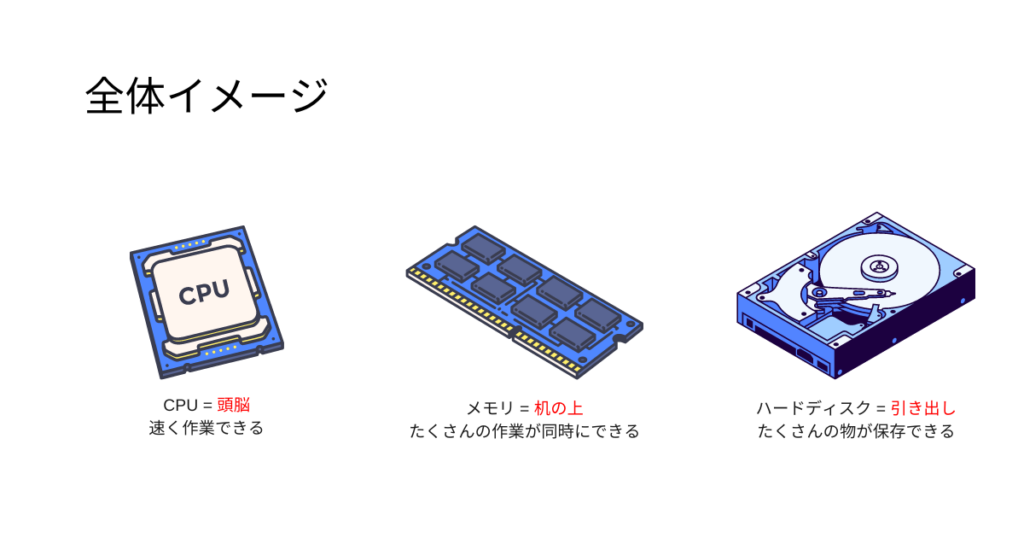
I explained it by comparing the CPU to the brain, memory to the desk, and the hard drive to a drawer. It
might be easier to understand if you imagine the whole process as "reading a book."
If we explain the process using a book as an example of data, the order would be as follows:
- Select the book you want to read from the drawer (retrieve data from the hard disk)
- Keep the book on your desk for quick access (load data into memory)
- Start reading the book, understand the content, and get the information you need (processed by the CPU)
In this way, each piece of hardware has its own role, and they work together to be used in our everyday lives
summary
So far, we have explained in detail what hardware is, its types, examples, and roles
Hardware refers to the visible parts of a machine, such as the computer itself, display, keyboard, mouse, printer, etc., and has become an indispensable part of our lives
I hope this article has helped you understand at least a little bit about what hardware is
This article was created with reference to videos from the "Nezumi-san's Infrastructure Engineer Dojo" channel, which is operated by our company
It's a fantastic channel where you can learn about infrastructure from scratch, so if you're interested, please subscribe and give it a thumbs up!




The person who wrote this article
About the author









