

I will publish a batch file just to launch a VM on Windows via vagrant
Hello.
I'm Mandai, the Wild team member in charge of development.
In our company, where we do a lot of contract development, the operating environment varies from project to project, so we often create a VM for each project and share it.
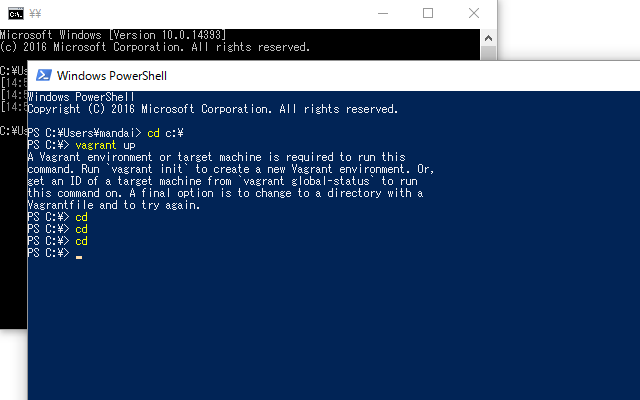
That's why we frequently use Vagrant, but opening the command prompt or PowerShell, changing the directory, and running `vagrant up` is time-consuming, so we automate it into a batch script.
When it comes to these kinds of command-line batch scripts, Linux shell prompts like Bash are probably the best, but Windows also has this kind of functionality.
A mouse is a given on Windows machines, so it's not surprising that some people don't know about it
I could fill this text with a lot of trivia and explanations, but
the content isn't really worth dragging out, so please take a look at this simple batch file.
@echo off rem CentOS 6.6 x86_64 pushd c:\vms\hogehoge vagrant up exit
That's quite a lot of effort for just a VM startup batch
I put something like @ before echo off
Instead of simply cd, you can just pushd
It only takes a few lines of code, but these days I think this kind of thing is probably the biggest time-saver in life
I apologize for the detailed information
That's all




The person who wrote this article
About the author









