

3 Free Tools to Learn About Your Site

table of contents
This is Nakauchi from the technical sales department
I have a keyword I'm targeting, but where does my website rank for that keyword?
How cool is your site?
How does your site compare to your competitors?
Have you ever thought about that?
If you've ever wondered about this, check out the website below! And it's free!
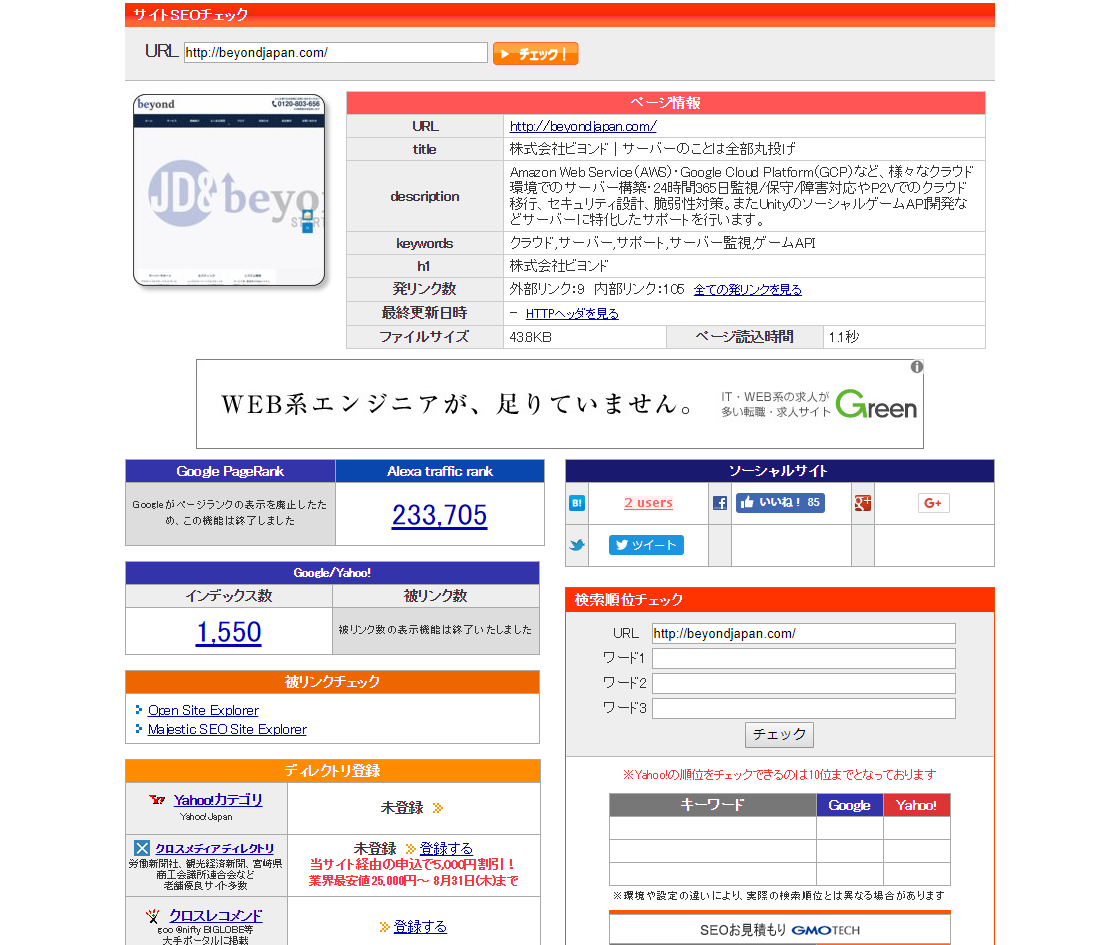
SEO Check!
Website ⇒ http://seocheki.net/
*Click to enlarge the image
Site Contents
Just enter the URL of the page you want to check and check. It's that easy
If you enter a keyword in words 1-3 in the "Search Ranking Check" section at the bottom right of the image, the search ranking for that keyword will be displayed
MOZ
Website ⇒ https://moz.com/researchtools/ose/
*Click to enlarge the image
Site Contents
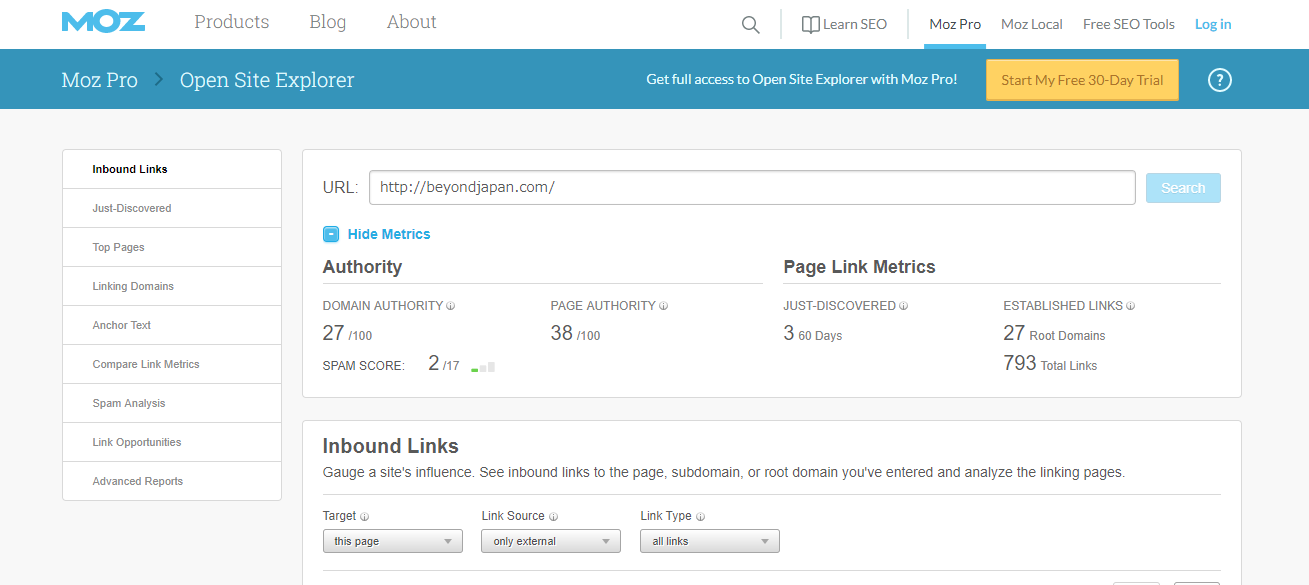
Just enter the URL of the page you want to check and check. It's that easy
This site quantifies the strength of your domain, sort of like a scouter
The higher the number, the stronger it is (MAX 100)
However, you can only search about three domains per day
SimilarWeb
Website ⇒ http://www.similarweb.com/
*Click to enlarge the image
Site Contents
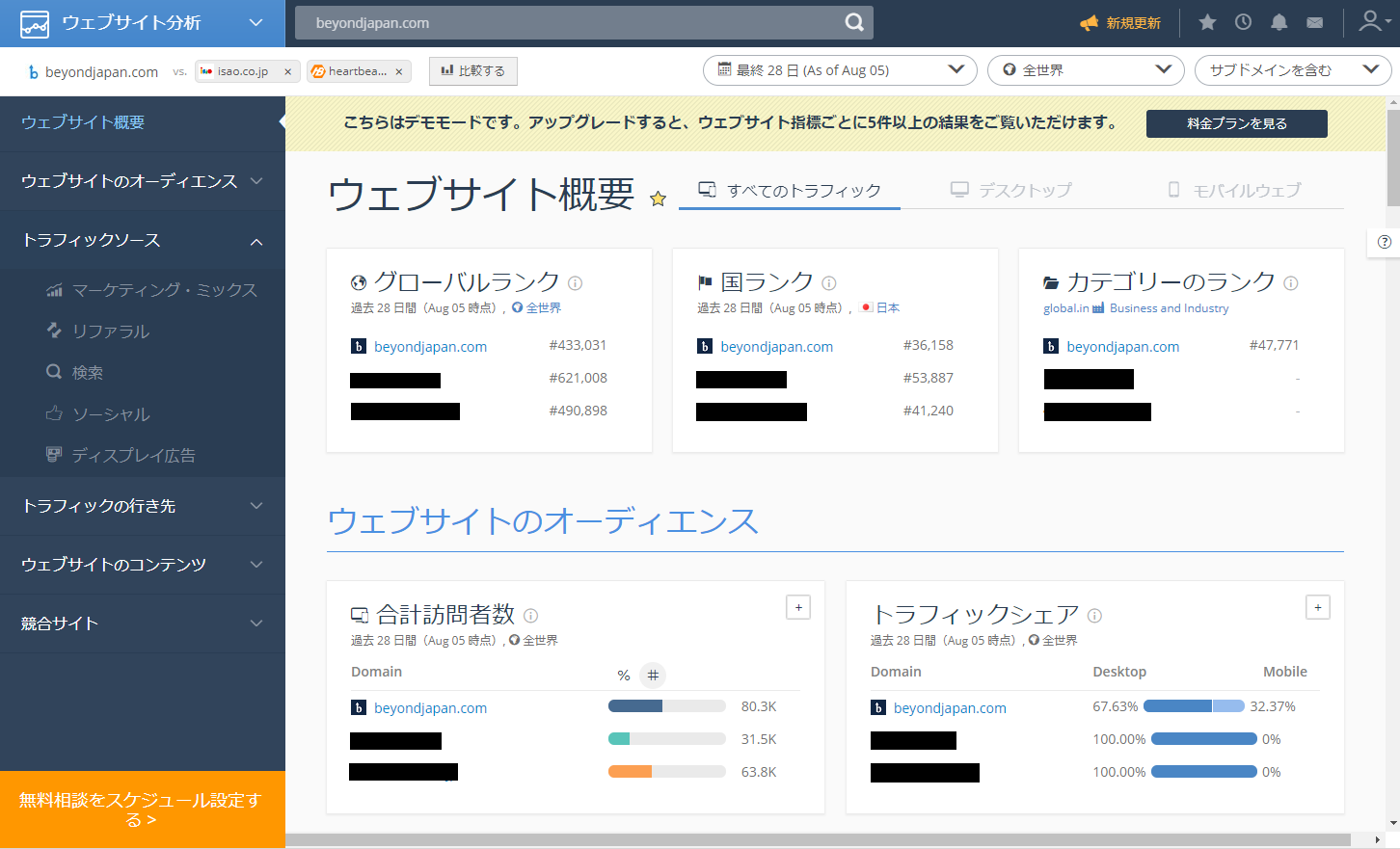
This site allows you to check rankings, number of hits, etc
The biggest feature is that you can compare with four sites. You can compare your company with four of your competitors
The demo version of this site is free to use, but the paid version seems to allow you to look into a lot of different things
summary
You can search the above three sites as long as you know the domain, so you can use it to search rival sites in addition to your own, so I think it has a variety of uses
If you have a keyword you're targeting but don't know how to narrow it down, we recommend the Keyword Planner
This service will tell you the average monthly search volume for a keyword, so it can be used as a guide
This service is also free
They say "nothing is more expensive than something free," but there are actually a lot of things you can do for free in this world!
 0
0 Loading...0



The person who wrote this article
About the author









