








Cloud server migration

Beyond Service Guide

Smooth data migration for server environments

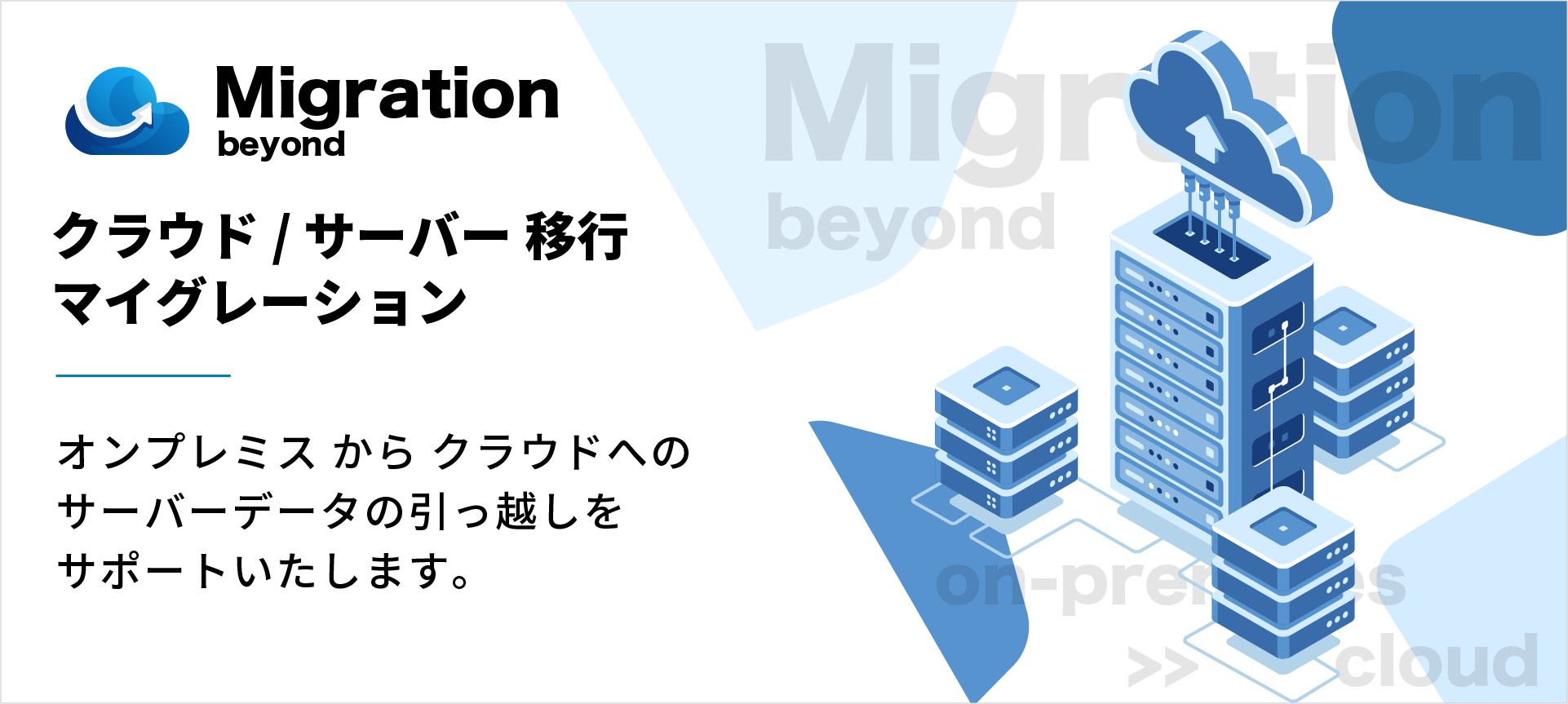
We provide full support for data migration from on-premise (physical server) to the cloud, and data migration from legacy server environments to new server environments

we thoroughly check important points to ensure that the database data is properly updated and that there are no problems with the operation of your systems and applications

Abundant server data migration technology
Lift to cloud infrastructure environment
Middleware version upgrade

Cloud server migration

◆ Strengths of Beyond's cloud server migration ◆

Cloud server migration

There are various methods for server migration depending on the customer's system environment. We will thoroughly listen to the current system and application environment and requirements, and sort out any infrastructure issues that may arise during data migration

Beyond handles data migration work for more than dozens of projects per year for various systems and applications, so our data migration know-how is constantly updated. By utilizing the data migration techniques we have cultivated over the years, we are able to carry out data migration work in a short schedule with low risk

Of course, we have a lot of experience not only in migrating from on-premise environments to the cloud, but also in migrating from rental servers/VPS to the cloud, and migrating data from one cloud to another

DB dump import

● DB dump import

This is the most widely used data migration method at Beyond. Data can be referenced even during the data migration process. However, the data migration process may take some time depending on the volume of data being migrated and the time it takes to set up a quiet point during which database updates cannot be made

Data area copy

● Copy data area

This method ensures data migration by creating a complete system rest point. It often shortens the time required for data migration compared to exporting and importing database dump files, but the downtime is longer because the database is completely stopped during the data migration process

Remote Replication

● Remote replication

This method secures a short system quiet point, and allows data to be referenced and updated right up until the system is switched over. However, if the infrastructure of the source and destination systems uses PaaS, it may be more difficult to build a replication environment or the number of work processes may increase

Data Migration Tools

● Data migration tool

Dedicated data migration tools are also characterized by their short system quiesce points. Data migration between heterogeneous databases is also possible, but there are many restrictions and considerations depending on the version and data format of the source database, so it may not be possible to use this method for some systems

~ Do you have any of these concerns or cases? Please contact us first! ~

  • On-premise hardware maintenance and renewal work is a burden
  • Due to the aging of servers and network equipment, it is unclear when machines will break down
  • When it comes time to renew your data center contract, you are considering switching to the cloud
  • The effort required to travel to a data center when a system failure occurs is a burden
  • The installed OS/middleware version support has expired
  • We aim to ensure stable system operation so that the server can withstand sudden access and high loads
  • We want to consolidate our current systems into the cloud and reduce costs as much as possible
  • By migrating to a cloud environment, we want to improve security and prepare for unforeseen circumstances
  • As a BCP measure (disaster prevention/business continuity), we want to implement system redundancy to increase availability
  • I want to understand the advantages and disadvantages of migrating from on-premise to cloud

◆ Cloud server migration flow (example) ◆

Hearing schedule image icon

Step 1: Interview and scheduling

When migrating from your current server to the cloud, we will select the new cloud server to be introduced, thoroughly identify bottlenecks and risks during data migration, and determine the work process and schedule for system and application data synchronization methods, system downtime, DNS switching work, and operation confirmation

New server design and construction image icon

Step 2: Design and build a new server

We define the server design information, such as the OS, middleware, modules, subnet design, and security policy to be installed on the newly introduced cloud server, and then we proceed with the construction of the new destination cloud server based on the designed parameters

Data migration to new server (first time) Image icon

Step 3: Data migration to the new server (first time)

We will first migrate the system and application data to the destination cloud environment using a data migration method such as dump file import or server migration tools. Once the data migration is complete, we will check the operation of the system and applications in the new cloud environment. (There will be no system downtime at this point.)

Data migration to new server (second time) image icon

Step 4: Data migration to the new server (2nd time)

The data differences on the old server that were updated after the first data migration will be migrated to the new server. After the data migration is complete, we will thoroughly check whether the data has been reflected in the new cloud environment. (At this point, the system will be shut down.)

DNS Switching and Operation Check Image Icon

Step 5: Switch DNS records and check operation

If there are no problems with the system and application data on the new server, we will switch the DNS server records, lift the maintenance suspension for the system and application, and then start running the system and application in the new cloud environment

*The above server transfer/migration process is an example. The server transfer method will vary depending on your system environment

◆ Other server migration services ◆

CentOS Server Migration Solution

CentOS Server Migration Solution

With the end of development for CentOS 7, support for it will end (EOL) on June 30, 2024. While it is possible to continue using a server environment using CentOS 7, there are various increased security risks, such as the lack of security patches and updates, so it is recommended that you migrate well in advance

Amazon Linux 2 Server Migration Solution

Amazon Linux 2 Server Migration Solution

AWS's Linux OS, Amazon Linux 2, will reach end of life (EOL) on June 30, 2026. While it is possible to continue using server environments using Amazon Linux 2, it is recommended that you migrate well in advance, as there are various increased security risks, such as the lack of security patches and updates

AlmaLinux OS server design and construction service

AlmaLinux OS server design and construction service

We have been focusing on the compatibility and versatility of AlmaLinux OS from the beginning, verifying server environments with AlmaLinux OS, and working on projects for building, migrating, and operating servers using AlmaLinux OS. We provide technical support for server design, building, and migrating using AlmaLinux OS, as well as 24/7 operation, maintenance, and monitoring

Inquiries/Download materials

Frequently asked questions about cloud server migration

Does it support server deployment and operation using AlmaLinux?

Yes, we also support the construction, operation and maintenance of cloud servers using the AlmaLinux OS

Alma Linux is an open source Linux distribution developed as a fork of RHEL (Red Hat Enterprise Linux), and is characterized by its compatibility with RHEL and CentOS

Please feel free to contact us for server data migration and replacement from CentOS

● Cloud server design and construction
● Cloud server operation, maintenance and monitoring (24 hours a day, 365 days a year)
● Cloud server operation and monitoring service (24 hours a day, 365 days a year)
Cloud server migration and migration
● AlmaLinux OS server design and construction service
● CentOS server migration solution
● North American cloud server construction, operation and maintenance

Please tell me the process for migrating server data

When migrating from your current server to the cloud, we will select the new cloud server to be introduced, thoroughly identify bottlenecks and risks during data migration, and determine the work process and schedule, including database and content data synchronization methods, system downtime, DNS switching work, and operation confirmation

Server data migration process (example)
Beyond Work 1. Interview and definition2
. Survey of current server environment *Connection information to current server is required3
. Adjustment of data migration schedule4
. Design and construction of new server environment to which data will be migrated (machine setup, OS/middleware installation, etc.)
5. First data migration from current server to new server (import of full data)
6. Service/system operation check (first time)
7. Second data migration from current server to new server (import of differential data) *Involves system downtime for maintenance8
. Service/system operation check (second time)
9. DNS server record switching/redirection *Or this can be done by the customer10
. Creation of a parameter sheet for the new server
Customer work 1. Adjusting the schedule for data migration
2. Applying for a new server
3. Program modifications and upgrades to current services and systems *Please take action as necessary
4. Creating a maintenance page *As this involves a system outage, please make preparations as necessary
5. Switching DNS server records and changing destinations *Or have Beyond do this
6. Checking the operation of the service and system
7. Removing and canceling the current server

*The above server transfer/migration process is an example. The server transfer method will vary depending on your system environment, so we will respond in a way that meets your needs.
*This service requires a separate fee for server data transfer. Please see below for details.

● Cloud server migration

Is there any security certification from an external auditor?

we have obtained certification for ISMS (ISO/IEC 27001:2013) in order to continue providing our customers with highly reliable and secure services

Is it possible to enter into a contract to use the service?

◇ For cloud server construction and operation/maintenance/monitoring services,
the contract will be based on the contents of " Server Support Terms of Use "

◇ In the case of contracted system development
, a separate development outsourcing contract will be concluded.

Is it possible to define system requirements for cloud server design & deployment?

Yes, we will listen to and advise you on the system specifications and security requirements of your services and applications, and define the prerequisites for your cloud server environment

However, please note that we do not hold frequent requirements definition meetings (participate in regular meetings) or create requirements definition documents

● cloud server design & deployment
● Cloud server operation, maintenance and monitoring (24 hours a day, 365 days a year)
● Cloud server operation and monitoring service (24 hours a day, 365 days a year)
● Cloud server migration

Is it possible to have engineers on-site to handle in-house system construction and troubleshooting?

Unfortunately, Beyond does not build systems for on-premise environments within customers' companies or provide on-site support (working at customers' premises)

All cloud server environment construction, migration, operation, maintenance and monitoring will be handled remotely

How do I request a quote for a service?

Please feel free to contact us using the inquiry form

After confirming your inquiry, a representative will contact you within 1-2 business days (weekdays)

What is the lineup of cloud servers that you support?

We provide the optimal cloud server environment to meet your needs, regardless of the cloud server platform, such as AWS, Google Cloud (GCP), Microsoft Azure, Oracle Cloud (OCI), IDCF Cloud, etc. You can also entrust us with the construction and operation of multi-cloud configurations

For details on supported cloud servers, please see below

● Cloud Partner/Cloud Support List
● Cybersecurity Support List

What is the security system for cloud server operation, maintenance, and monitoring?

We provide cloud server operation, maintenance, and monitoring services based on the basic information security policy of ISMS (ISO/IEC 27001:2022 an international standard for third-party certification


Obtained ISMS (ISO/IEC 27001:2022) certification, an international standard for third-party certification of information security management systems.

◇ Operation, maintenance and monitoring bases
: Osaka, Shikoku and Canada

◇ Internal network environment for operation, maintenance and monitoring
Dedicated network line for operation, maintenance and monitoring work and connected via fixed IP address
Antivirus software installed on all employee PC terminals

◇ Operation, maintenance and monitoring work structure:
3 shifts (including nighttime hours, weekends and holidays)

◇ Response to OS/middleware vulnerabilities:
Collection and distribution of OS/middleware vulnerability information provided by JPCERT/CC


Only authorized personnel are allowed to enter the office (entry and exit controlled by security card authentication)

● Cloud server operation, maintenance and monitoring (24 hours a day, 365 days a year)
● Cloud server operation monitoring service (24 hours a day, 365 days a year)

How long does it take to apply for cloud server-related services and start using them?

◇ If you are taking over an already-built cloud server or an operating system environment
, operation, maintenance, and monitoring can be completed within 7 to 10 business days after ordering the service.

◇ When designing and building a new cloud server
: After ordering the service, we can build the new server environment within 10 to 15 business days, and then handle operation, maintenance, and monitoring.

* Regardless of the pattern, once the monitoring settings on the cloud server are complete, we will provide you with a parameter sheet (settings information) for the server environment

*The above delivery dates are estimates only. Schedules and delivery dates may vary depending on the system configuration and circumstances. Please contact us for details

● Cloud server design and construction
● Cloud server operation, maintenance and monitoring (24
hours a day, 365 days a year) ● Cloud server operation monitoring service (24 hours a day, 365 days a year)
● AWS cloud integration
● AWS operation monitoring service (24 hours a day, 365 days a year)

Can you help me migrate server data from an existing server?

Yes, we undertake the migration of server data from on-premise, physical server, or legacy system environments to cloud environments

In addition to migrating data to the new cloud environment, we also thoroughly check to ensure that the database data is updated without any issues and that there are no problems with the operation of services or content

*Please note that a separate fee will be charged for the server data migration process

● Cloud server migration

What are the services provided by Beyond suitable for?

This service is suitable for companies that operate web services such as games, apps, e-commerce sites, media sites, and digital content, where speed and flexibility are particularly important and are directly linked to sales, companies that want to focus on content development and management, and companies that do not have a server administrator

Furthermore, companies facing such challenges tend to outsource their work to MSPs (managed service providers) like Beyond, which specialize in building, operating, maintaining, and monitoring cloud servers

● Cloud server design and construction
● Cloud server operation, maintenance and monitoring (24 hours a day, 365
days a year) ● Cloud server operation and monitoring service (24 hours a day, 365 days a year)
● AWS cloud integration
● AWS operation monitoring service (24 hours a day, 365 days a year)
● Cloud server migration and migration
● North American cloud server construction, operation and maintenance

What are the differences between cloud servers and on-premise (physical) servers?

The following are some of the differences and comparisons between cloud servers and on-premise (physical) servers:

Cloud Server Features
Safety - The hardware infrastructure (servers/network) is built in as standard, so there is little service interruption due to hardware failure
Operational aspect - You can quickly build servers, add more servers, and upgrade their specifications regardless of the server location

- The server can be scaled out to accommodate high loads of access

Price - Most cloud services charge a per-data-transfer amount, so monthly costs fluctuate

- Overseas cloud services such as AWS, Google Cloud (GCP), Azure, and Oracle Cloud have service usage fees that fluctuate depending on the monthly exchange rate

merit - Resources can be added easily, as much as needed, when needed

- Even if the server configuration is minimal when the cloud is introduced, it is possible to upgrade or downgrade the specifications after the service starts

Disadvantages - Because the hardware infrastructure and configuration are black boxes, it is difficult to identify the cause of hardware-related failures and to evaluate performance

- Data transfer is charged as you go, so monthly service fees may increase

comprehensive evaluation - For web services and systems where the access load to the server changes suddenly, such as games, apps, e-commerce sites, media sites, and digital content, the cloud is suitable as it can quickly respond to adding resources and scaling out

- In terms of cloud reliability, most cloud services undergo annual audits by internationally accredited third-party auditing organizations to provide assurance about security, privacy, and compliance controls

On-premise (physical server) features
Safety - Since the data is stored in a physical environment, the location of the server is clear
Operational aspect - Machine resources such as servers, firewalls, and load balancers can be exclusively used by one company, making it easy to customize the system to suit your company's requirements
Price Although initial implementation costs are incurred, monthly costs are often fixed, making monthly cost management stable. However, there are indirect, invisible personnel costs involved, such as infrastructure maintenance man-hours, data center rack costs, electricity costs, and hardware manufacturer maintenance renewals
merit ・Since it is exclusive to one company, it is not affected by other users' systems.
・The performance of the machine and resources, such as CPU/memory, is clear.
Disadvantages ・There is a risk of server shutdown due to physical hardware failure.
・It is difficult to upgrade hardware resources.
・When initially introducing hardware, it takes time to size and estimate the system.
comprehensive evaluation - Because it allows you to make maximum use of server machine/hardware resources, when developing mission-critical systems that do not use the external Internet, physical servers can maintain stable, high performance rather than the cloud

- Some studies have shown that performance evaluations compared to cloud services have shown that performance results are more than three times faster

*Beyond can provide server operation, maintenance, and monitoring (24 hours a day, 365 days a year) even for on-premise (physical server) infrastructure environments

In addition, for the design and construction of on-premise (physical server) infrastructure environments and on-site support, we will work in collaboration with Beyond's infrastructure partners

● Cloud server design and construction
● Cloud server migration
● AWS cloud integration

Does it support the deployment and operation of large-scale infrastructure?

Yes, we specialize in the deployment, operation, maintenance, and monitoring of infrastructure environments used for large-scale web service systems.

We support the design, deployment, and 24/7 operation, maintenance, and monitoring of infrastructure environments involving dozens or hundreds of servers (hosts). Of course, if the minimum number of servers is required, we can accept orders from just one server.

● Cloud server design and construction
● Cloud server operation, maintenance and monitoring (24 hours a day, 365
days a year) ● Cloud server operation and monitoring service (24 hours a day, 365 days a year)
● AWS cloud integration
● AWS operation monitoring service (24 hours a day, 365 days a year)
● Cloud server migration and migration
● North American cloud server construction, operation and maintenance

Please tell us about the strengths, features, and areas of expertise of your service

Founded in 2007 as the server division of a mobile content provider, the company boasted "more than 8 billion page views per month." It has steadily grown step by step to this day, focusing on physical server hosting and housing services

Due to this historical background, Beyond's cloud server construction, operation and maintenance, and system development specializes in the design, construction, and migration of cloud servers for large-scale web services such as games, apps, e-commerce sites, media sites, and digital content, as well as 24/7 operation, maintenance, and monitoring

Based on our knowledge and technology in infrastructure construction and operation up to now, we support scaling and parameter tuning for large-scale infrastructure environments ranging from tens to hundreds of units

Furthermore, in order to respond to rapidly changing markets and needs, Beyond has formed partnerships with many cloud vendors, both domestic and overseas, which allows it to handle the construction and operation of a variety of cloud servers in a multi-cloud manner

● Cloud server design and construction
● Cloud server operation, maintenance and monitoring (24 hours a day, 365
days a year) ● Cloud server operation monitoring service (24 hours a day, 365 days a year)
● AWS cloud integration
● AWS operation monitoring service (24 hours a day, 365 days a year)
● Cloud server migration and transfer
● List of cloud partners and cloud support

Frequently Asked Questions View the list







